Entering and editing text
25
6. Press the Left/Right navigation keys to move to a specific symbol.
7. Press the Choose soft key to select a symbol.
8. Press the Next soft key to submit your changes.
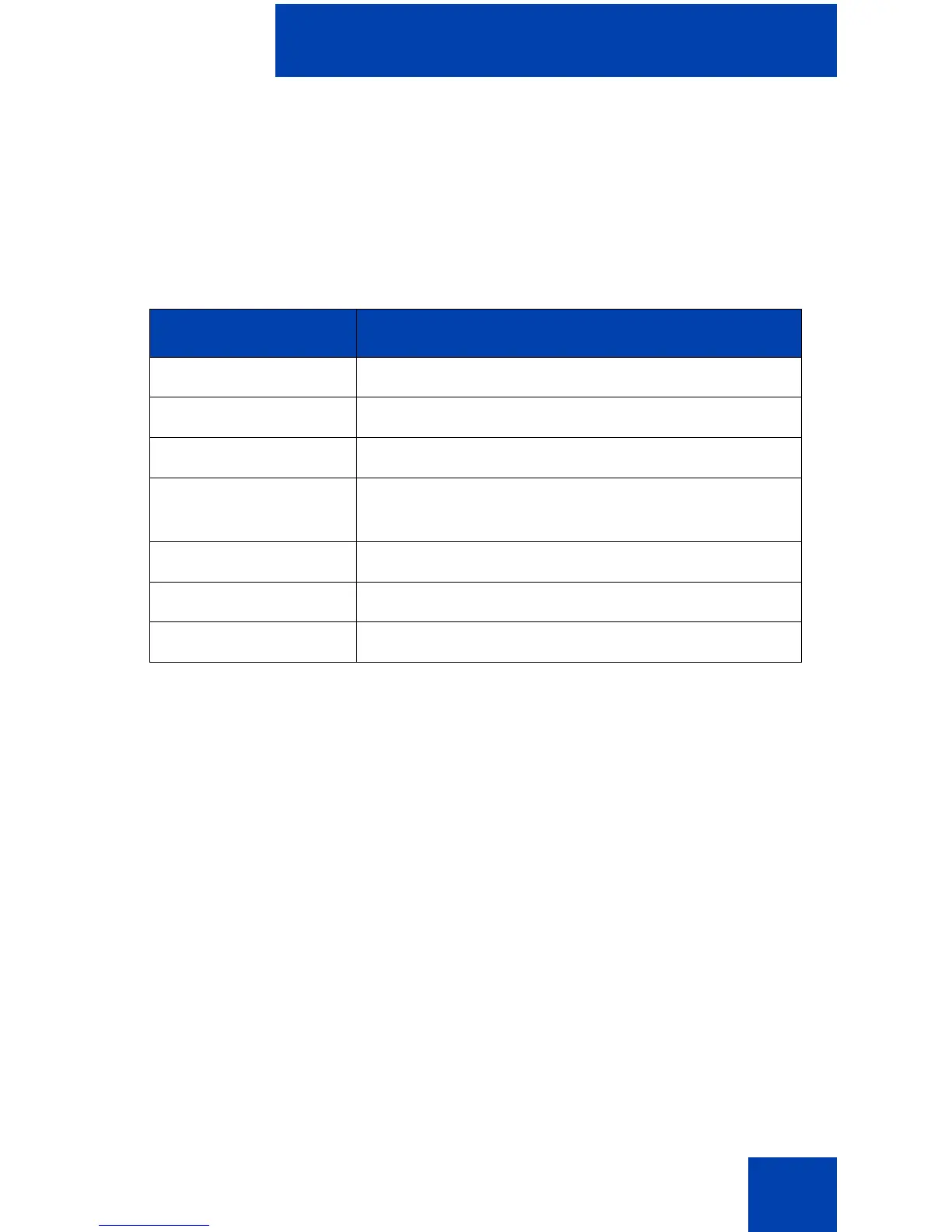
Table 2 describes the soft key editing functions on the IP Phone 2004.
Table 2: Editing soft key description
Soft key Description
Cancel Action is cancelled.
Choose Select a symbol.
Clear Clear the input field.
Case Switch the next character to either uppercase
or lowercase.
Delete Backspace one character.
Done/Select/Enter Meaning depends on application.
More… Access additional soft keys.















 To Next Page