Additional call features
96
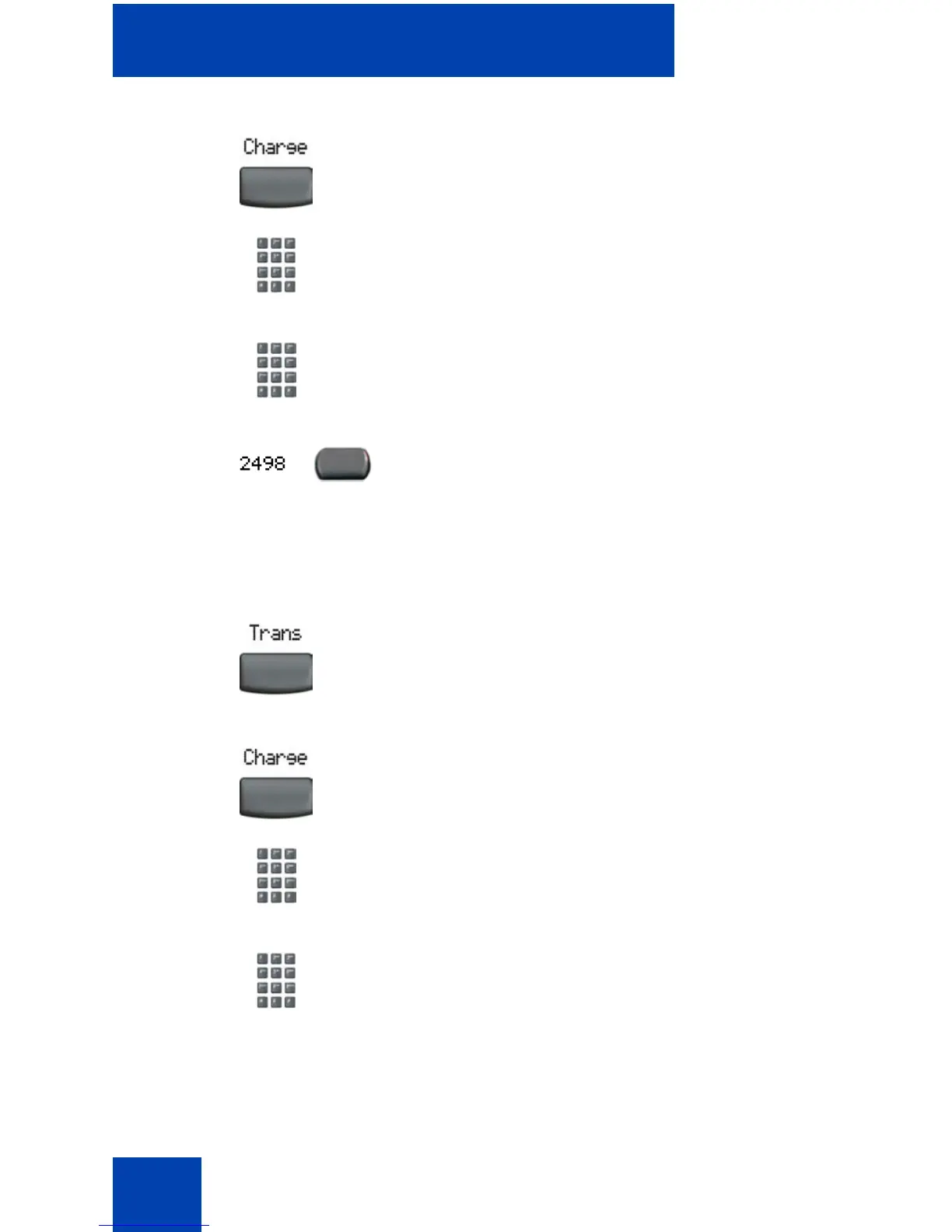
To charge a call to an account when you transfer a call:
2. Choose one of the following:
— Press the Charge soft key.
— Dial the Call Detail Recording FFC.
3. Dial the charge account number.
4. Press the line (DN) key to return to the
call.
1. Press the Transfer soft key. The call is
placed on hold.
2. Choose one of the following:
— Press the Charge soft key
— Dial the Call Detail Recording FFC.
3. Dial the charge account number.
or
or















 To Next Page