EasyManua.ls Logo

NT-MDT Solver Next - Page 131

NT-MDT Solver Next
214 pages
Print Icon
To Next Page IconTo Next Page
To Previous Page IconTo Previous Page
Loading...
T
h
S
h
t
h
h
e followi
n
Line-by-
l
Scannin
g
(signal
H
electric f
i
th
The 1D
S
the area
s
Some bu
t
b
uttons a
p
h
ould the s
c
h
e key <Esc
n
g actions t
a
l
ine scanni
n
g
Data Vie
w
H
ei
g
ht
), wh
i
eld gradie
n
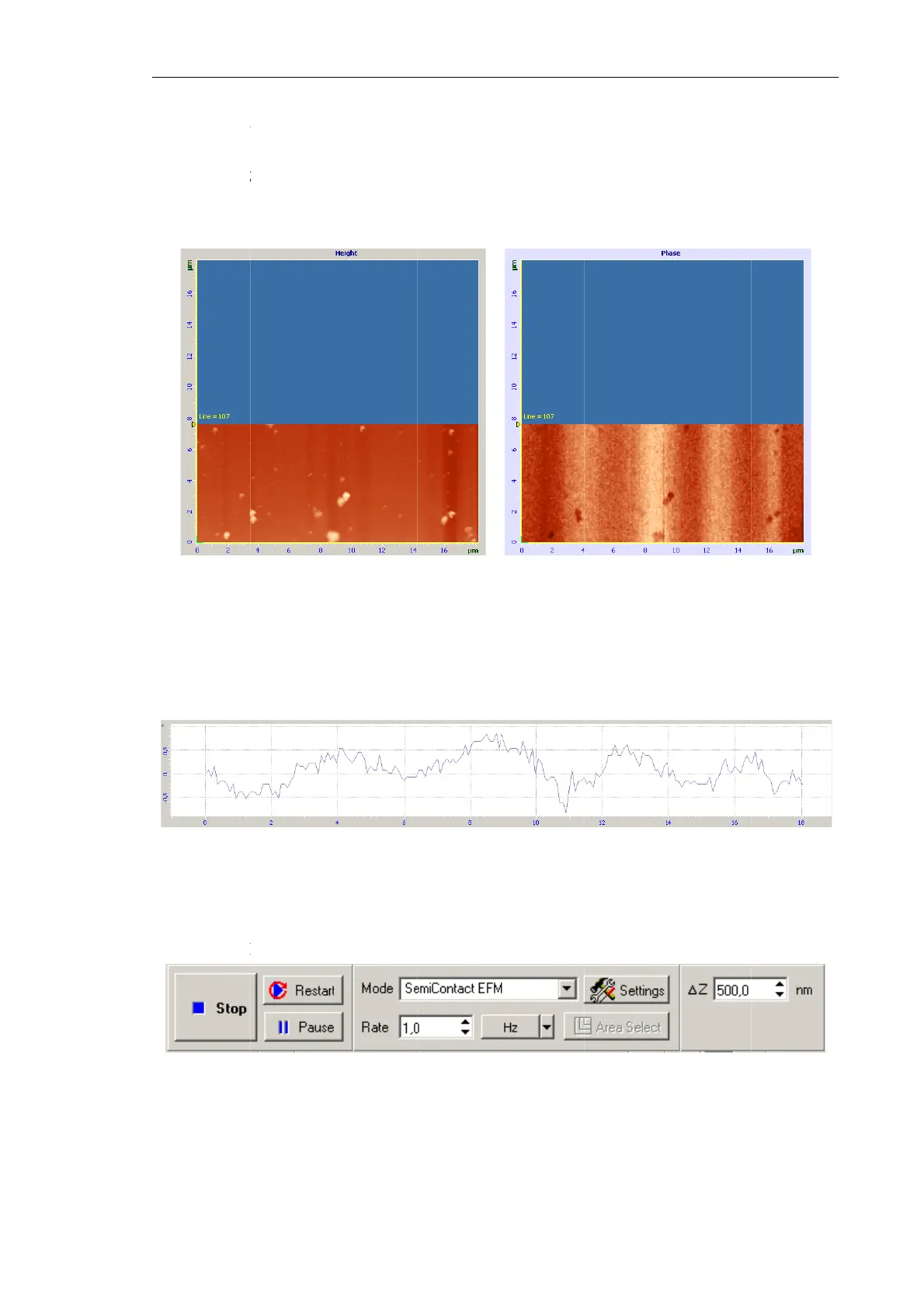
Fig. 7-97
.
e Z-compon
S
canning
D
s
elected fro
m
t
tons disap
p
p
pear:
Pau
s
c
anning pr
o
> of the ke
y
a
ke place d
u
n
g of the s
a
w
panel.
O
ile the oth
n
t on the sa
m
.
Images of
s
ent of the el
e
D
ata View
p
m
the 2D S
c
F
p
ear from t
h
s
e, Restart,
Fig. 7-9
9
o
cedure be
i
y
board.
u
ring scann
i
a
mple surf
a
O
ne of the
er one is
t
m
ple surfac
e
s
urface topo
g
e
ctric potent
p
anel visua
l
c
anning D
a
F
ig. 7-98. Si
g
h
e control
p
Stop
(Fig.
9
. Control pa
n
i
nterrupted
f
C
i
ng:
a
ce starts a
images is
t
he distrib
u
e
(signal
P
h
g
raphy and
s
ial gradient
o
l
izes the si
g
a
ta View pa
n
g
nal Phase
p
anel of the
7-99).
n
el during s
c
f
or some r
e
C
hapter 7. P
e
nd two im
a
an image
o
u
tion of th
e
h
ase
) (Fig.
s
patial distri
b
o
n the surfa
c
g
nal measu
r
n
el (Fig. 7-
9
tab
Scan
,
w
c
anning
e
ason, click
e
rforming M
e
a
ges appea
r
o
f surface
e
Z-compo
n
7-97).
b
ution of
c
e of a GaA
s
r
ed line-by
-
9
8).
w
hile a nu
m
the button
e
asurement
s
12
3
r
in the 2
D
topograph
y
n
ent of th
e
s
-
line withi
n
m
ber of ne
w
Stop
or us
e
s
3
D
y
e
n
w
e

Table of Contents