Solver NEXT SPM. Instruction Manual
146
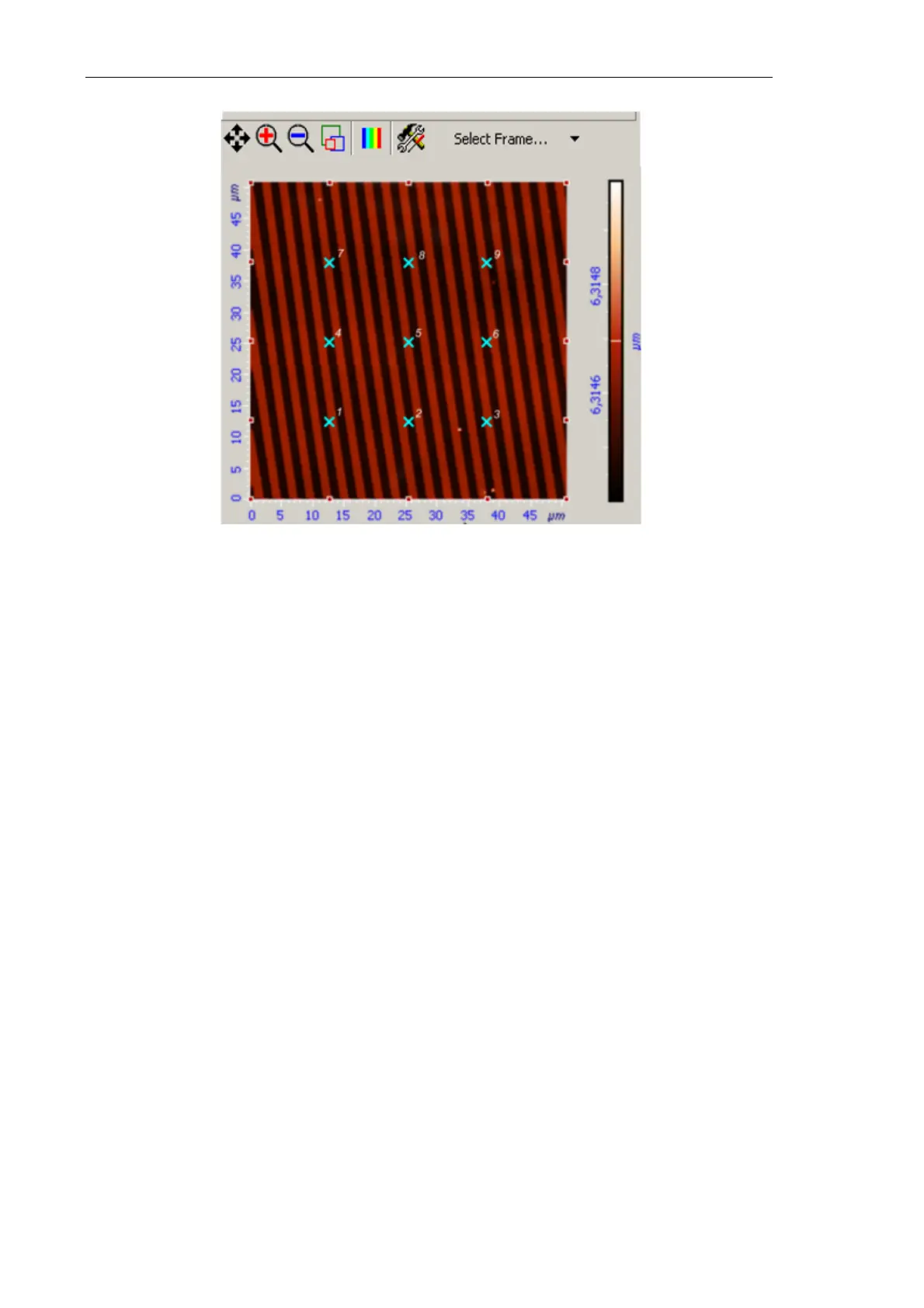
Fig. 7-132. Measurement points distributed over a grid 3х3
Parameters of the selected points are collected automatically in the
Custom spectroscopy settings table. By default, parameters of newly selected points are
assigned values defined in the Control panel.
For modifying measurement parameters of one or several points, perform the following
steps:
1) Click the title of the desired point to highlight it. For synchronized modification of
parameters of several points, highlight their records by clicking the titles with the key
<Ctrl> being pressed.
2) Modify the desired parameter of a single point (parameters ofother points will follow
your modification too).
Parameter values different from those defined in the Control panel will be displayed in
blue.



 To Next Page