Solver NEXT SPM. Instruction Manual
170
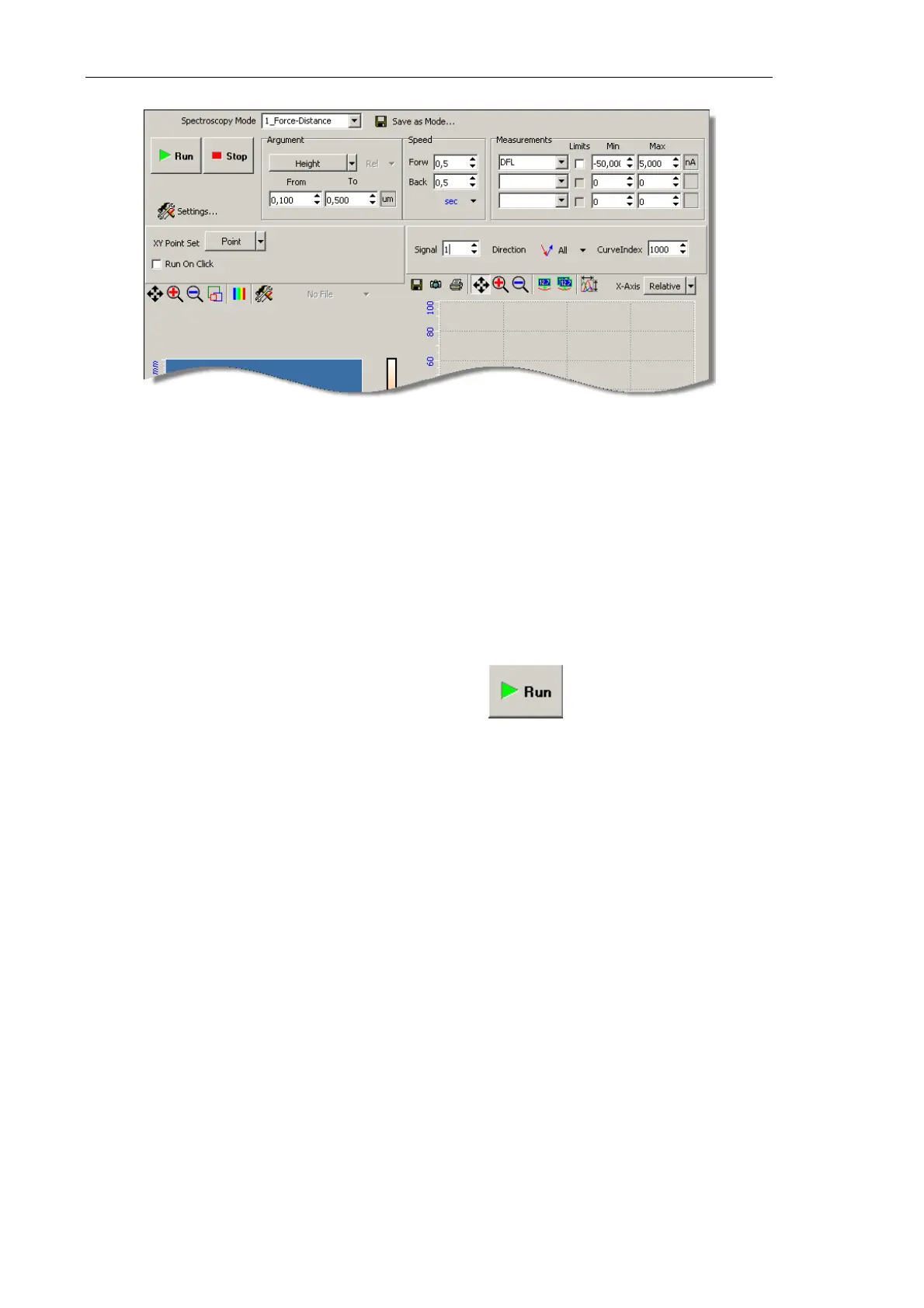
Fig. 8-7. SpectroForm window
4. In the Spectroscopy Mode drop-down list, select Force-Distance. This will append the
list of detected signals of the Measurement panel with the DFL signal.
5. In the fields From and To of the Argument panel, define the range of the scanner
height. The range is relative to the current scanner position. We recommend to use the
range from 0.1 to 0.5 μm.
6. In the 2D Data Viewer, select a point for spectroscopy. To this purpose, in the
XY Point Set drop-down list, select Point. The point can be selected by a mouse click.
7. Launch the acquisition procedure by clicking the button in the Control panel
of the SpectroForm window. Spectroscopy acquisition will provide an approach curve
(Fig. 8-8).



 To Next Page