[Align]
Setting Values Description
[Align]
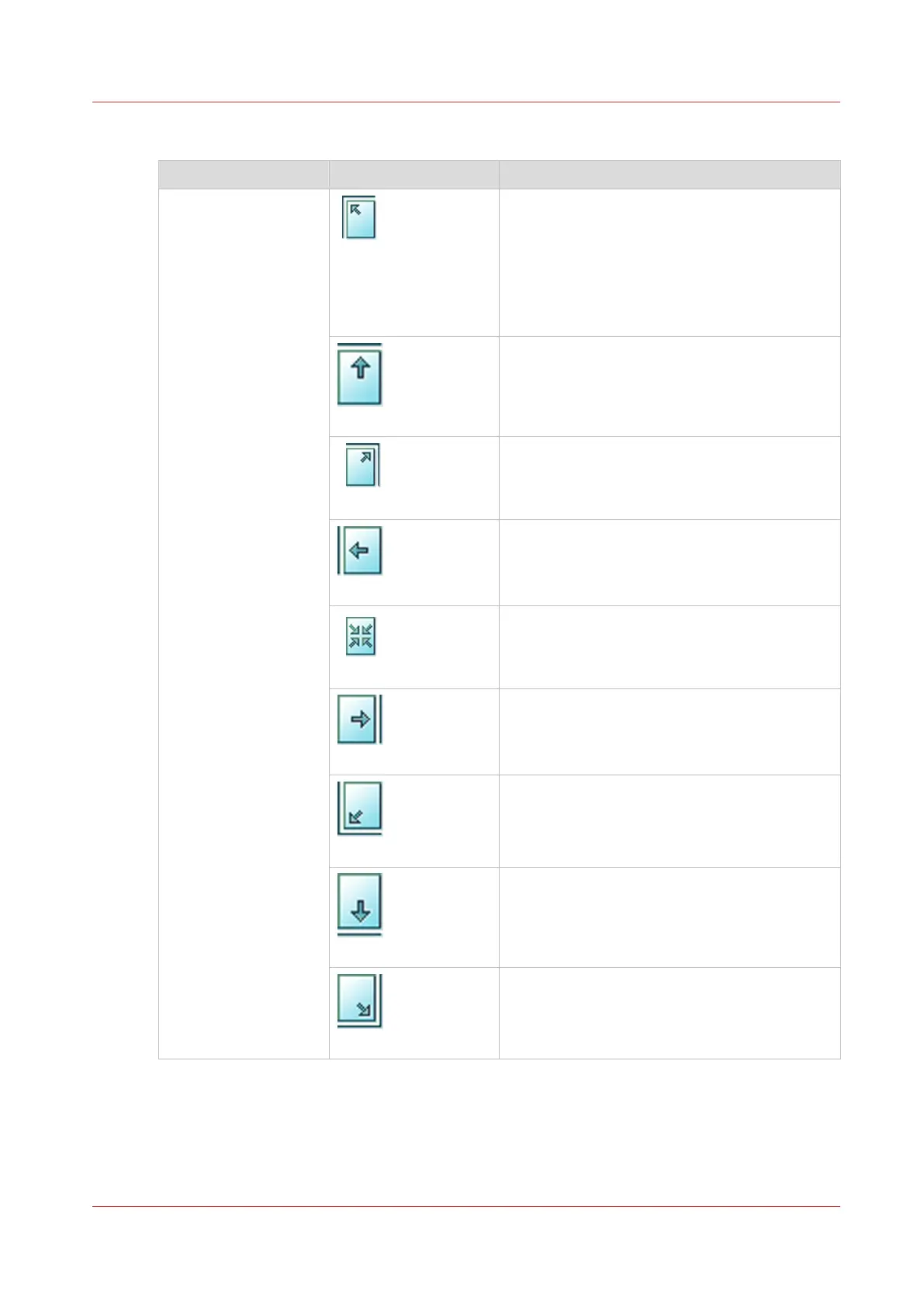
[Top left]
An image on a sheet may be smaller than the
media size of the output, for example because
you scaled the image to 70% of its original
size. The [Align] setting allows you to indicate
the position of the image on the sheet. [Top
left] moves the image to the upper left corner
of the sheet.
[Top center]
[Top center] moves the image to the center at
the top of the sheet.
[Top right]
[Top right] moves the image to the upper right
corner of the sheet.
[Center left]
[Center left] moves the image to center of the
left side of the sheet.
[Center]
[Center] moves the image to the center of the
sheet.
[Center right]
[Center right] moves the image to the center of
the right side of the sheet.
[Bottom left]
[Bottom left] moves the image to the lower left
corner of the sheet.
[Bottom center]
[Bottom center] moves the image to the center
of the bottom side of the sheet.
[Bottom right]
[Bottom right] moves the image to the lower
right corner of the sheet.
Description of the print job settings that you can change on the control panel
Chapter 9 - Carry out print jobs
135
Océ VarioPrint 6000 line













 To Next Page