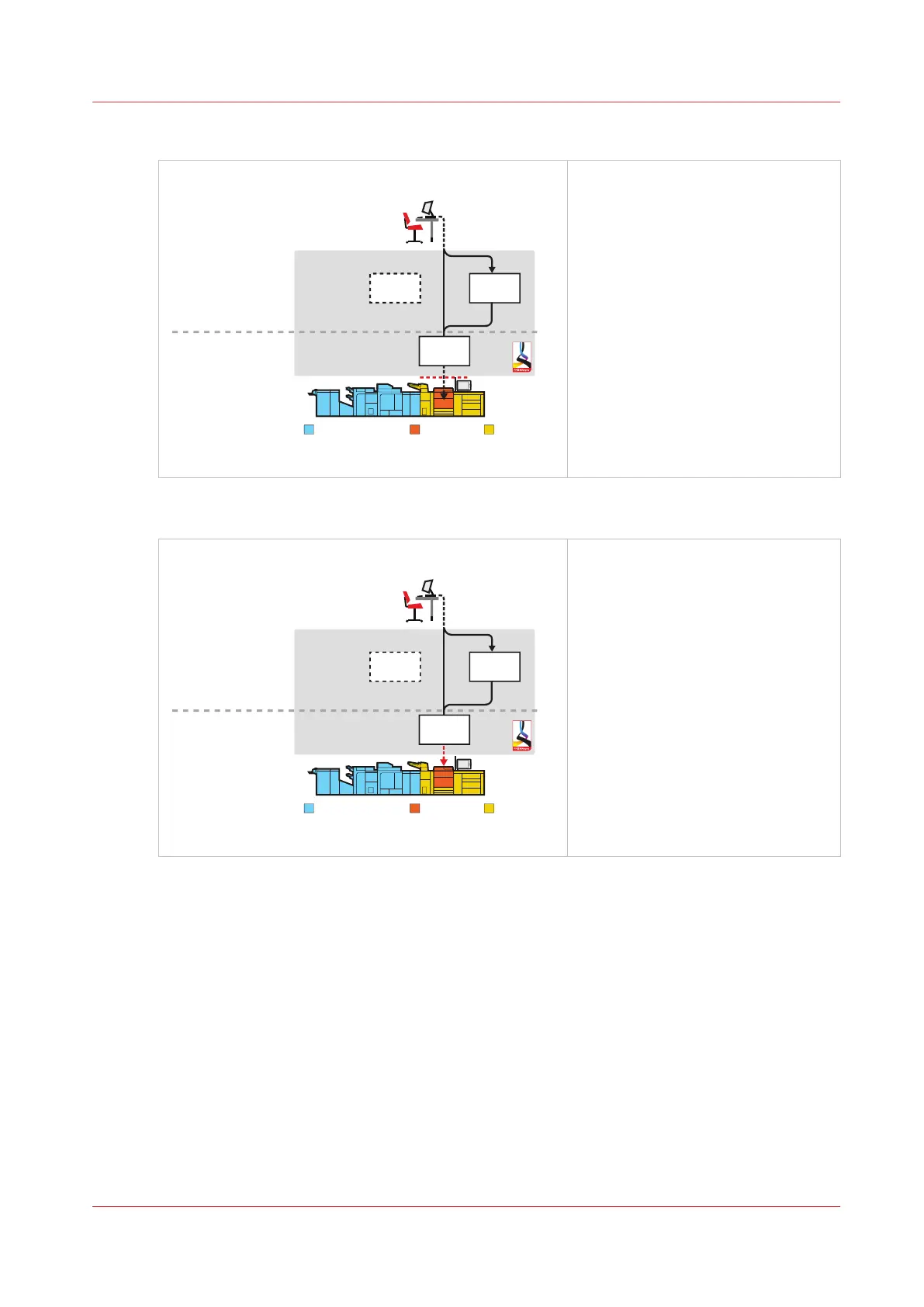
Job by job workflow profile
[Job by job]
DocBox
Scheduled
jobs
Finishing and delivery Printing Media loading
Waiting
jobs
Print production
Job planning
[15] Job by job workflow profile
• The job-by-job workflow profile
fits a workflow in which every job
needs attention.
• All jobs come in the list of sched-
uled jobs and you start the jobs
one by one from the list of sched-
uled jobs. Always touch [Resume]
in the dashboard to start the next
job.
• The print system selects another
output tray for each next job.
Check and print workflow profile
[Check and print]
Print production
Job planning
DocBox
Finishing and delivery Printing Media loading
Waiting
jobs
Scheduled
jobs
[16] Check and print workflow profile
• The check-and-print workflow pro-
file is suitable for a workflow in
which every job requires attention.
You check the print quality and
layout setting of the first set.
• All jobs are received in the list of
scheduled jobs and only the first
set of the job is printed. After ap-
proval of the first set, you give the
print command to print the other
sets in one run.
• The print system selects another
output tray for each next job.
Work with the Workflow Profiles
Chapter 5 - Prepare the print system
55
Océ VarioPrint 6000 line













 To Next Page