Chapter 5. Setup Menu
5-24
CL
5
Setup Menu
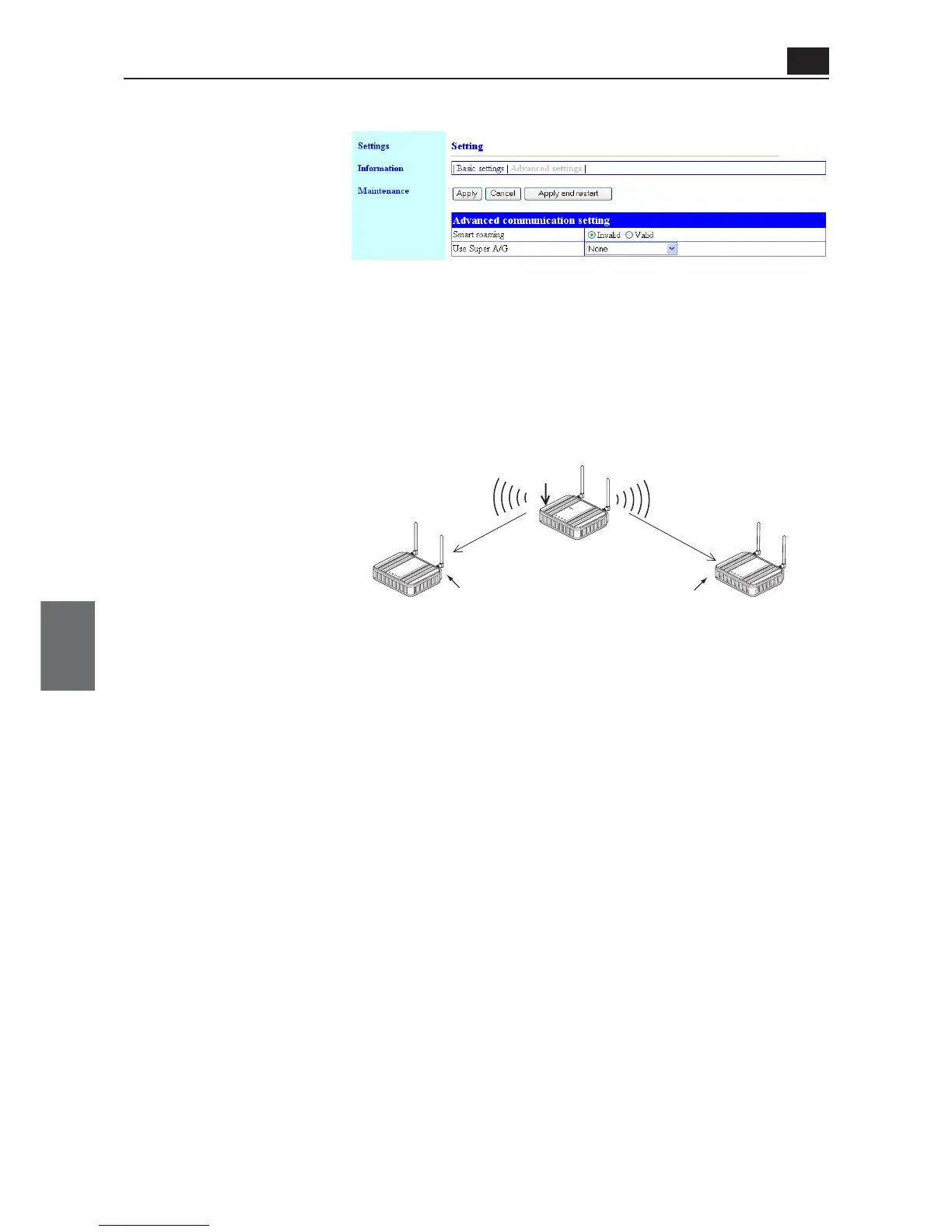
(2) Use Super A/G................. This technology was developed by Atheros Communications in the U.S.
for higher speed wireless LAN. (Factory Shipment Status: None)
Selection is available from "None", "Use w/ compression" and "Use w/o
compression".
* Specifying "Use w/ compression" can further increase communication speed.
* If compressed data is often handled, specifying "Use w/ compression" may decrease the
speed during transmission of compressed data.
In such a case specify "Use w/ compression".
* Different settings between communication partners result in the same operation as that
with this function disabled.
* All of SSID and En-
cryption setup must
be the same.
IEEE802.11g
WE70-AP
IEEE802.11g
WE70-AP
Shift
Scanning channels regularly to
switch to one with better radio
wave status
* If spanning tree is being enabled, switching will take several seconds
even if smart roaming is being enabled.
"6CH"
"SSID : omronwe70wlan"
"11CH"
"SSID : omronwe70wlan"
L
A
N
M
O
D
E
POW
E
R
WIR
E
LES
S
L
A
N
M
O
D
E
P
O
W
E
R
W
I
R
E
LES
S
L
A
N
R
SSI
PO
W
ER
W
IR
E
L
E
S
S
W
E
7
0
-
C
L
F
A
W
I
R
E
LE
S
S
L
A
N
A
C
C
E
S
S
P
O
I
N
T
WE70-CL
<Advanced settings> Screen
● Advanced communication setting
(1) Smart roaming
................. This is a function for stable communication by preventing a delay of
switching to an access point with better radio status by regularly scanning
wireless unit channels when a client (slave) moved (see below). When
performance of smart roaming switching time is required, it is recom-
mended that WE70-AP and WE70-CL should be combined.
(Factory Shipment Status: Invalid)
(1)
(2)



 To Next Page