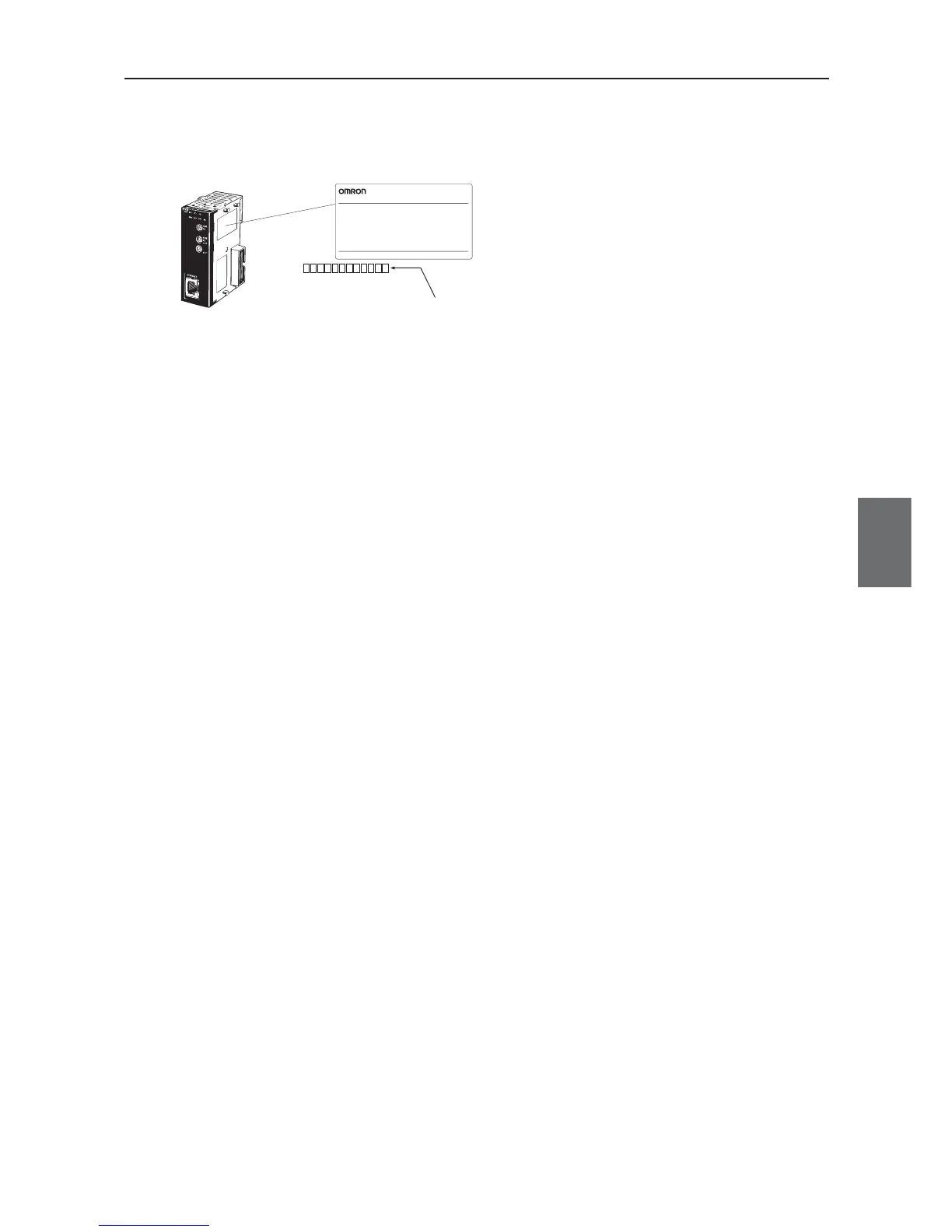
Example. The Ethernet unit CJ1W-ETN21 has a label of Ethernet address (MAC address) on its right side.
2. Specifying by Unit Setup of CX-Programmer
From I/O Table window of online CX-Programmer, select an Ethernet unit and specify an IP
address from Unit Setup.
3. Specifying by CPU advanced function unit assignment DM area
Under a status of an IP address unconfigured for Unit Setup, specify an IP address to IP
Address Display/Setup Area of CPU advanced function unit assignment DM area.
FINS node addresses and IP addresses must not overlap in a network. By default, IP addresses
of an access point and a client are:
Access Point (WE70-AP) : 192.168.0.1
Client (WE70-CL) : 192.168.0.254
For details, see CS1W-ETN21/CJ1W-ETN21 Ethernet Units Construction of Networks Operation
Manual(W420-E1), Section 5-2. IP Address in FINS Communications.
Step 5. PLC Setup
To connect a PLC to a network, Ethernet unit's IP address must be configured.A unique IP address must be
allocated for each communication node, using either of the followings:
1. Specifying with a default IP address
A rotary SW in the Ethernet unit can specify an FINS node address (1 to 254), which is used as
a host block of the IP address. An FINS node address and an IP address to be specified for an
Ethernet unit have the following relationship:
192.168.250.FINS_Node_Address
That is, specifying a node number 10 to a network of 192.168.250.* sets an IP address of
192.168.250.10 by default.



 To Next Page