Chapter 1. Overview
1-6
1
Overview
●
Super AG technology
This technology was developed by Atheros Communications in the U.S. for higher speed wireless LAN.
To use the Super AG with other wireless device, other devices must support "Super AG" as well.
Super AG setup must be the same for those that use AP-to-AP bridging.
* To use AP-to-AP bridging with configuration of [Super AG] as [Yes (Compressed)], a key index to be configured for WEP (RC4)/OCB
AES encryption must be configured as the same as those that use AP-to-AP bridging. Communication is unavailable if key indexes
differ.
●
Roaming
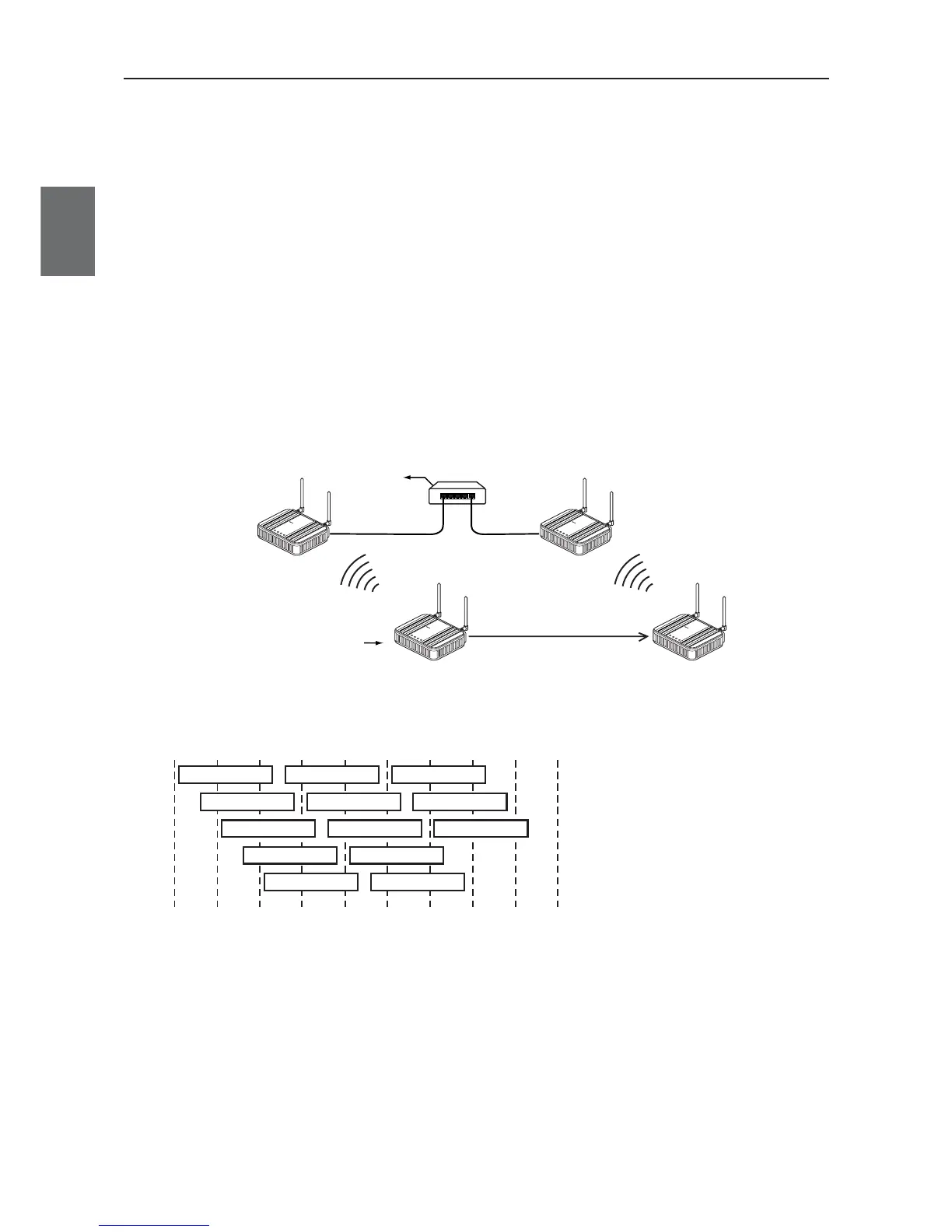
Providing more than one access point connected with wired LAN expands its wireless communication zone
by automatically switching to an access point with better radio wave status when a client (slave) is moved,
allowing use of wireless LAN while moving in a wide space such as a plant or a warehouse.
(Example: IEEE802.11g wireless LAN)
* To use roaming, the same wireless network name (SSID) and encryption must be configured for all access points and clients
(slaves).(Communication is unavailable if setup differs)
●
Connection terminal limiting function
This function the limits the number of clients (slaves) that can be connected to an access point at the same
time to prevent decrease in communication speed due to jammed connection.
* The value is 63 on factory shipment status.
* For communication using 2.4GHz band (IEEE802.11b/g), "channels" of access points must be configured with blank channels of 4 or
more between them to avoid radio interference.
Otherwise a part of a band may overlap and cause cross talk.



 To Next Page