Chapter-7
String Options
Prefix / Suffix (appending character function)
7.2
The following section explains the additional functions that can place informational characters just
before the decoded data (pre-data) or be transmitted immediately after the data (post-data).
Output Format:
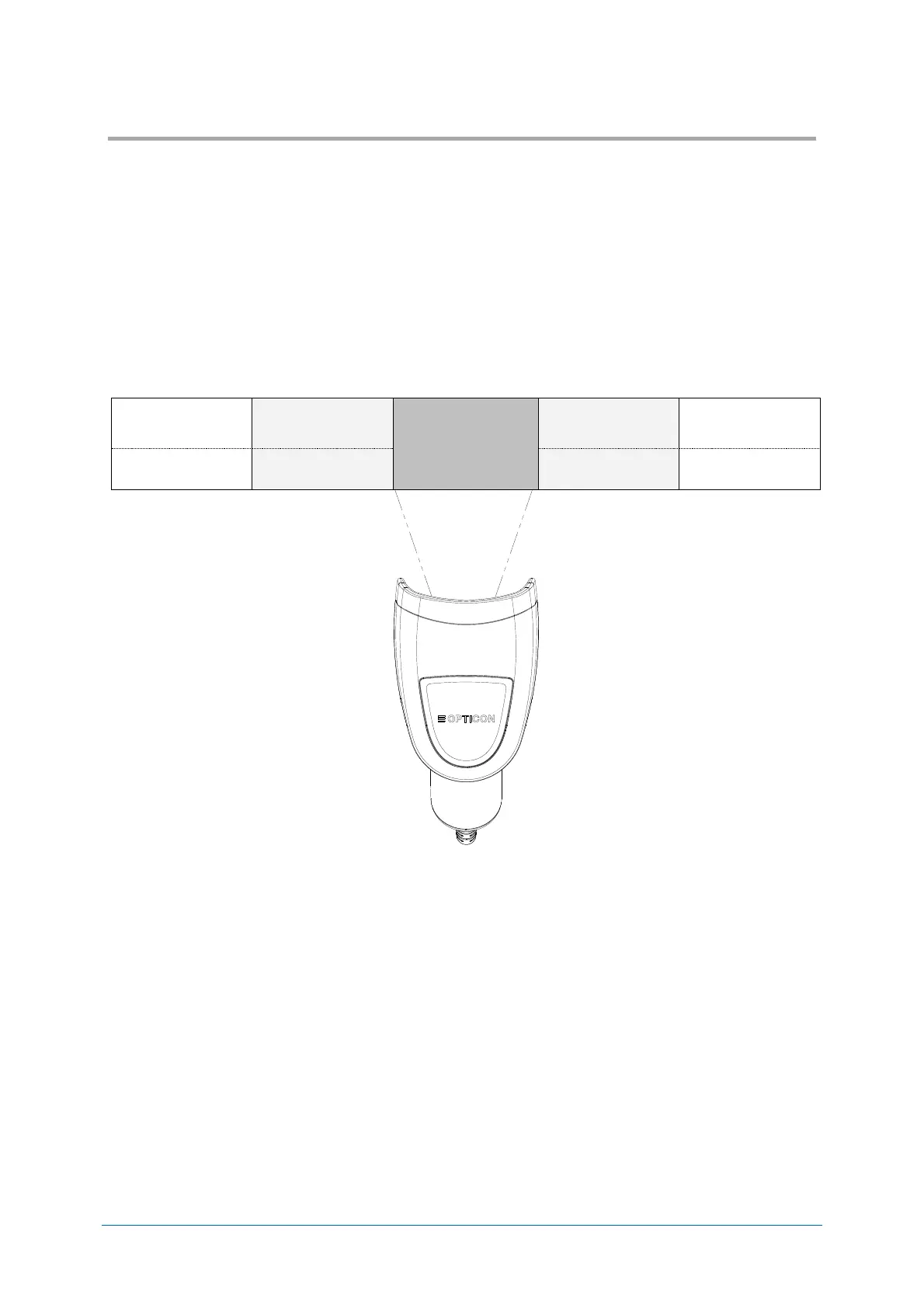
● Prefix / suffix (up to 4 digits)
Specified characters can be added in front of or at the end of the data for each specific symbology.
*1 By default, the prefix is empty and the suffix of all codes is a “CR” character.
*When using 6.2.7 OCR Free Edit or 8.4.4 Data Edit Reading, this cannot be set.
● Preamble / Postamble (up to 8 digits)
Specified characters can be added in front of or at the end of the data for all codes.
*By default, they are empty.
Suffix (*1)
for each code
*By default, <CR> is added to suffix with all codes “RZ” command.


 To Next Page