range Pi User Manual Copyright reserved by Shenzhen Xunlong Software Co., Ltd
120
$(lsb_release -cs) stable" | sudo tee /etc/apt/sources.list.d/docker.list > /dev/null
3.4. Linux system login instructions
3.4.1. Linux system default login account and password
Note that when entering the password, the specific content of the entered
password will not be displayed on the screen, please do not think that there is any
fault, just press Enter after inputting.
When the wrong password is prompted, or there is a problem with the ssh
connection, please note that as long as you are using the Linux image provided by
Orange Pi, please do not suspect that the above password is wrong, but look for
other reasons.
3.4.2. How to set automatic terminal login in Linux system
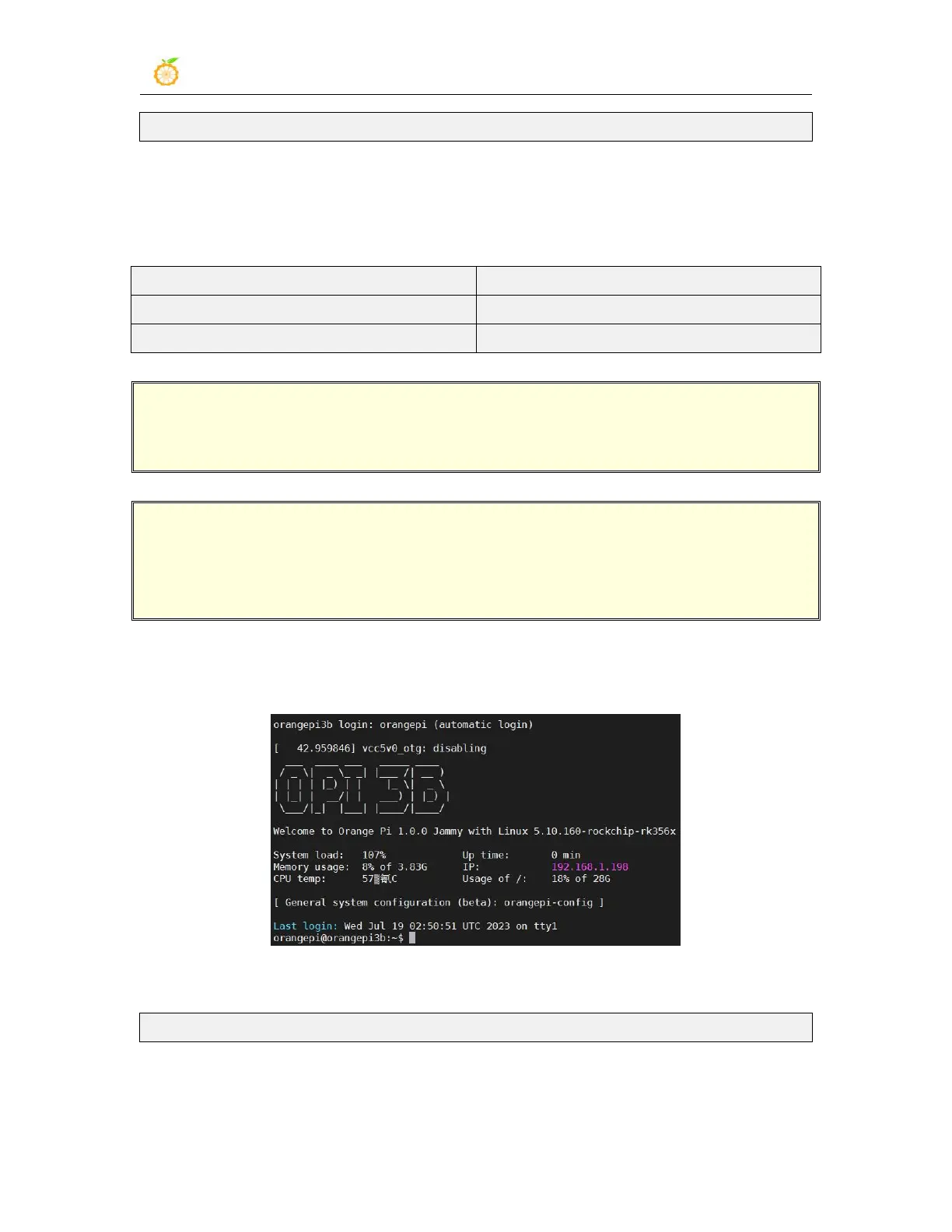
1) The Linux system automatically logs in to the terminal by default, and the default
login user name is orangepi
2) Use the following command to set the root user to automatically log in to the terminal
orangepi@orangepi:~$ sudo auto_login_cli.sh root
3) Use the following command to disable automatic login terminal



 To Next Page