range Pi User Manual Copyright reserved by Shenzhen Xunlong Software Co., Ltd
57
/dev/nvme0n1p1 256M 90M 166M 36% /boot
/dev/zram1 194M 15M 165M 9% /var/log
tmpfs 769M 60K 769M 1% /run/user/1000
tmpfs 769M 48K 769M 1% /run/user/0
6) When the same system is programmed in the TF card and NVMe SSD, if both the TF
card and NVMe SSD are inserted into the development board, then power on and
start the development board, and u-boot will give priority to starting the system in
the TF card. However, since the systems in the TF card and the NVMe SSD are exactly
the same, the UUIDs of the /boot partition and the rootfs partition in the two storage
devices are also the same, which may cause the partition in the NVMe SSD to be loaded
when the TF card starts. Running the script below resolves this issue.
orangepi@orangepi:~$ sudo fix_mmc_ssd.sh
Exactly the same system means that the image name is exactly the same. Even if
they are all Debian11 systems, the versions are different.
2.6.3. How to use balenaEtcher software to burn
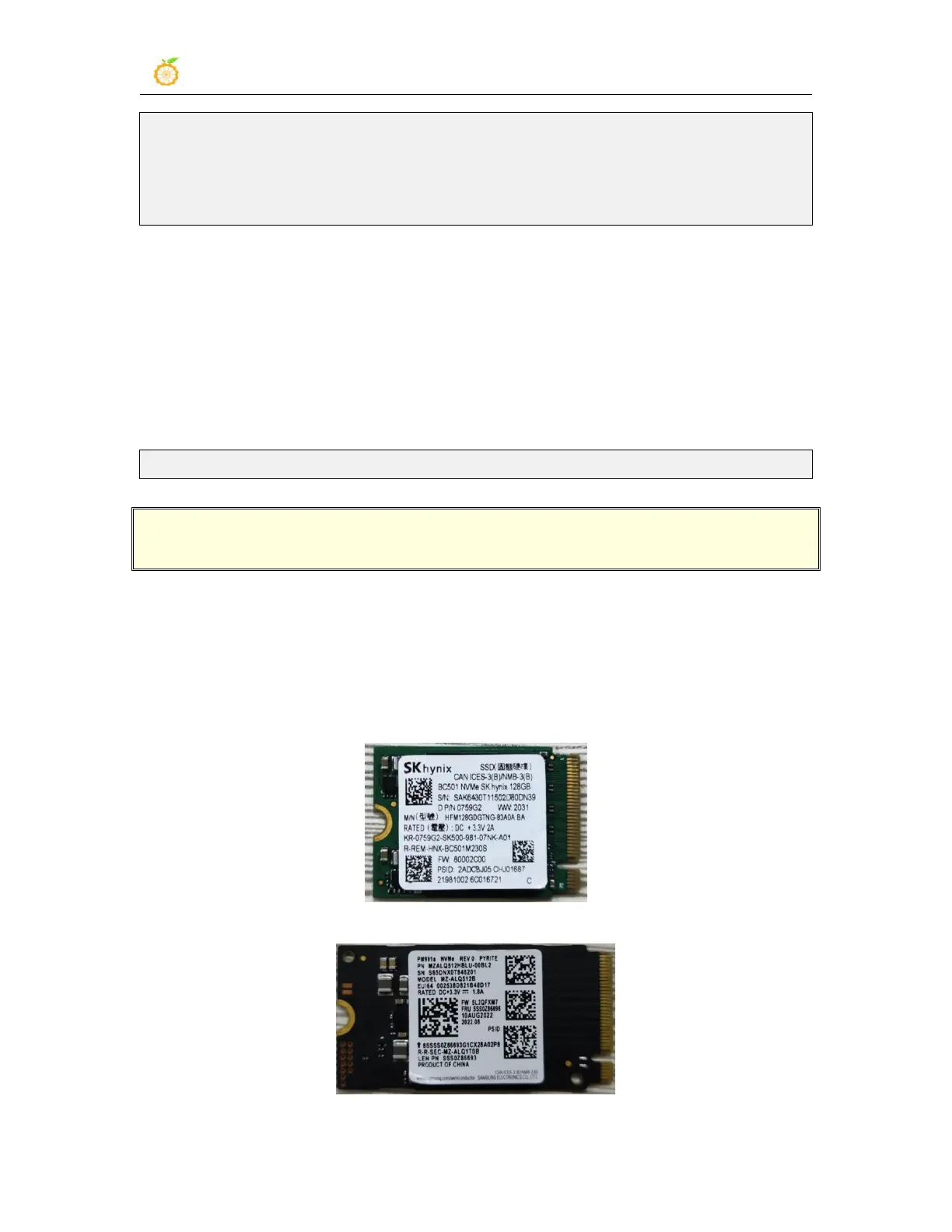
1) First, you need to prepare an NVMe SSD. The PCIe supported by the M.2 slot of the
development board is PCIe2.0x1, and the theoretical maximum speed is 500MB/s.
PCIe3.0 and PCIe4.0 NVMe SSDs are also available, but the highest speed is only
PCIe2.0x1.
a. The M.2 2230 SSD is as follows
b. The M.2 2242 SSD is as follows



 To Next Page