range Pi User Manual Copyright reserved by Shenzhen Xunlong Software Co., Ltd
52
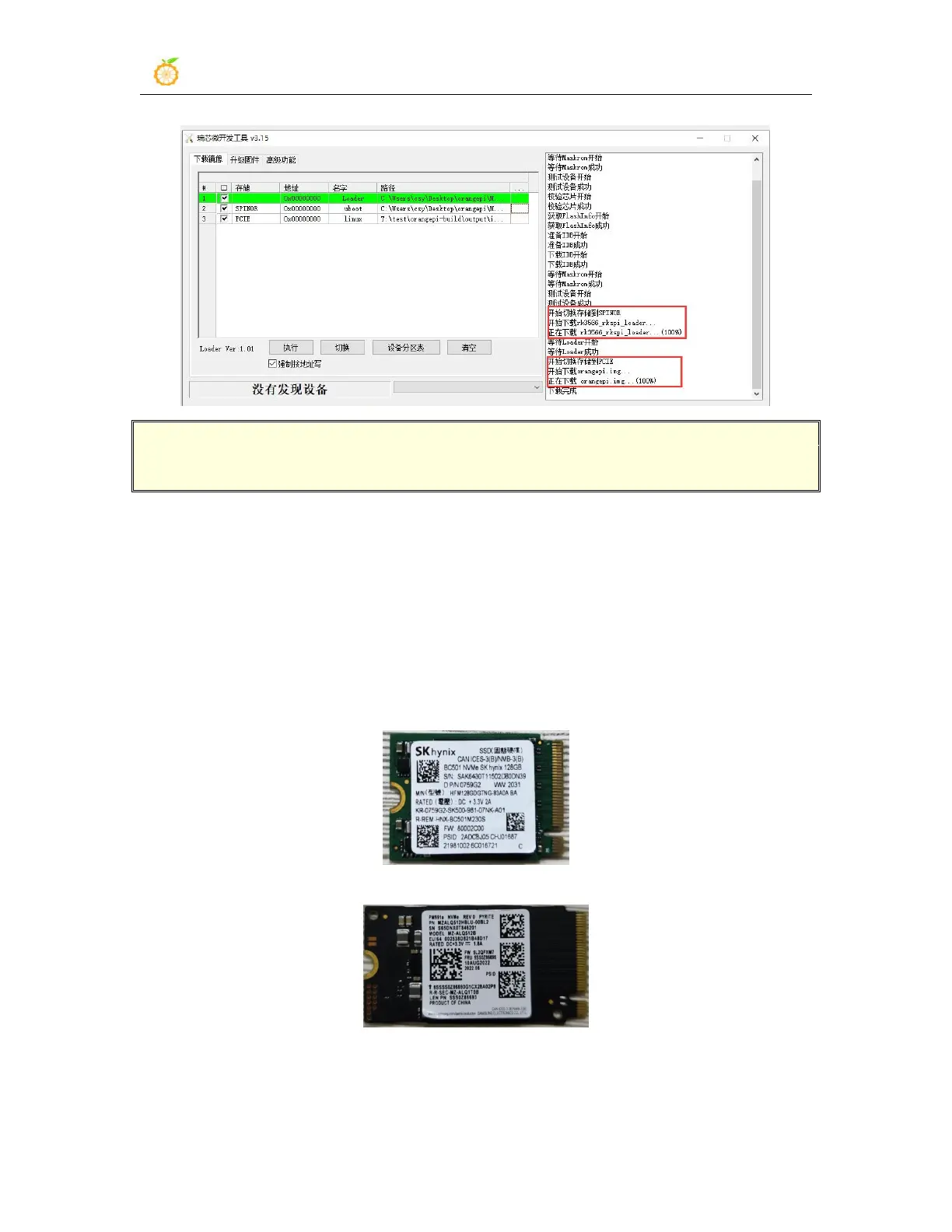
If there is a problem with burning, please clear the SPIFlash first and then try
burning again. For the method of clearing SPIFlash, please refer to the description
of the method of using RKDevTool to clear SPIFlash.
t. After the image is burnt, it will automatically start the Linux system in
SPIFlash+PCIe SSD. If it does not start normally, please power on and try again.
2.6.2. The method of using the dd command to burn
1) First, you need to prepare an NVMe SSD. The PCIe supported by the M.2 slot of the
development board is PCIe2.0x1, and the theoretical maximum speed is 500MB/s.
PCIe3.0 and PCIe4.0 NVMe SSDs are also available, but the highest speed is only
PCIe2.0x1.
a. The M.2 2230 SSD is as follows
b. The M.2 2242 SSD is as follows
2) Then insert the NVMe SSD into the M.2 PCIe interface of the development board and
fix it



 To Next Page