range Pi User Manual Copyright reserved by Shenzhen Xunlong Software Co., Ltd
275
3.28.3. The method of server version image rotation display direction
1) Add extraargs=fbcon=rotate:the direction to rotate in /boot/orangepiEnv.txt This
line configuration can set the direction displayed by the server version of the Linux
system, where the number after fbcon=rotate: can be set as:
a. 0: normal screen (default is landscape)
b. 1: Turn clockwise 90 degrees
c. 2: Flip 180 degrees
d. 3: Turn clockwise 270 degrees
orangepi@orangepi:~$ sudo vim /boot/orangepiEnv.txt
overlays=lcd1
extraargs=cma=64M fbcon=rotate:3
Note that if there is the line extraargs=cma=64M in /boot/orangepiEnv.txt by
default, the configuration fbcon=rotate:3 can be added after extraargs=cma=64M
(separated by spaces).
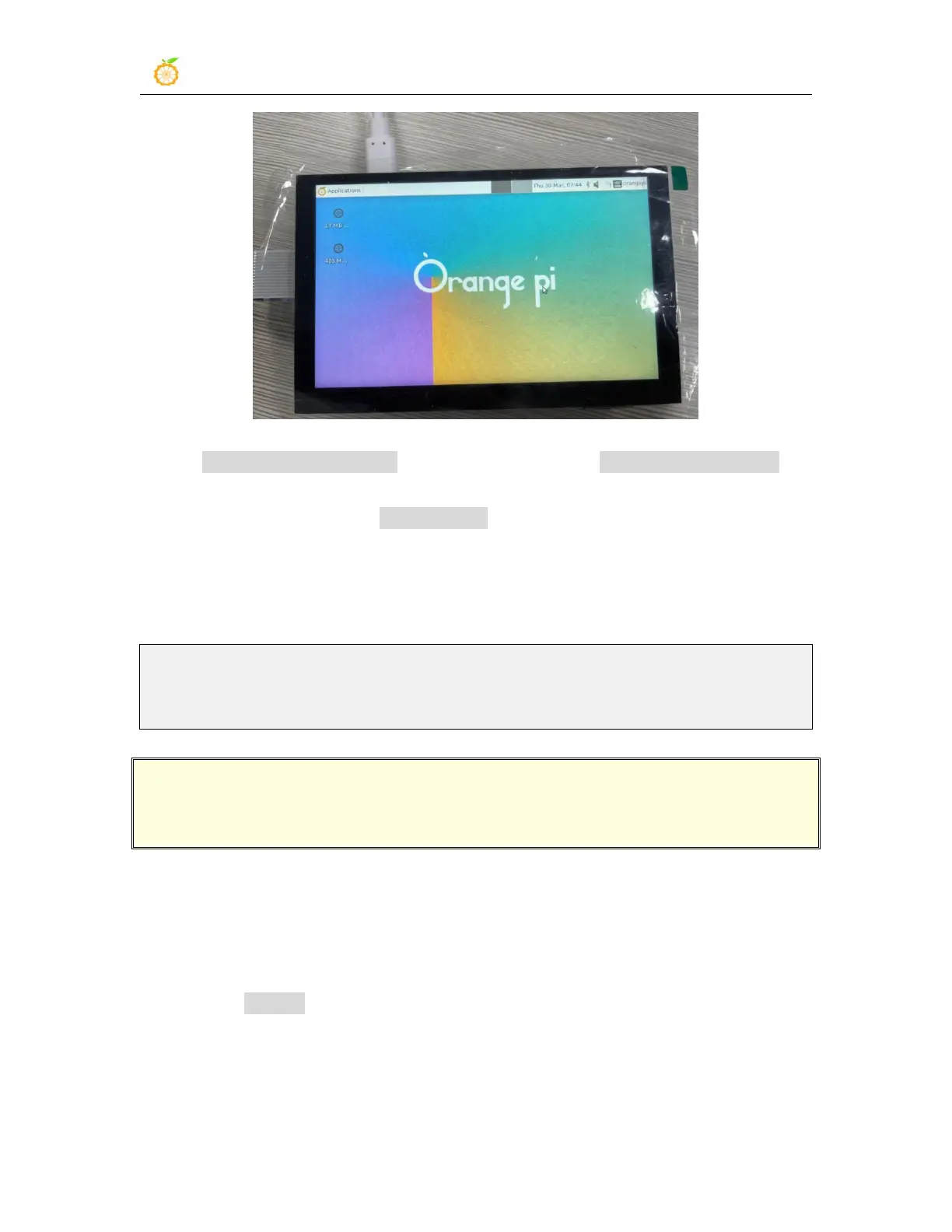
2) Then restart the Linux system and you can see that the direction displayed on the
LCD screen has been rotated
3.28.4. Method of rotating display and touch direction of desktop
version image
1) First open Display Settings in Linux



 To Next Page