range Pi User Manual Copyright reserved by Shenzhen Xunlong Software Co., Ltd
25
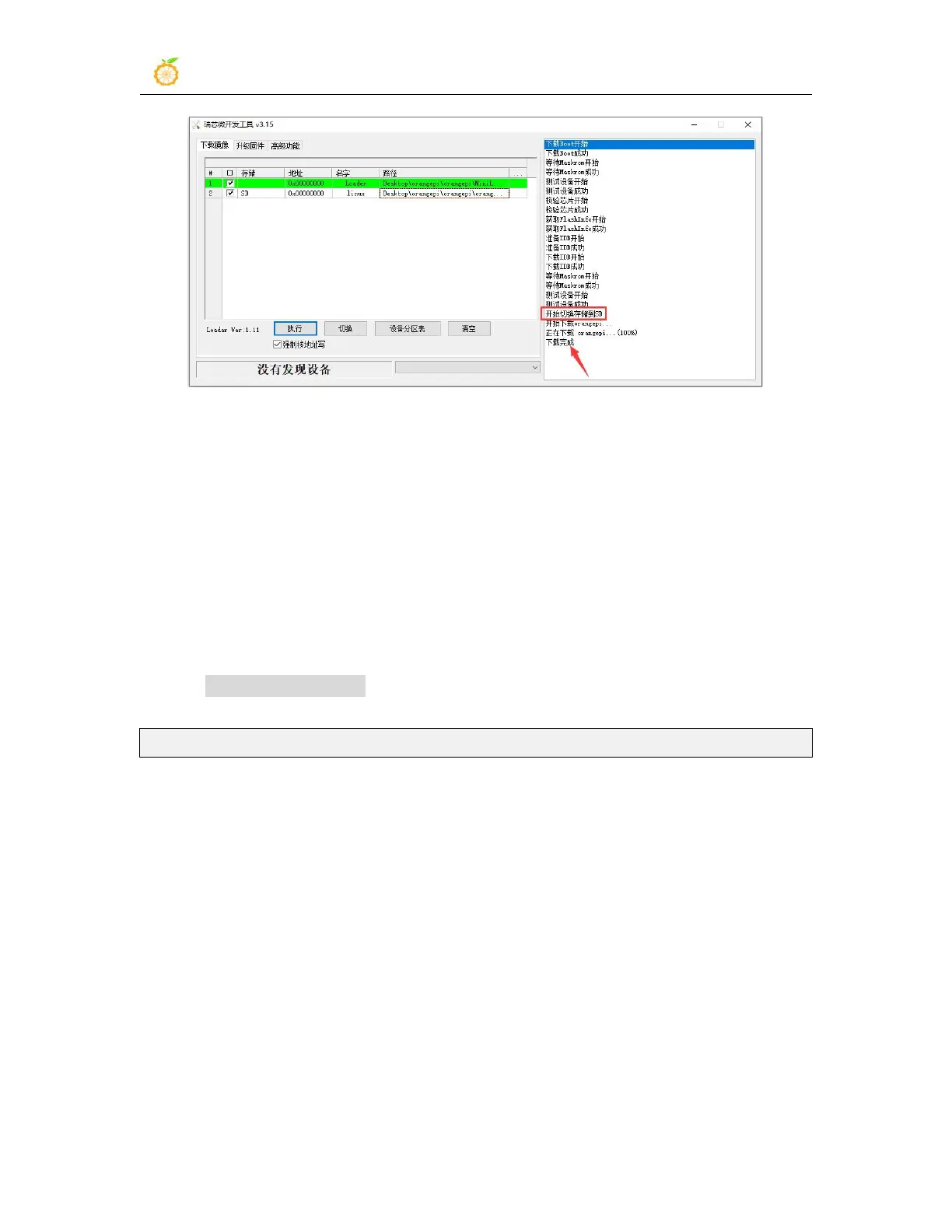
s. After burning the Linux image to the TF card, the Linux system will start
automatically.
2.3.3. How to use Win32Diskimager to burn Linux image
1) First prepare a TF card with a capacity of 16GB or more. The transmission speed of
the TF card must be class 10 or above. It is recommended to use a TF card of SanDisk
and other brands
2) Then use the card reader to insert the TF card into the computer
3) Then format the TF card
a. SD Card Formatter can be used to format the TF card. The download address
is:
https://www.sdcard.org/downloads/formatter/eula_windows/SDCardFormatterv5_WinEN.zip
b. After downloading, unzip and install directly, and then open the software
c. If only a TF card is inserted into the computer, the drive letter of the TF card will
be displayed in the "Select card" column. If multiple USB storage devices are
inserted into the computer, you can select the corresponding drive letter of the
TF card through the drop-down box



 To Next Page