range Pi User Manual Copyright reserved by Shenzhen Xunlong Software Co., Ltd
121
orangepi@orangepi:~$ sudo auto_login_cli.sh -d
4) Use the following command to set the orangepi user to automatically log in to the
terminal again
orangepi@orangepi:~$ sudo auto_login_cli.sh orangepi
3.4.3. Instructions for automatic login of Linux desktop version
system
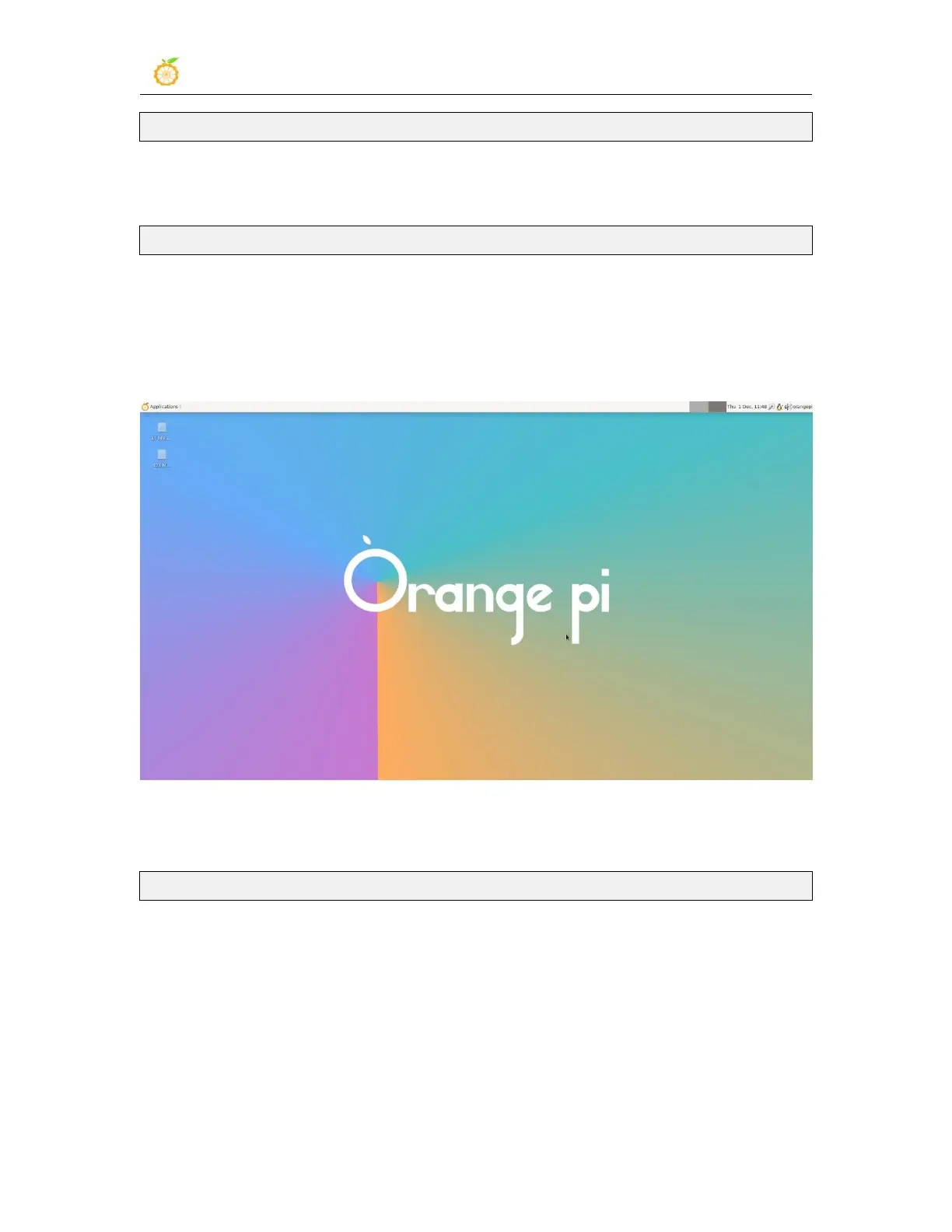
1) After the desktop system starts, it will automatically log in to the desktop without
entering a password
2) Run the following command to prohibit the desktop system from automatically
logging into the desktop
orangepi@orangepi:~$ sudo disable_desktop_autologin.sh
3) Then restart the system and a login dialog box will appear, at which point a password
is required to enter the system



 To Next Page