range Pi User Manual Copyright reserved by Shenzhen Xunlong Software Co., Ltd
272
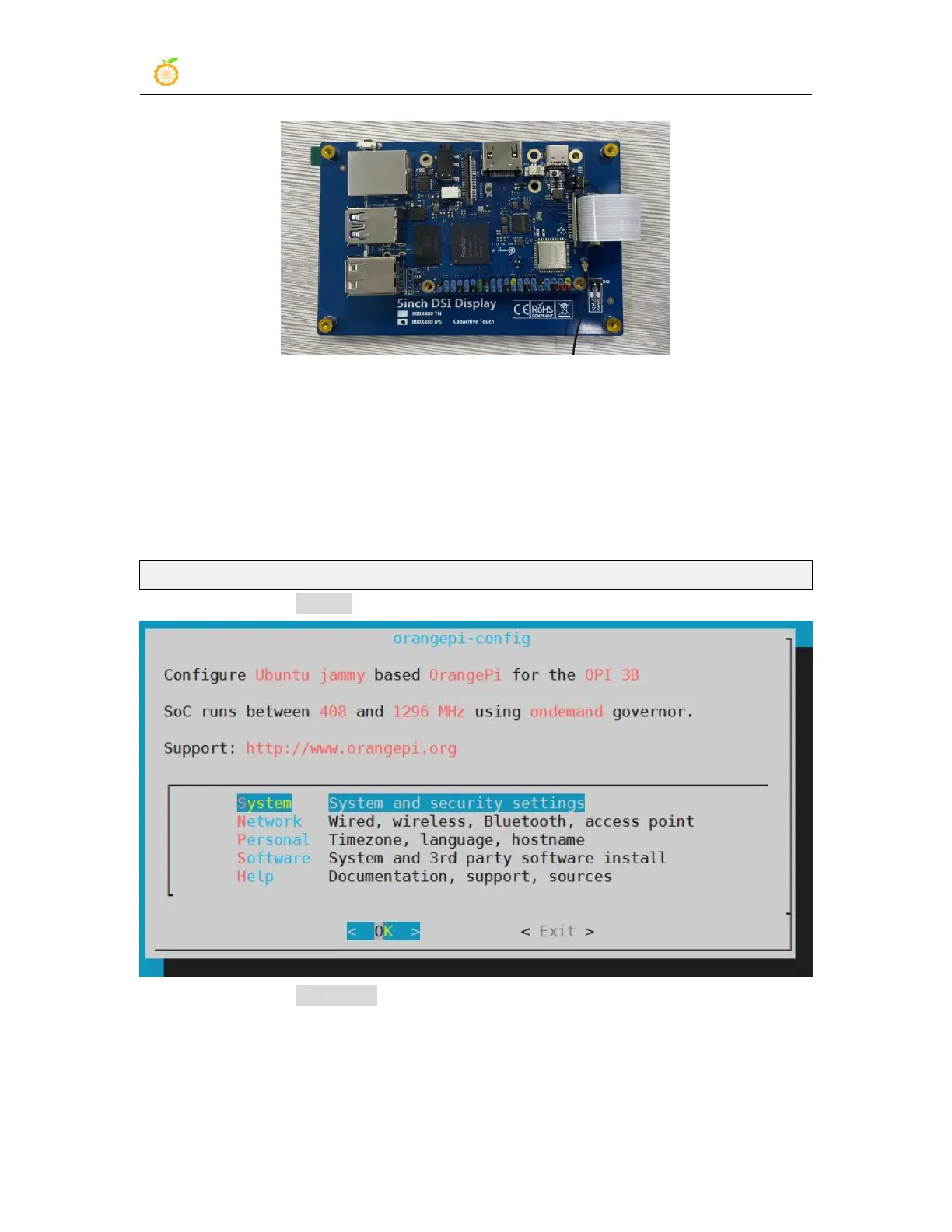
3.28.2. Open the Raspberry PI 5-inch screen configuration method
1) The Linux image does not open the 5-inch screen of the Raspberry PI by default. If
you need to use the 5-inch screen of the Raspberry PI, you need to open it manually.
2) The steps to open the mipi lcd configuration are as follows:
a. First run orangepi-config, ordinary users remember to add sudo permission
orangepi@orangepi:~$ sudo orangepi-config
b. Then select System
c. Then select Hardware



 To Next Page