range Pi User Manual Copyright reserved by Shenzhen Xunlong Software Co., Ltd
321
5.4. Use of Raspberry Pi 5-inch screen
5.4.1. How to assemble the Raspberry Pi 5-inch screen
Please refer to the assembly method of the Raspberry Pi 5-inch screen (click the
text in the blue part to jump to the corresponding position).
5.4.2. How to open Raspberry Pi 5-inch screen configuration
By default, OPi OS Arch mirroring does not enable the configuration of the
Raspberry Pi 5-inch screen. If you need to use the Raspberry Pi 5-inch screen, you need
to manually open it. The method to open the configuration is as follows:
a. First add the following configuration in /boot/extlinux/extlinux.conf
[orangepi@orangepi-pc ~]$ sudo vim /boot/extlinux/extlinux.conf
LABEL OPIOS ARM
LINUX /Image
FDT /dtbs/rockchip/rk3566-orangepi-3b.dtb
FDTOVERLAYS /dtbs/rockchip/overlay/rk356x-raspi-7inch-touchscreen.dtbo #Configuration that needs
to be added
b. Then restart the system
[orangepi@orangepi-pc ~]$ sudo reboot
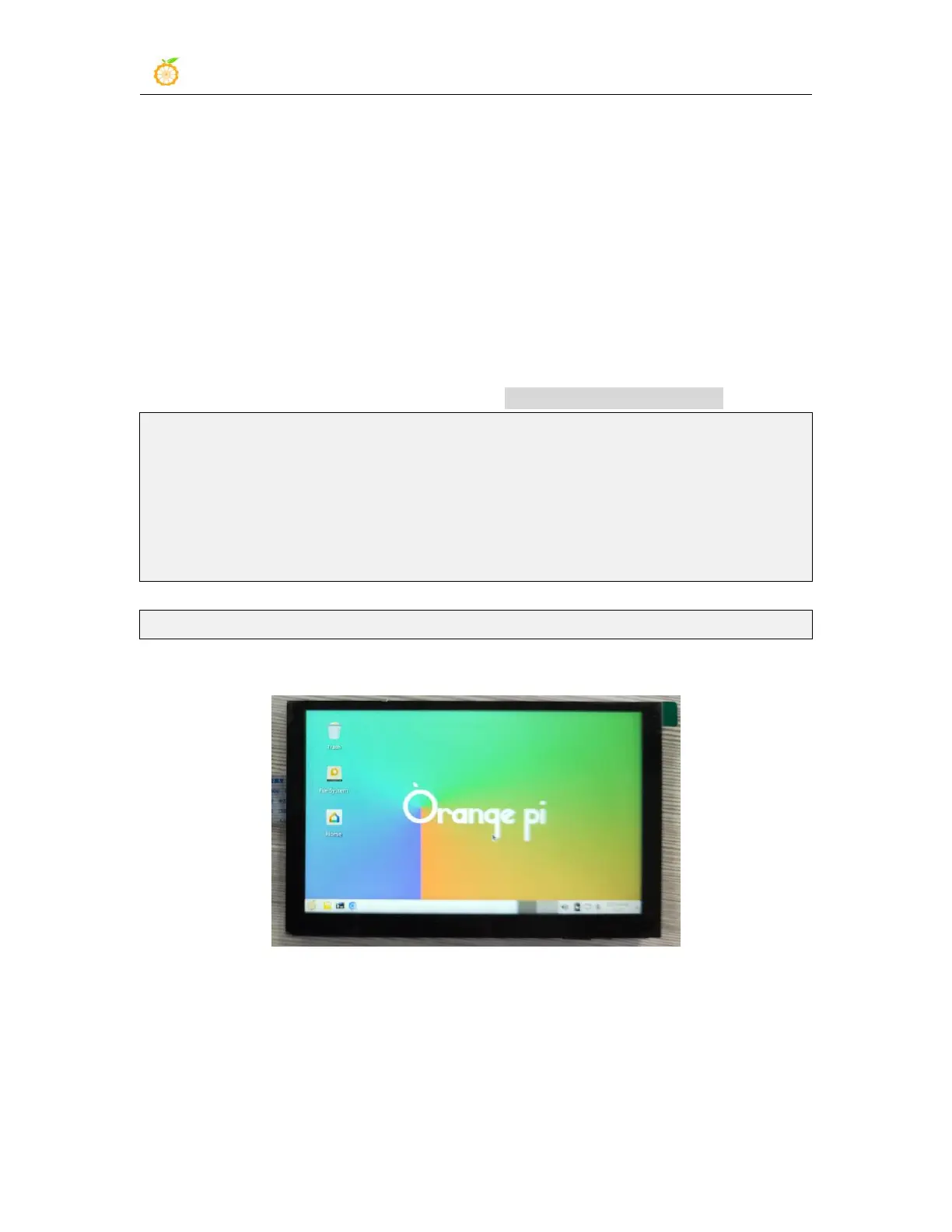
After restarting, you can see the display on the LCD screen as follows:
5.5. How to use the eDP screen
5.5.1. Assembly method of eDP screen
Please refer to how to use the eDP screen (click the text in the blue part to jump to



 To Next Page