range Pi User Manual Copyright reserved by Shenzhen Xunlong Software Co., Ltd
168
2) Connect Orange PI development board to HDMI display
3) If the mouse or keyboard can operate normally, it means that the USB interface is
working normally (the mouse can only be used in the desktop version of the system)
3.11.2. Connect the USB storage device test
1) First insert the U disk or USB mobile hard disk into the USB interface of the Orange
Pi development board
2) Execute the following command, if you can see the output of sdX, it means that the U
disk is recognized successfully
orangepi@orangepi:~$ cat /proc/partitions | grep "sd*"
major minor #blocks name
8 0 30044160 sda
8 1 30043119 sda1
3) Use the mount command to mount the U disk into /mnt, and then you can view the
file in the U disk
orangepi@orangepi:~$ sudo mount /dev/sda1 /mnt/
orangepi@orangepi:~$ ls /mnt/
test.txt
4) After mounting, you can view the capacity usage and mount point of the U disk
through the df -h command
orangepi@orangepi:~$ df -h | grep "sd"
/dev/sda1 29G 208K 29G 1% /mnt
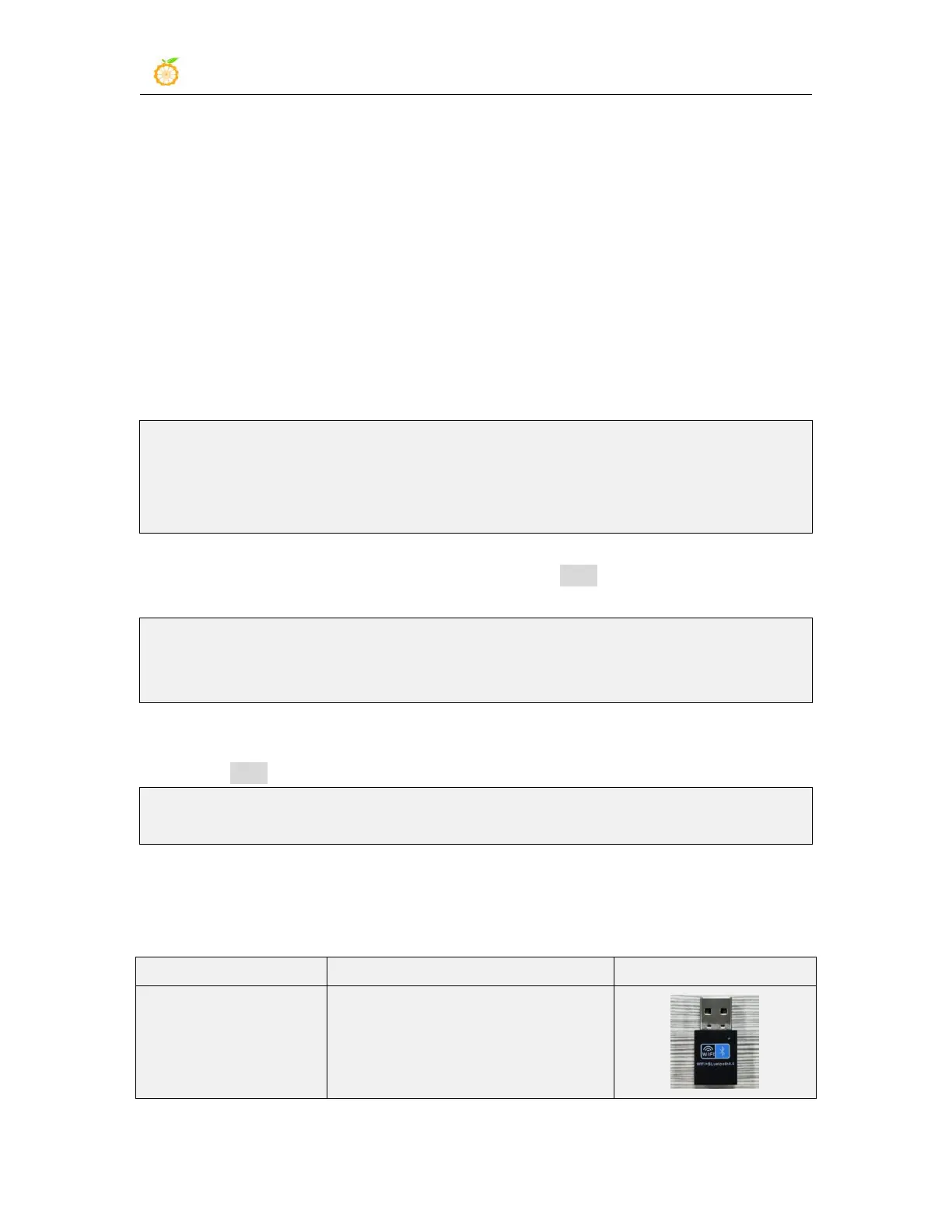
3.11.3. USB wireless network card test
The currently tested USB wireless network cards are shown below. Please test it by
yourself for other models of USB wireless network cards. If you cannot use it, you need
to transplant the corresponding USB wireless network card driver
RTL8723BU
Support 2.4G WIFI+BT4.0



 To Next Page