range Pi User Manual Copyright reserved by Shenzhen Xunlong Software Co., Ltd
274
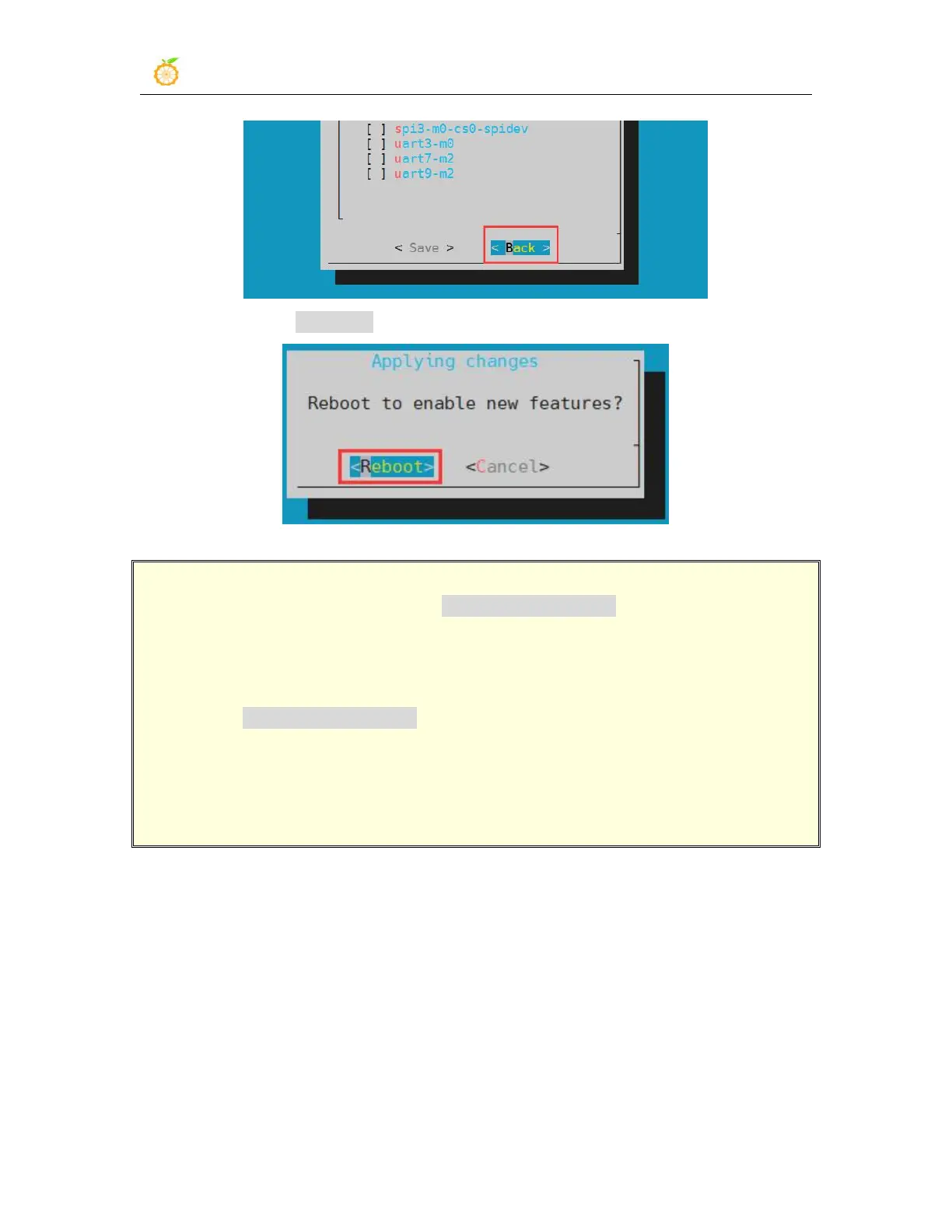
g. Then select <Reboot> to restart the system for the configuration to take effect
The above settings will eventually add the configuration of
overlays=raspi-7inch-touchscreen to /boot/orangepiEnv.txt. After setting, you can
check it first. If this configuration does not exist, then there is a problem with the
settings.
If you find it troublesome to use orangepi-config, you can also use the vim editor
to open /boot/orangepiEnv.txt, and then add the configuration of
overlays=raspi-7inch-touchscreen is also possible.
orangepi@orangepi:~$ cat /boot/orangepiEnv.txt | grep "raspi"
overlays=raspi-7inch-touchscreen #Sample configuration
3) After startup, you can see the lcd screen display as follows:



 To Next Page