range Pi User Manual Copyright reserved by Shenzhen Xunlong Software Co., Ltd
145
6)If you want to specify a different network segment for the connected device, you can
specify it through the -g parameter. For example, use the -g parameter to specify the
network segment of the access point AP as 192.168.2.1.
Note that in the following command, Debian12 needs to modify eth0 to end1.
orangepi@orangepi:~$ sudo create_ap --no-virt -m nat wlan0 eth0 orangepi orangepi -g 192.168.2.1
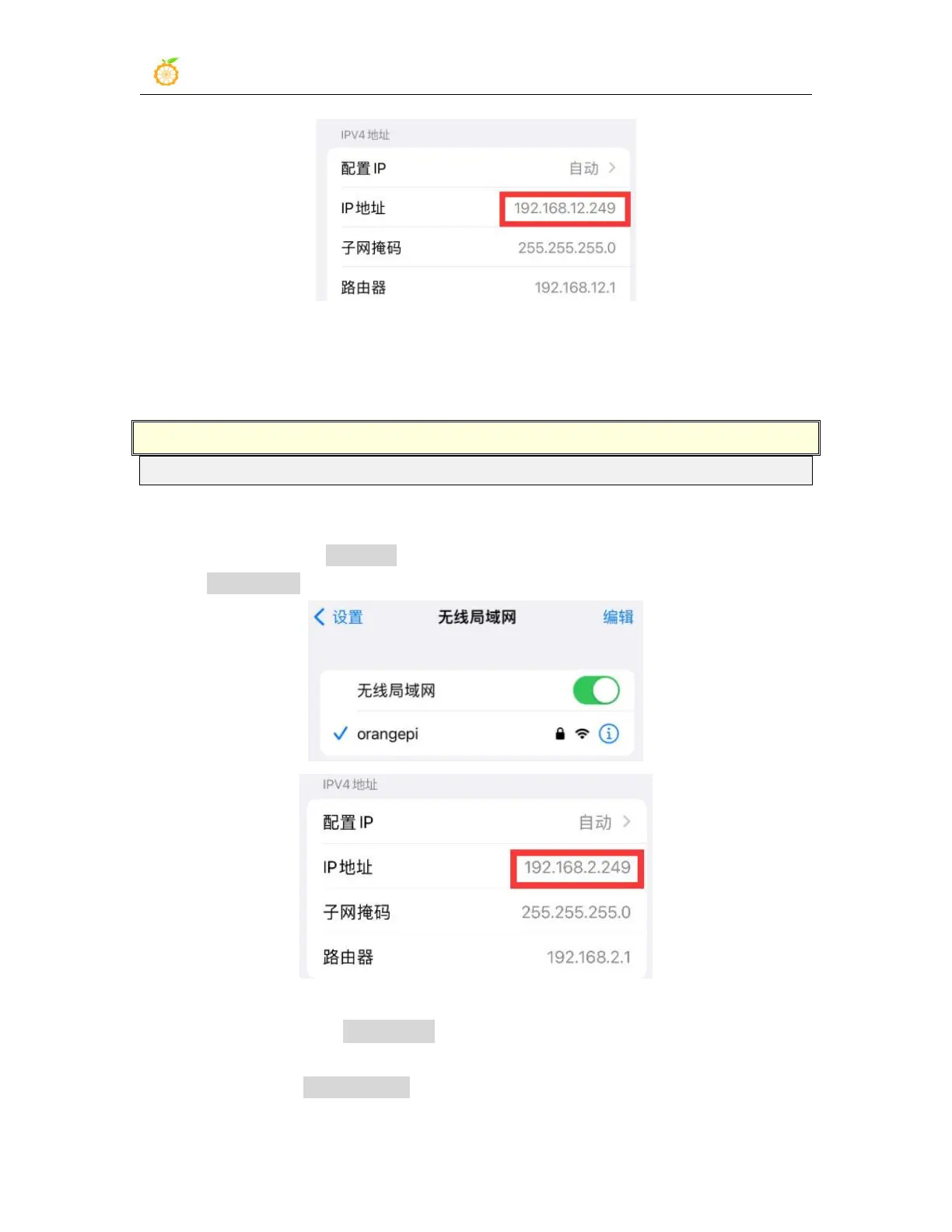
At this time, after connecting to the hotspot through the mobile phone, click on the
connected WIFI hotspot orangepi, and then you can see that the IP address of the mobile
phone is 192.168.2.X
7)Without specifying the --freq-band parameter, the hotspot created by default is in the
2.4G frequency band. If you want to create a hotspot in the 5G frequency band, you can
specify it through the --freq-band 5 parameter. The specific command is as follows



 To Next Page