range Pi User Manual Copyright reserved by Shenzhen Xunlong Software Co., Ltd
240
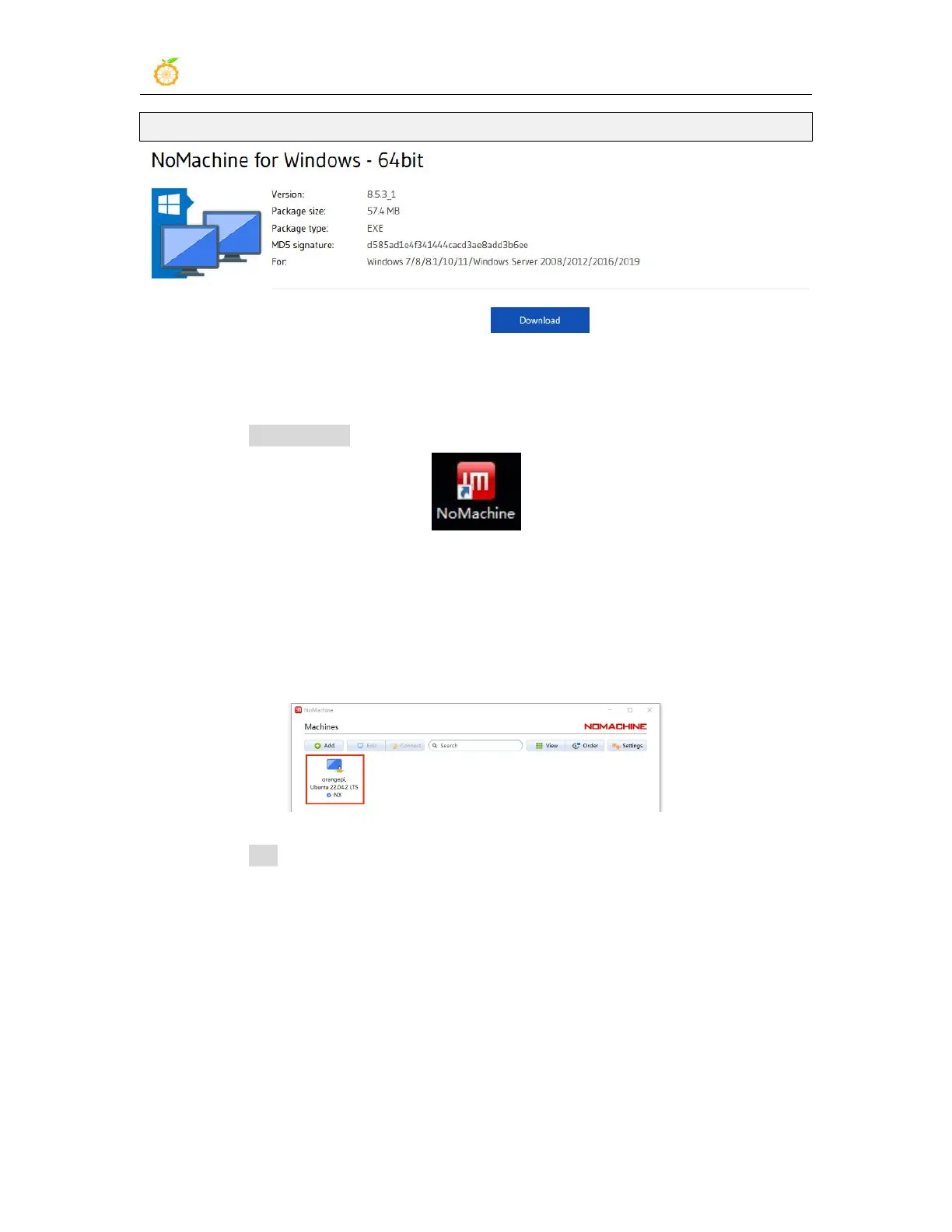
https://downloads.nomachine.com/download/?id=8
3) Then install nomachine in Windows. Please restart the computer after installation
4) Then open NoMachine in Window
5) After NoMachine starts, it will automatically scan other devices installed with
NoMachine in the LAN. After entering the main interface of NoMachine, you can see
that the development board is already in the list of connectable devices, and then click the
position shown in the red box in the figure below You can start to log in to the Linux
system desktop of the development board
6) Then click OK



 To Next Page