range Pi User Manual Copyright reserved by Shenzhen Xunlong Software Co., Ltd
260
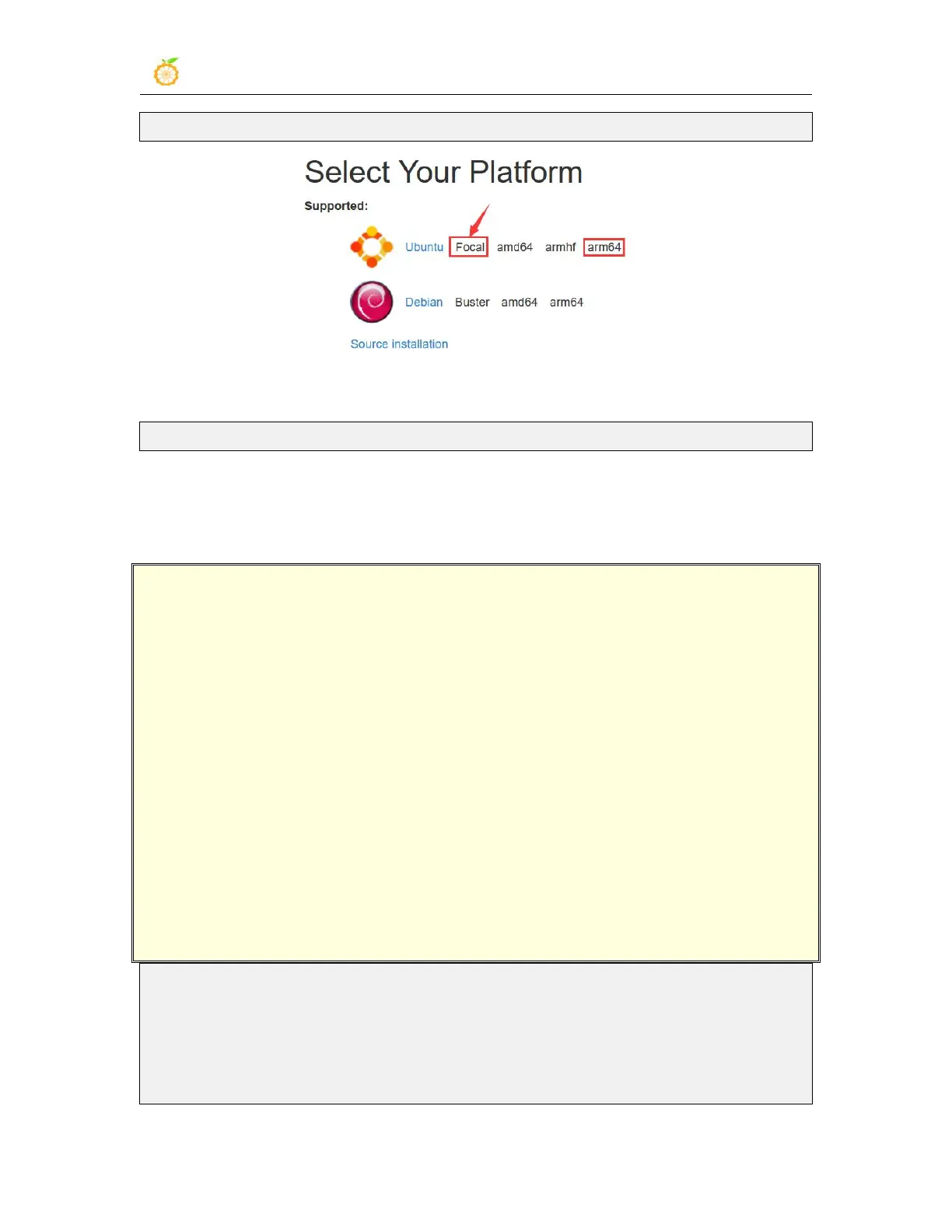
http://wiki.ros.org/noetic/Installation
4) Then use the script below to install ros1
orangepi@orangepi3b:~$ install_ros.sh ros1
5) Before using the ROS tool, you first need to initialize rosdep, and then you can
quickly install some system dependencies and some core components in ROS when
compiling the source code
Note that running the following command needs to ensure that the development
board can access github normally, otherwise an error will be reported due to
network problems.
The install_ros.sh script will try to modify /etc/hosts and automatically run the
following commands. However, this method cannot guarantee normal access to
github every time. If the following error is displayed after installing ros1 in
install_ros.sh, please find other ways to allow the Linux system of the development
board to access github normally, and then manually run the following Order.
https://raw.githubusercontent.com/ros/rosdistro/master/rosdep/osx-homebrew.yaml
Hit https://raw.githubusercontent.com/ros/rosdistro/master/rosdep/base.yaml
ERROR: error loading sources list:
The read operation timed out
orangepi@orangepi:~$ source /opt/ros/noetic/setup.bash
orangepi@orangepi:~$ sudo rosdep init
Wrote /etc/ros/rosdep/sources.list.d/20-default.list
Recommended: please run


 To Next Page