range Pi User Manual Copyright reserved by Shenzhen Xunlong Software Co., Ltd
284
2.1.6 and later.
To solve this problem, we provide a zfs deb package that can be installed normally,
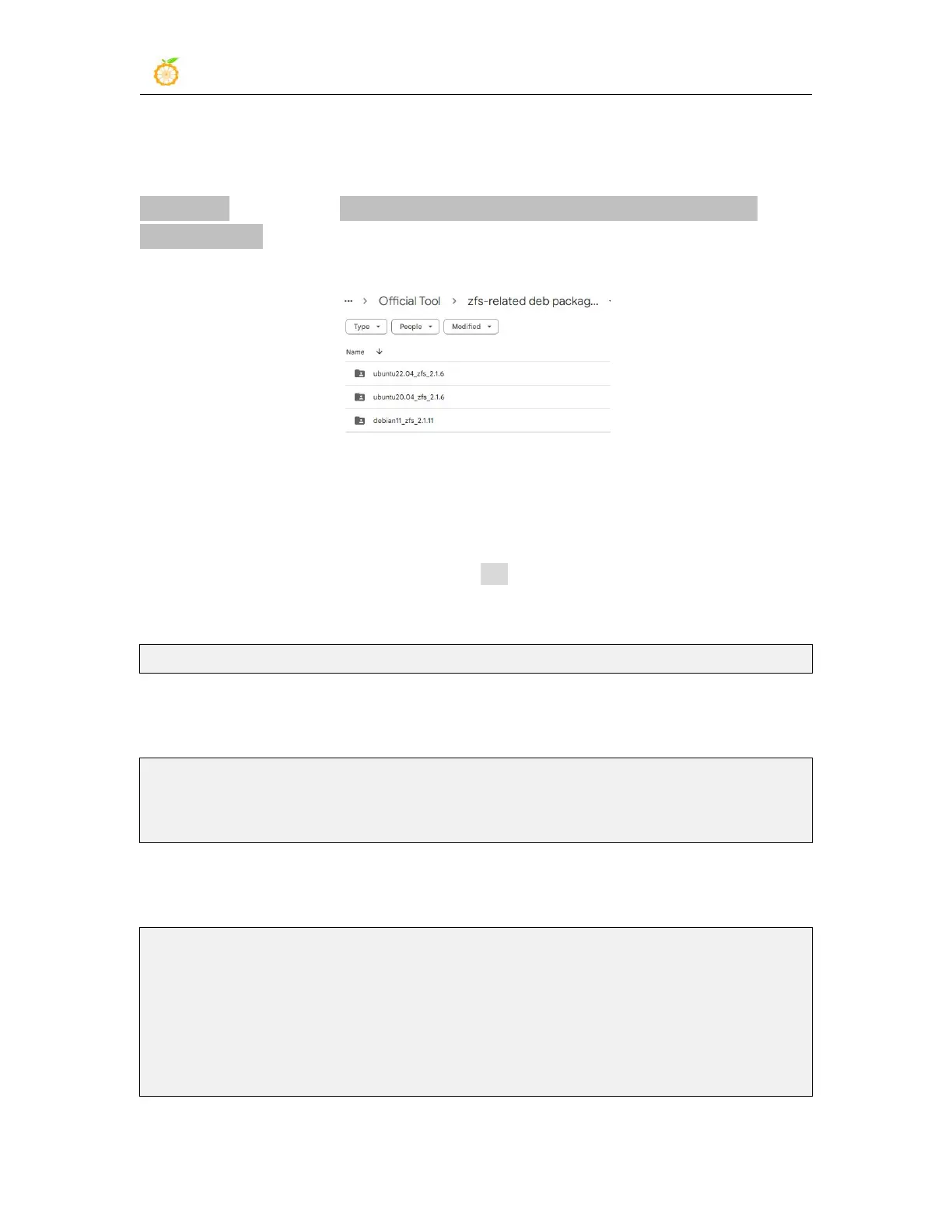
which can be downloaded from the official tool of the development board. Open the
official tool, and enter the zfs-related deb package folders used by Ubuntu and
Debian systems. You can see three types of deb packages: Ubuntu20.04, Ubuntu22.04
and Debian11. Please download the required version.
After downloading the zfs deb packages of the corresponding version, please upload
them to the Linux system of the development board. For the upload method, please refer
to the description in the section of the method of uploading files to the Linux system
of the development board.
After the upload is complete, use the cd command in the command line of the
development board Linux system to enter the directory of the deb package, and then use
the following command to install the deb package of zfs.
orangepi@orangepi:~$ sudo apt install ./*.deb
After the installation is complete, use the following command to see the zfs-related
kernel modules:
orangepi@orangepi:~$ ls /lib/modules/5.10.160-rockchip-rk356x/updates/dkms/
icp.ko spl.ko zavl.ko zcommon.ko zfs.ko zlua.ko znvpair.ko zunicode.ko
zzstd.ko
Then restart the Linux system to see that the zfs kernel module will be automatically
loaded:
orangepi@orangepi:~$ lsmod | grep "zfs"
zfs 2801664 0
zunicode 327680 1 zfs
zzstd 471040 1 zfs
zlua 139264 1 zfs
zcommon 69632 1 zfs



 To Next Page