range Pi User Manual Copyright reserved by Shenzhen Xunlong Software Co., Ltd
331
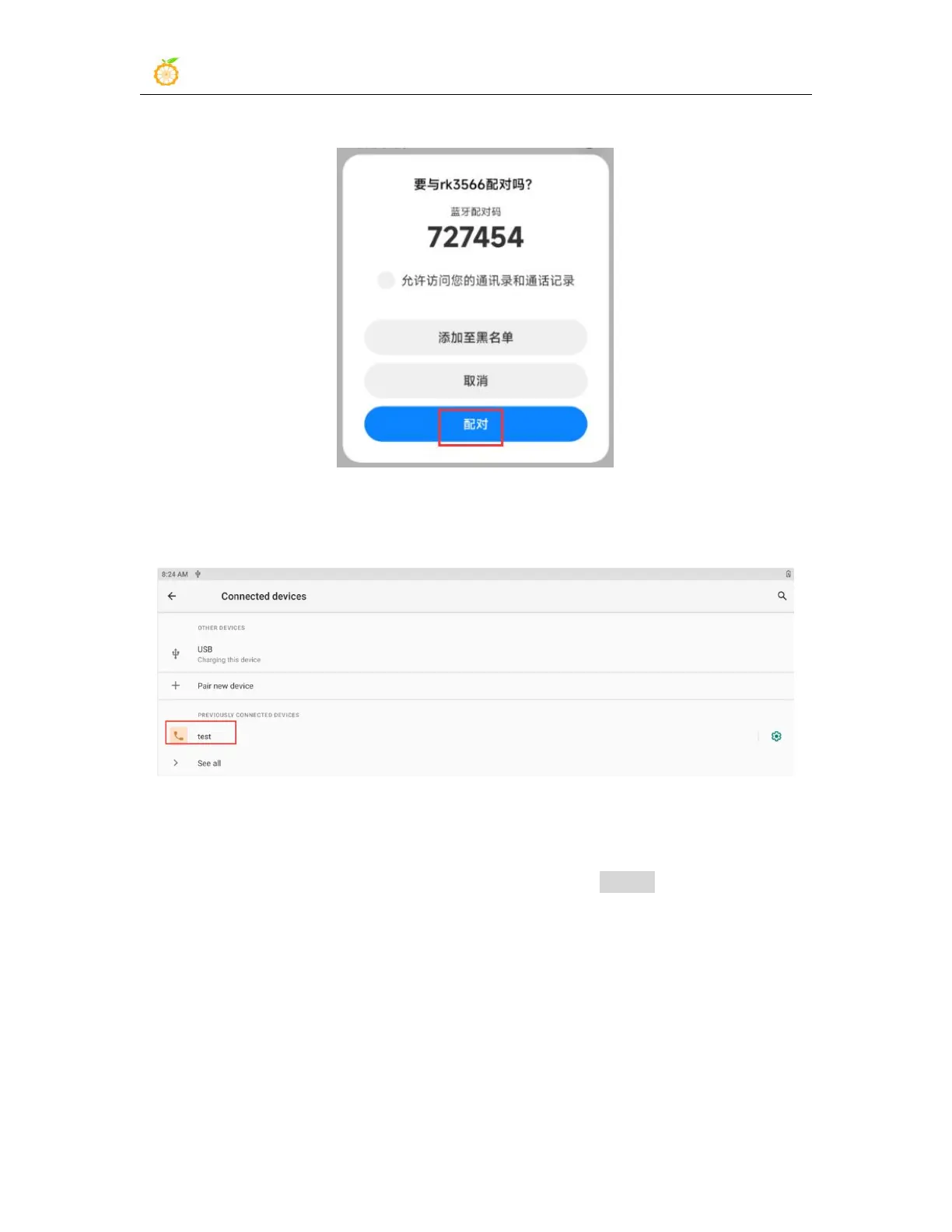
pairing process will start
7) After the pairing is completed, you can see the paired Bluetooth device as shown in
the figure below
8) At this time, you can use the Bluetooth of your mobile phone to send a picture to the
development board. After sending, you can see the following confirmation interface in
the Android system of the development board, and then click Accept to start receiving the
picture sent by the mobile phone.



 To Next Page