range Pi User Manual Copyright reserved by Shenzhen Xunlong Software Co., Ltd
71
m. At this point, you can use the sudo poweroff command to shut down. Then
please pull out the TF card, and then short press the power button to turn on,
then the Linux system in SPIFlash+NVMe SSD will be started.
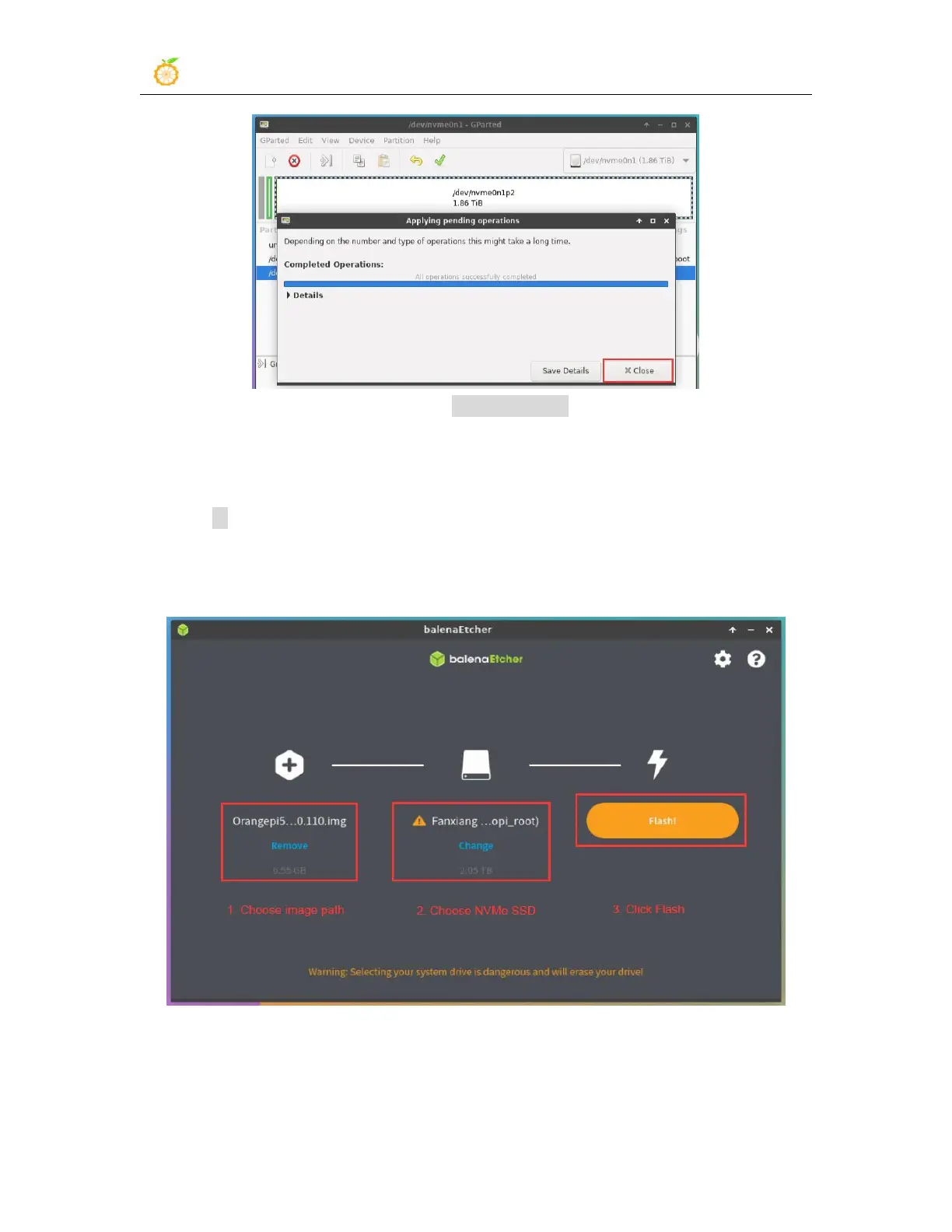
10) Step 9) is to clone the system in the TF card to the NMVe SSD. We can also directly
burn the Linux image file to the NVMe SSD. Here are the steps:
a. Upload the Linux image file to the Linux system of the development board
b. Then use balenaEtcher to burn
c. After using this method to burn the image, there is no need to manually
expand the capacity, and it will automatically expand the capacity at the
first startup.



 To Next Page