March 2006 910-257C
MG2 Series Page 4-25
• Save Key: A Save Key designation is also set in the Waveform
setup (MG2-DL) to allow the user to define the function of the
Save Key. Setting the Save Key to “THK ONLY” will save only
the thickness value when the Save Key is pressed, while setting
the Save Key to “THK + WF” will save the thickness and
waveform when the Save Key is pressed. Note that the MG2-DL
can save approximately 8000 thickness readings or 350
waveforms with thickness.
• Rectification: Allows the user to select the rectification of the
displayed waveform. Selections are Full Wave, Half Neg, Half
Pos, and RF.
• Waveform Fill: Allows the user to show the waveform filled in.
This feature is not available in RF rectification mode.
Note: The WAVEFORM tab is available only if the Waveform
option has been activated on the gage. Please contact
Panametrics-NDT for more information concerning
activating the optional Waveform feature.
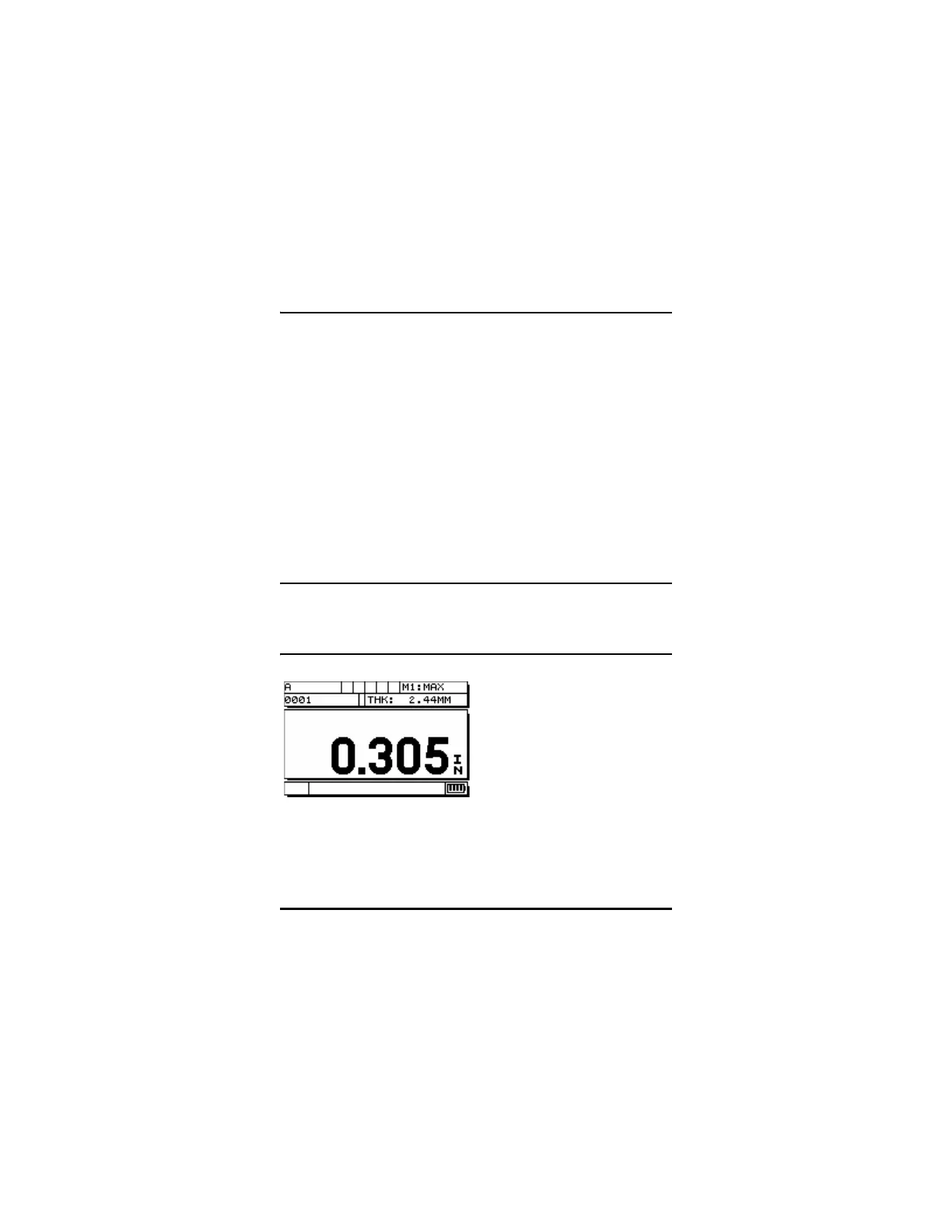
Standard Thickness Display










 To Next Page