910-257C March 2006
Page 4-26 MG2 Series
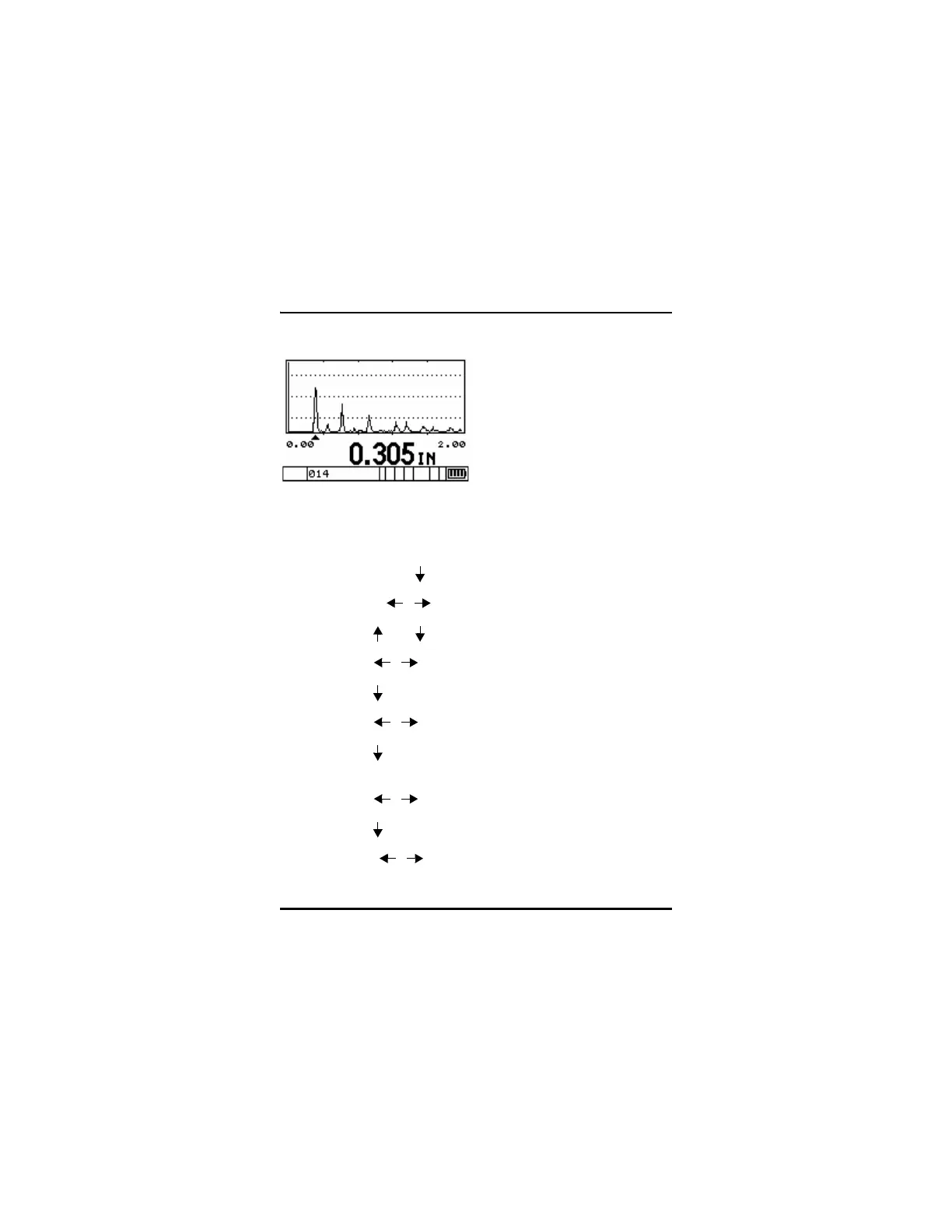
Waveform Display
To activate the optional Waveform, use the following procedure:
Step 1: Press [2
nd
F], [ ] (Setup) to display the Setup tabs.
Step 2: Use the [ , ] keys to select the Waveform tab.
Step 3: Press [ ] or [ ] to scroll to Enable.
Step 4: Press [ , ] to choose On or Off.
Step 5: Press [ ] or [ENTER] to scroll to Zoom.
Step 6: Press [ , ] to choose On or Off.
Step 7: Press [ ] or [ENTER] to scroll to Save Key (MG2-DL
only).
Step 8: Press [ , ] to choose THK ONLY or THK + WF.
Step 9: Press [ ] or [ENTER] to scroll to Rectification.
Step 10: Press [ , ] to choose among Full, Half Neg, Half Pos,
and RF.










 To Next Page