11
NOTE
■ Touch Panel Display Indications
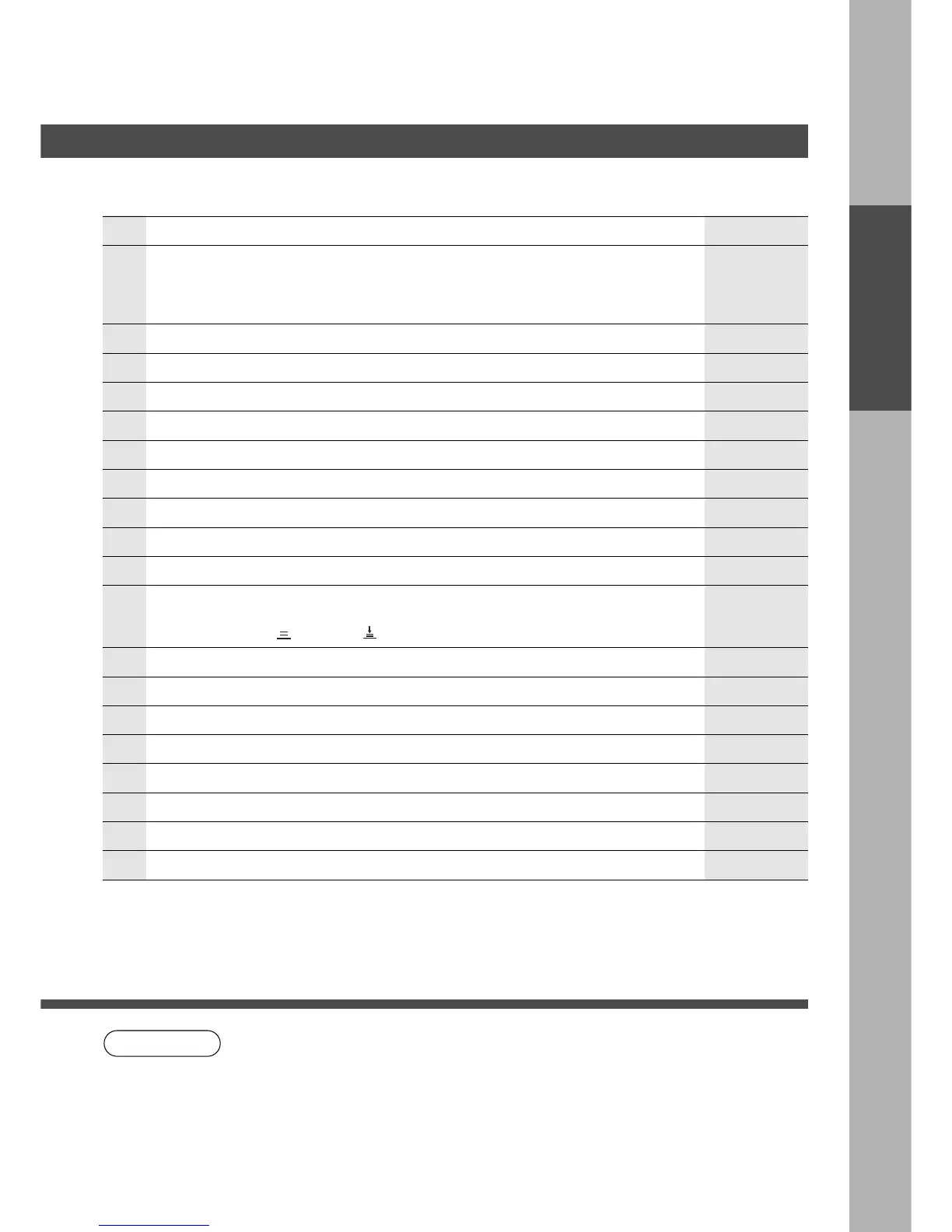
No Contents Refer to
#
Warning indications
?: Add Toner J: Add Paper B: Replace waste toner bottle. 2: Call service
$ SADF/Multi-size Feed Mode indication
% Original Image indication
& Rotate Mode indication*
( Copy paper indication
) Number of copies
* Machine/User Error Code indication (E1-01, U13, etc.,)
+ Function Categories
- Copy Paper Size indication
. Finisher Functions indication
/
Selected Paper Tray and Paper status indication
2: Tray position G : Normal H: Low paper J: Add Paper
Sheet Bypass : Normal : Add Paper
0 Cassette Selection Key
1 Manual Exposure Select keys (Light and Dark)
2 Original Mode Select key (Text/Text/Photo/Photo)
3 Job Status Key
4 Auto Exposure Key
5 Exposure Indicator (7 steps)
6 Copy Ratio indication
Control Panel
7 Original Size indication
P.73 – 77
P.93
P.26, 58
———
———
———
———
P.93
P.15 – 39
———
P.59, 62, 67, 72
———
P.13
P.12
P.12
P.12
———
———
———
———
∗
When making copies in A4 (B) if the cassette runs out paper, the copier will
automatically select the A4R (C) cassette and rotate the image to said.
However, the function is not available if any problem occurs by the image rotation
function in the middle of copy operation. (Duplex/Original → copy, Insertion job,
Sort/Finish mode, etc.)
Control Panel










 To Next Page