47
User Preset
NOTE
User Preset
OK
35 Hard disk backup
36 System version update
37 User ID input
38 User info. list print
39
8/9
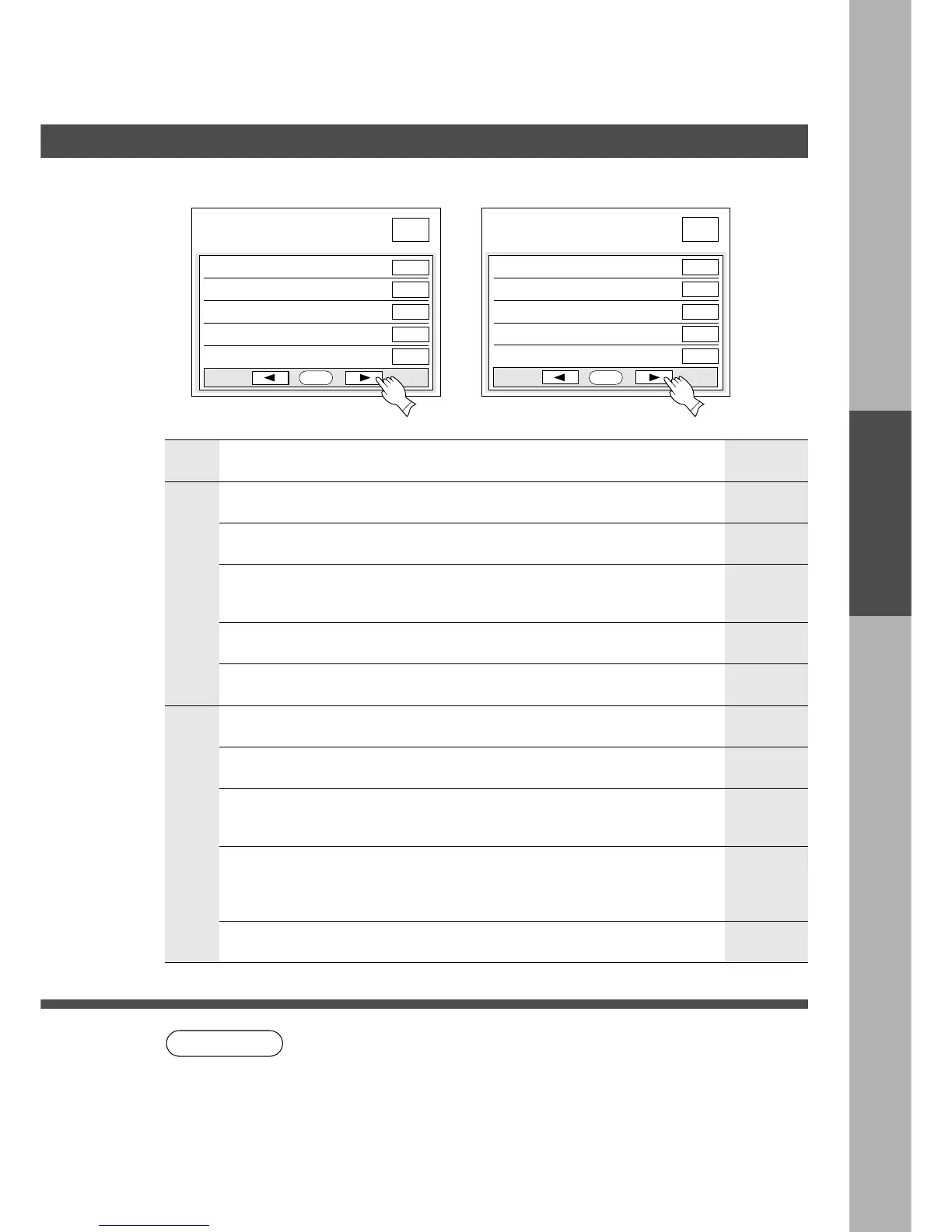
User preset mode; general
select item
Stop
Stop
Yes
Stop
OK
33 Backup to RMV media
34 Restore from RMV media
7/9
User preset mode; general
select item
30
Hard disk backup select
31 Hard disk backup time
32 Hard disk backup day
Manual
Sunday
Stop
Stop
■■
■■
■ Input key operator ID code to change settings.
Screen
No.
Modes Initial settingFunction
7/9
30 Hard disk backup select
∗
Selects the Hard disk backup method
C Auto, Manual
31 Hard disk backup time
∗
Selects the backup to removable media
C Stop, Start
33 Backup to RMV media
34 Restore from RMV media
∗
Sets the Hard disk backup time
C Hour: minute
∗
Selects the Hard disk backup day
C Sunday, Monday, Tuesday, Wenes.,
Thursday, Friday, Saturday, Everyday
32 Hard disk backup day
∗
Selects the restore from removable media
C Stop, Start
∗
Selects the hard disk backup manually
C Stop, Start
8/9
35 Hard disk backup
36 System version update
∗
Selects the system version update
C Stop, Start
37 User ID input
Sunday
Stop
Stop
Stop
Stop
Manual
∗
Selects the user ID input to use without ID
card
C No, Yes
Ye s
38 User info. list print
∗
Allows printing user information
(User name, department, Tel No., user ID
number, password)
C Stop, Start
Stop
39 (Reserved)
∗
Not needed in copying mode, but needed when installing options for
advanced functions (see page 99).
C It is necessary to input key operator ID code before changing items on this
page.
C RMV is 100MB Zip Disk










 To Next Page