70
Options
1
2
5
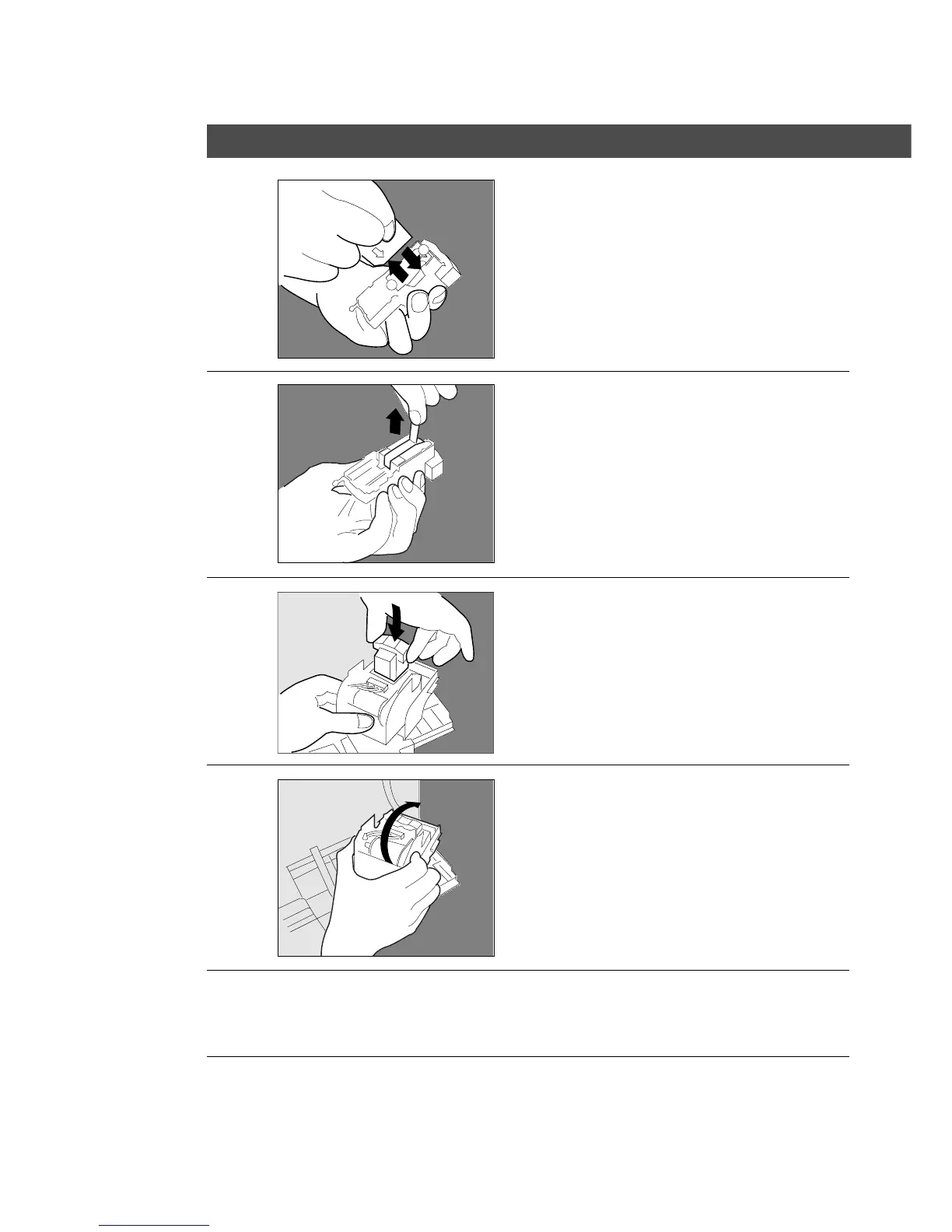
# Remove the empty staple case.
$ Install the new staple case.
6
Pull out the tape.
7
Insert the staple cartridge.
8
Return the stapler unit to the
original position.
9
# Close the stapler cover.
$ Return the finisher to the original
position.
10
Check the operation
Select the staple-sort mode with control
panel and print the desired data.










 To Next Page