29
Zoom/Effects
MULTI-SIZE
FEED
USER
PRESET
SORT/
FINISH
ENERGY
SAVER
INTERRUPTMANUAL RESET
1 32
4 65
7 98
#0
A3
FLS•B4
A5
A4
A4
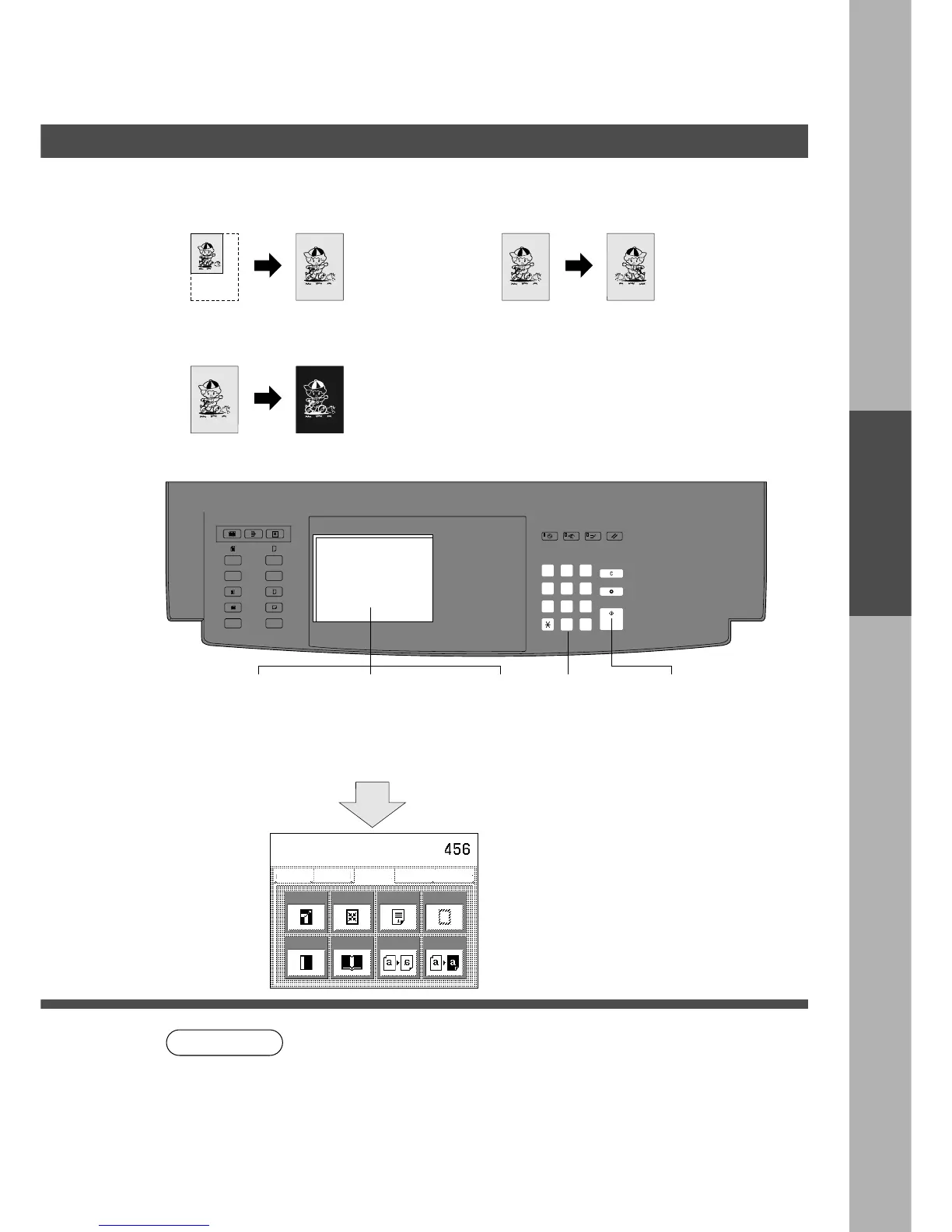
Centering/Mirror/Inverse copy
■■
■■
■ Centring
Copy image can be centred
automatically on selected paper.
■■
■■
■ Mirror
A mirror image can automatically
be made.
■■
■■
■ Inverse
Negative/Positive image can be
made for interesting effects.
■■
■■
■ Procedure
NOTE
Zoom/Effects
1
Position
original
Basic Menu
ZOOM/EFFECTS
INSERTION JOB
Job memory
BASIC MENU
ZOOM/
EFFECTS
INSERTION
JOB
JOB
MEMORY
DUPLEX/
ORIG. --> COPY
Margin
Zoom
Centering
Page
Numbering
Edge
Book
Mirror
Inverse
Select function
∗
In centring mode, make copies with ADF/i-ADF or platen cover open.
Remove the originals from the ADF/i-ADF before selecting the centring
mode.
C Incorrect original position detection may occur if any strong light shines onto
the platen glass during the centring mode.
C To reset a mode selected using the menu, touch Cancel key on the touch
panel.
Press Start
2
Select Zoom/
Effect mode
3 4
Select
paper
5
Number of
copies
(Up to 999)
6
Select Centring,
Mirror or Inverse
(On the platen
when centering*)
Centring only










 To Next Page