41
User Preset
OK
05 Hard disk status
06 Departmental counter
07 Page numbering style
08 Hole punch default
09 Key operator mode
2/2
User preset mode; general
select item
-n-
OFF
OK
00 Finisher mode default
01 Staple position Front
Nonsort
02 Power on default mode
03 Manual add toner
04 User information change
OFF
1/2
User preset mode; general
select item
Copy
User Preset
■■
■■
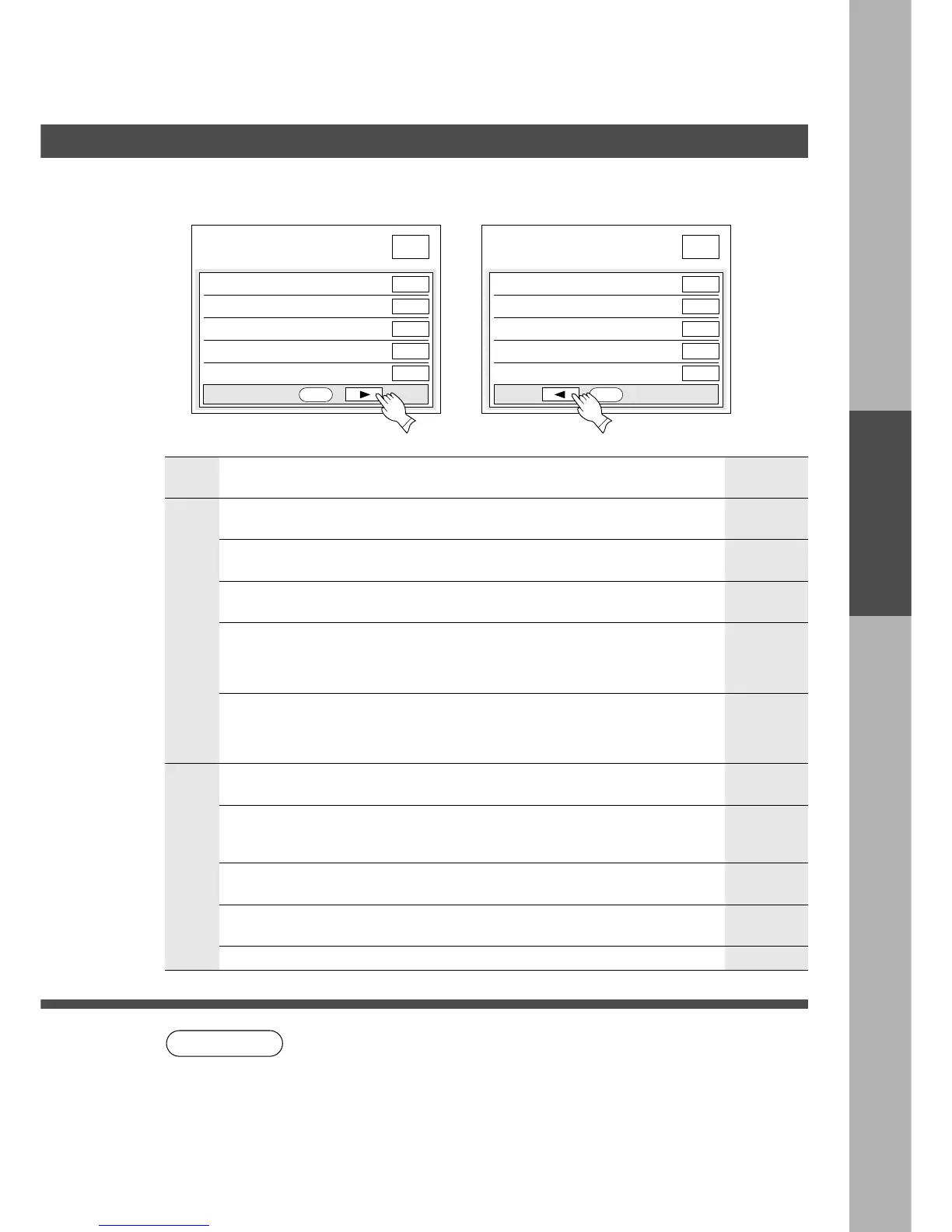
■ User Preset modes allow you to change the initial copy mode, if
necessary.
Screen
No.
Modes Initial settingFunction
1/2
00 Finisher mode default Selects finisher mode.
C Non-sort, Sort, Sort/Staple, Group
Selects staple position.
C Front, Rear, Booklet
∗
Allows changing user information as determined
by operator. After user ID is entered or card is
inserted, the following items can be changed.
C User ID, Password.
01 Staple position setting
04 User information change
Non-sort
2/2
∗
Hard disk condition will indicate on the
screen for 3 seconds.
05 Hard disk status
Copy usage and copy limit of selected
department and total copy usage will appear
on the screen for 3 seconds.
06 Departmental counter
Selects numbering style
C -n- or n/m (ex: -1- or 1/10)
07 Page numbering style
∗
Selects mode.
C Copy or Filing
02 Power on default mode
Allows the addition of toner as determined by
operator. Toner is rapidly added after selecting
ON and touching OK.
C OFF, ON
03 Manual add toner
Front
Copy
OFF
NOTE
-n-
08 Hole punch default OFF
09 Key operator mode
Selects hole punch mode
C OFF, ON
Input key operator ID code.
∗
Not needed in copying mode, but needed when installing options for
advanced functions (see page 99).
General Functions










 To Next Page