84
Handling
ATTENTION
F
■■
■■
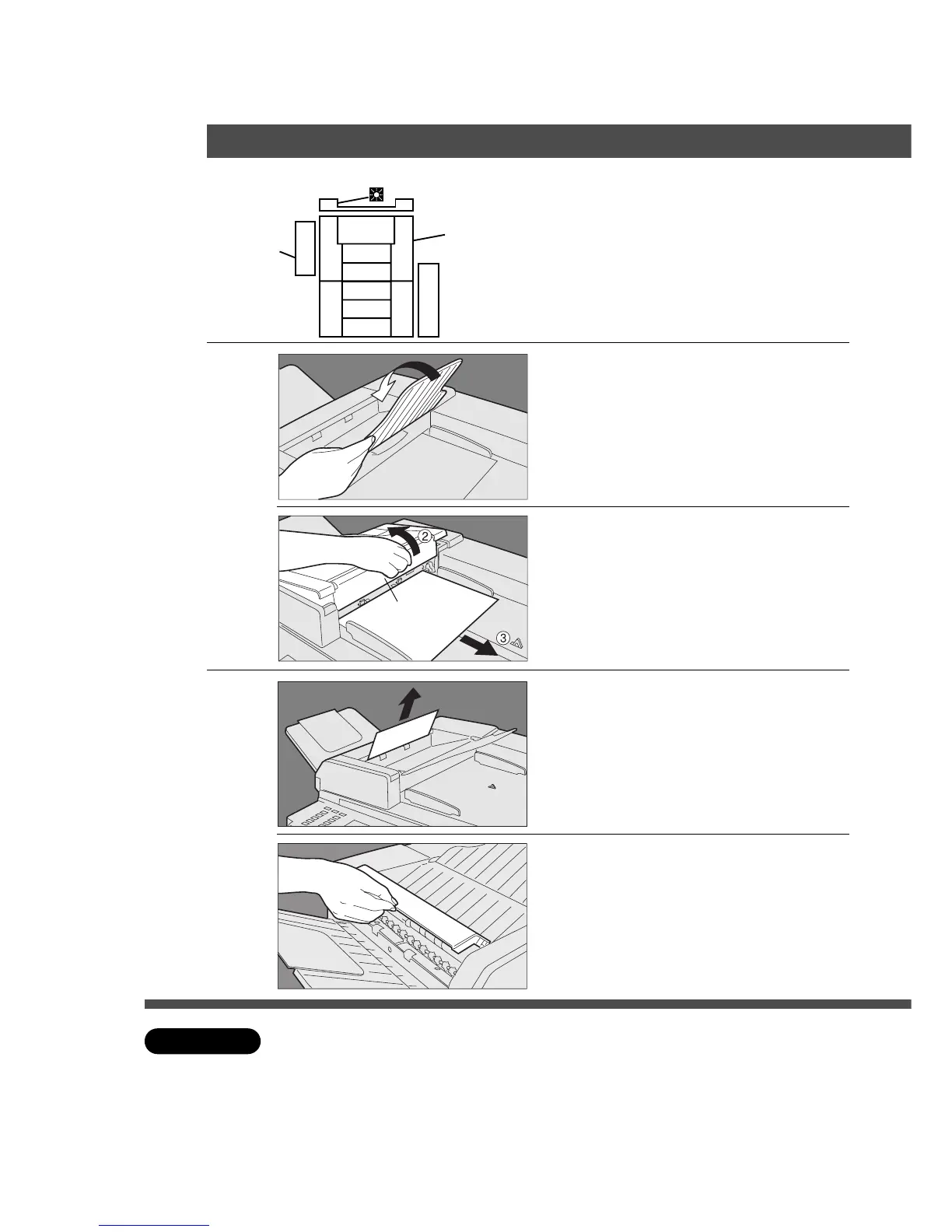
■ ADF
C Check that the paper misfeed indicator disappears.
1
Paper feed unit
# Close exit tray.
$ Open the paper feed cover.
% Remove the misfed paper.
& Close the paper feed cover.
( Put exit tray back.
2
Paper exit
# Open the paper feed cover.
$ Remove the misfed paper.
% Open exit cover.
& Make sure no paper remains.
( Close exit cover.
Paper Feed Cover










 To Next Page