44
NOTE
General Functions for Key Operator
User Preset
∗
Not needed in copying mode, but needed when installing options for advanced
functions (see page 99).
C It is necessary to input operator ID code before changing items on this page.
OK
05 Special paper tray 1
06 Special paper tray 2 None
None
07 Finisher bin function
08 Auto paper out rotate
09
C/F/P
OFF
2/9
User preset mode; general
select item
OK
00 Paper size
01 Auto reset time 1 min.
02 Energy saver time
03 Auto off time
04 Language default
15 min.
English
1/9
User preset mode; general
select item
60 min.
■■
■■
■ Input key operator ID code to change settings.
Screen
No.
Modes Initial settingFunction
1/9
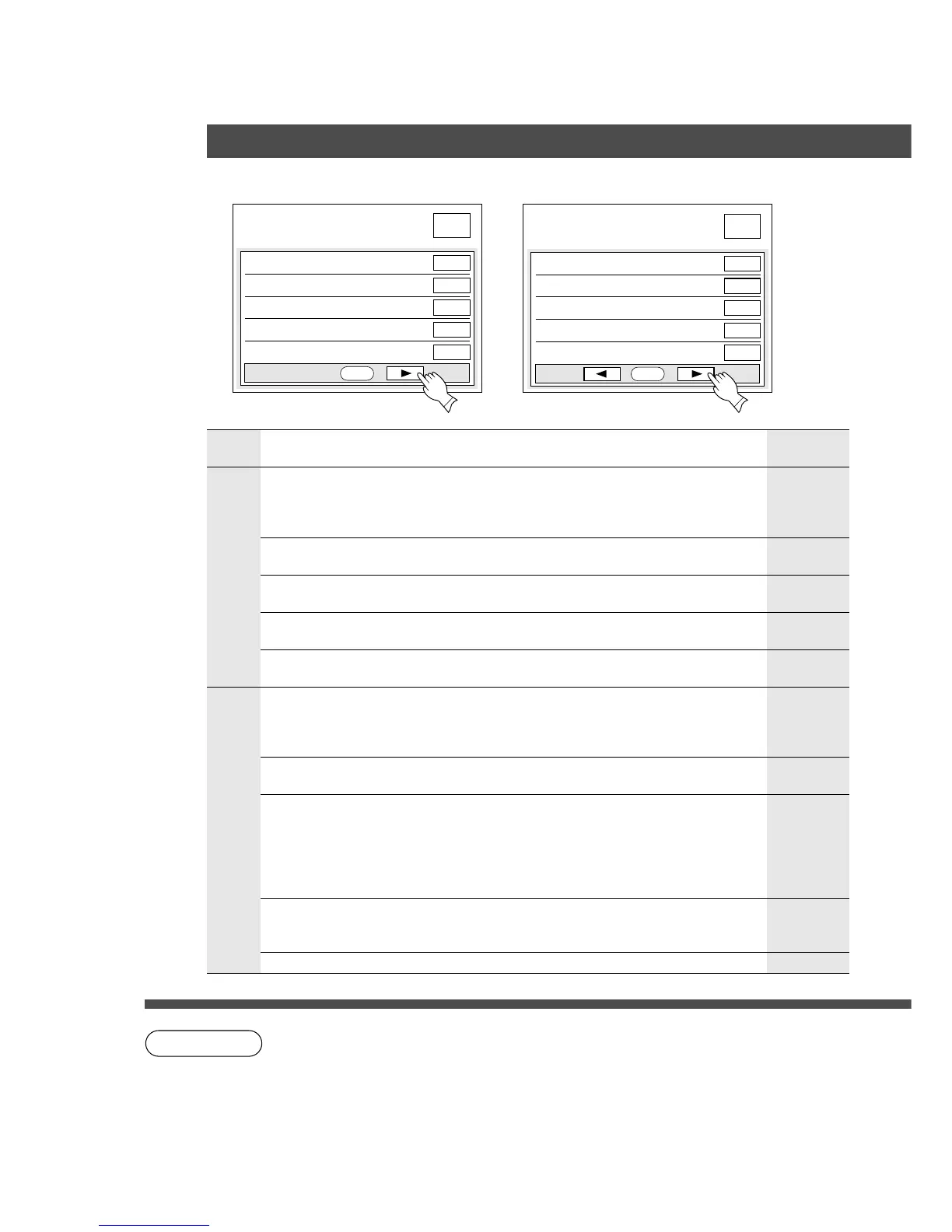
00 Paper Size Sets the paper size of each paper drawer.
C A3, B4, A4, A4-R, B5, B5-R, A5, FLS1,
FLS2, Ledger, Legal, Letter, Letter-R,
Invoice
Selects the reset time.
C None, 45 seconds, 1 minute, 2 minutes
Selects the message language of the display.
C Japanese, English, French, Spanish
01 Auto reset time
04 Language default
Contact
your
service
provider.
2/9
Sets the paper drawer for special paper (eg:
coloured).
C None, Copier upper, Copier lower, System
Console Upper, Middle Lower, LCC, Bypass
05 Special paper tray 1
06 Special paper tray 2
None
NoneSets another paper drawer for special paper.
C Same as above
Selects the energy saver time.
C 5/15/30/60 minutes, 1.5/3/4 hours
02 Energy saver time
Selects the Auto off time.
C No, 15/30/60 minutes, 1.5/3/4 hours
03 Auto off time
1 minute
15
minutes
60
minutes
English
∗
Selects stack position for 3 bin finisher
(For FA-F350/F355: Top/Middle/Lower,
For FA-F365: Top/Lower/Invalid)
C C1/C2/P C2/P/C1
C1/P/C2 P/C1/C2
C2/C1/P P/C2/C1
07 Finisher bin function
C1: Copy, Filing
(1st priority)
C2: Copy, Filing
(2nd priority)
P : Printer
C1/C2/P
Copier will automatically rotate image and
print when selected paper drawer is empty.
C OFF, ON
08 Auto paper out rotate OFF
09 (Reserved)










 To Next Page