43
OK
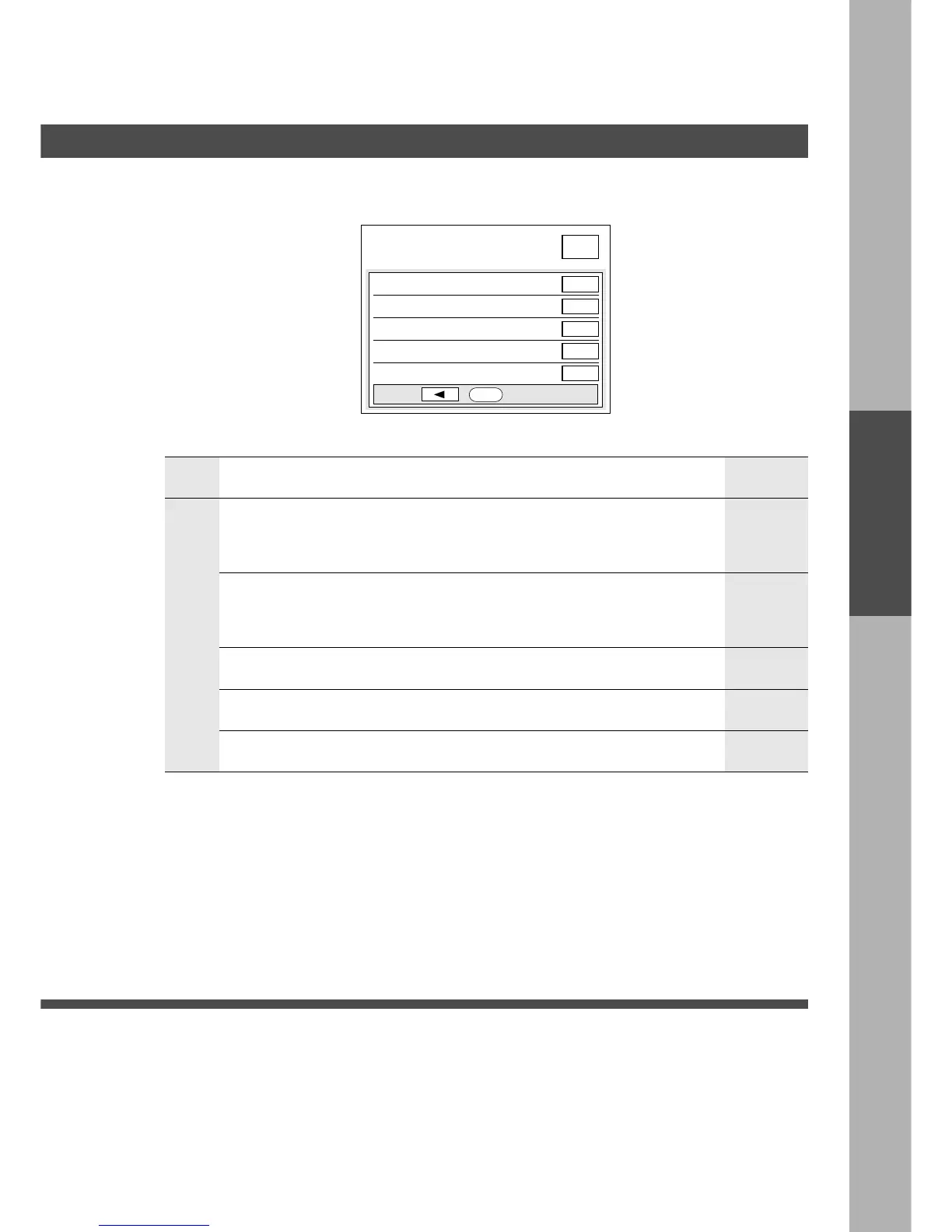
10 Skyshot paper selection
11 Booklet scanning 1 time
12
13
14 Key operator mode
3/3
User preset mode; copier
select item
User Preset
■■
■■
■ User Preset modes allow you to change the initial copy mode, if
necessary.
Screen
No.
Modes Initial settingFunction
3/3
10 Skyshot paper selection Select skyshot operation.
When the Parallel function is selected in the
06 Digital skyshot setting (See page 42).
C Matching, Auto
Input key operator ID code.
11 Booklet scanning
14 Key operator mode
12 (Reserved)
13 (Reserved)
Select booklet scanning operation.
(For FA-F365)
C 1 time (less than 50 originals), Open (more
than 51 originals)*
1 time
Matching
∗
For Example: 60 originals
1st step: Position originals of page 11 to 60.
2nd step: Position originals of page 1 to 10.
User Preset










 To Next Page