32
NOTE
Insertion Job
■■
■■
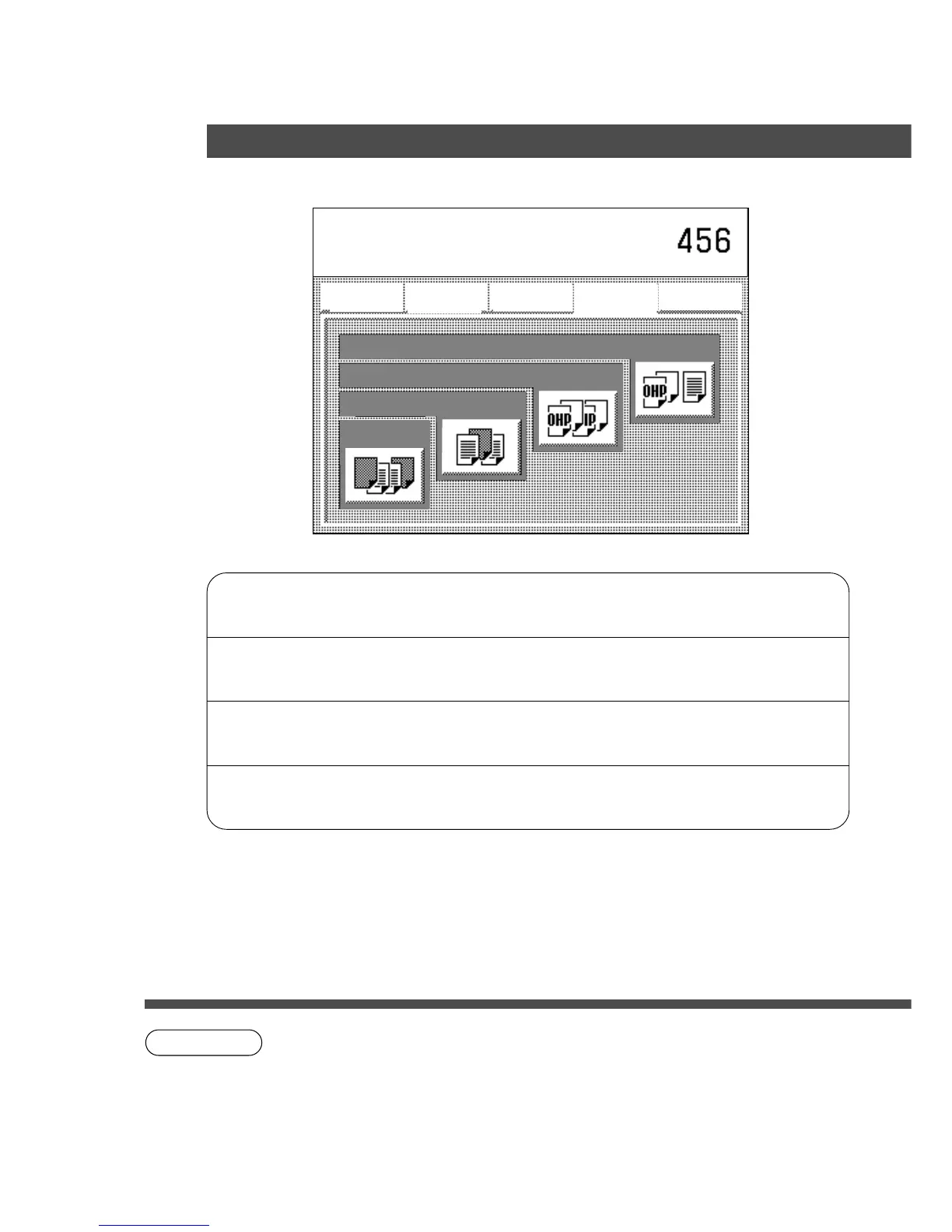
■ Initial Screen
C Touch the desired key to select the function.
Cover
Adds cover page(s) to the copies. ⇒ See P.33
Page insertion
Inserts paper between the copies. ⇒ See P.33
OHP interleaving
Inserts paper between OHP film. ⇒ See P.34
Presentation
Inserts paper between OHP film and
makes copied sets for hand-outs.
⇒ See P.34
C The i-ADF/ADF is required for Insertion Job.
C To reset Insertion job, press reset key.
Basic Menu
ZOOM/EFFECTS
INSERTION JOB
Job memory
BASIC MENU
DUPLEX/
ORIG. --> COPY
ZOOM/
EFFECTS
INSERTION
JOB
JOB
MEMORY
Select function
Presentation
OHP interleaving
Page insertion
Cover










 To Next Page