50
OK
15
16 Memory overflow warning Print
17 Document save default
18 Image data memory time
19
4/4
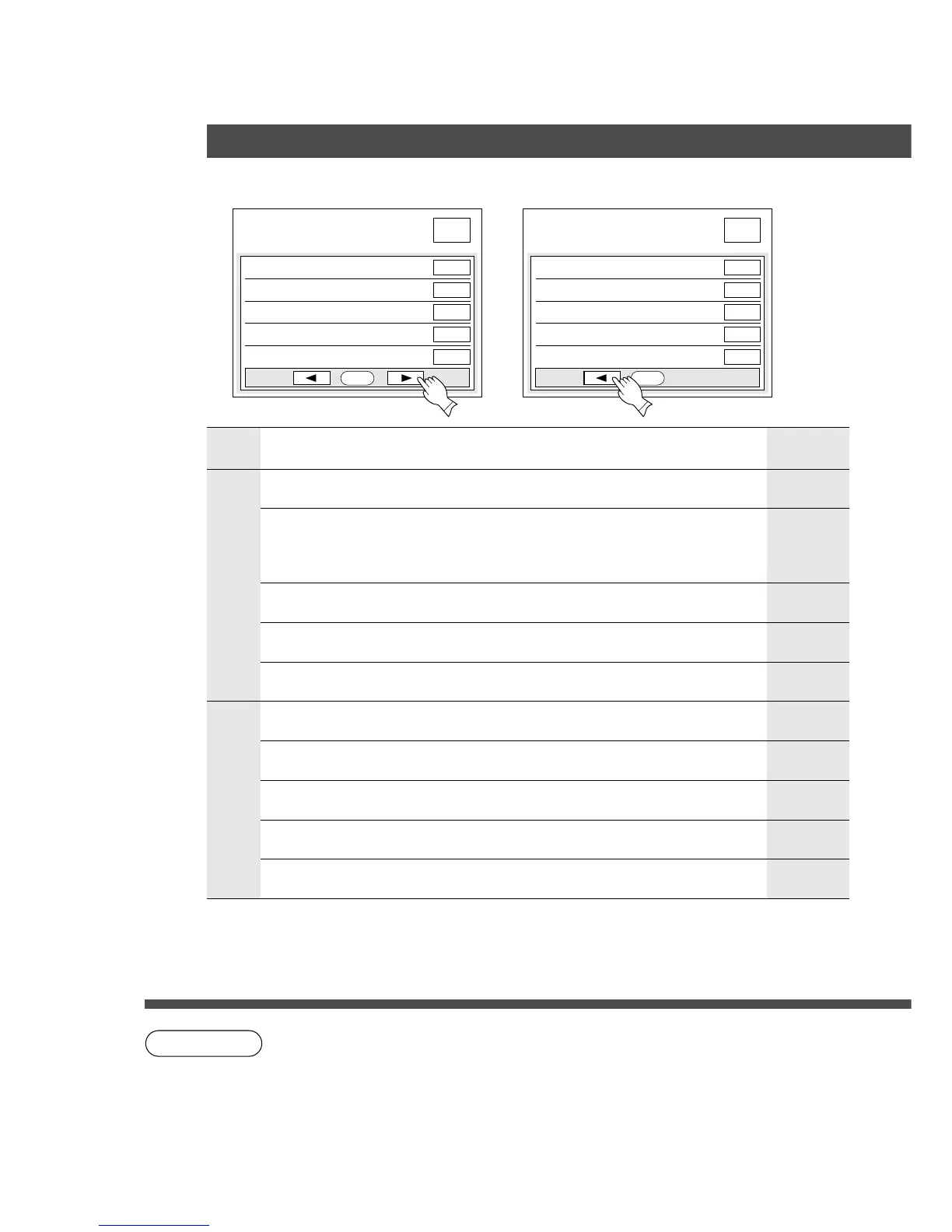
User preset mode; copier
select item
No
20min.
OK
10 Maximum copy setting
11 Multisize rotation No
OFF
12 M1, size
13 M2, size
14 Text mode sharpness
70 × 160
95 × 220
Medium
3/4
User preset mode; copier
select item
NOTE
■■
■■
■ Input key operator ID code to change settings.
Screen
No.
Modes Initial settingFunction
3/4
10 Maximum copy setting Determines whether to limit number of copies
(1-99) or not
11 Multisize rotation
Input a size in memory 2 for frequent usage
size. (X: width, Y: Length)
OFF
(No limit)
13 M2, size
95 × 220 mm
(X) (Y)
14 Text mode sharpness Selects sharpness for Text mode
C light, normal, dark
No
rotation
When using the same size paper in Multi-size
feeding mode, select the paper direction by
rotating or not.
C No, Yes
70 × 160 mm
(X) (Y)
Input a size in memory 1 for frequent usage
size. (X: width, Y: Length)
12 M1, size
4/4
15 (Reserved)
Medium
16 Memory overflow
warning
Selects the memory overflow warning
C Print, Cancel
Print
17 Document save default
∗
Selects the document save default
C No, Yes
18 Image data memory time
19 (Reserved)
∗
Not needed in copying mode, but needed when installing options for advanced
functions (see page 99).
C It is necessary to input key operator ID code before changing items on this page.
Copier Settings for Key Operator
User Preset
No
C Keep, 3min., 5min., 10min., 20min., 30min. 20min.










 To Next Page