40
MULTI-SIZE
FEED
USER
PRESET
SORT/
FINISH
ENERGY
SAVER
INTERRUPTMANUAL RESET
1 32
4 65
7 98
#0
A3
FLS•B4
A5
A4
A4
NOTE
■■
■■
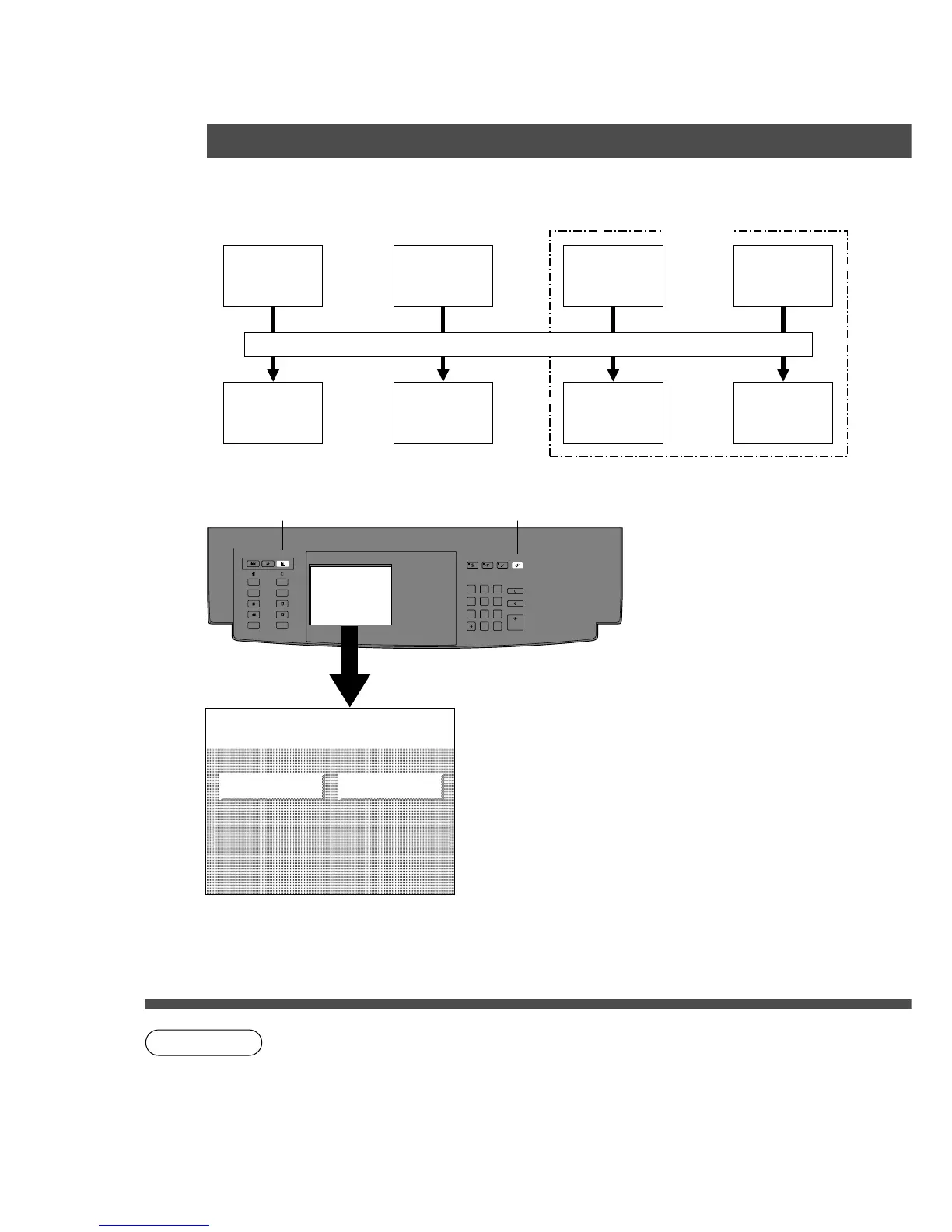
■ User Preset modes allow you to change the initial copy mode, if
necessary.
General
Functions
General
Functions for
Key Operator
Copier
Settings
Copier
Settings for
Key Operator
File Settings
File Settings
for Key
Operator
Printer
Settings
Printer
Settings for
Key Operator
■■
■■
■ Procedure
User Preset Key Reset Key
# Press User Preset Key.
C Setting menu will appear on the display.
$ Select one of four functions.
C File and Printer settings are optional.
% Select mode
C Input ID code for key operator settings.
& Follow the on screen instructions.
( After setting, touch OK key in Display Panel.
) Press User Preset key or Reset key, then exit
User preset mode.
Input Identification Code
Options
User Preset
User preset mode
Select function
GENERAL FUNCTIONS COPIER SETTINGS
C Please refer to each operation guide for file settings and printer settings.










 To Next Page