34
MULTI-SIZE
FEED
USER
PRESET
SORT/
FINISH
ENERGY
SAVER
INTERRUPTMANUAL RESET
1 32
4 65
7 98
#0
A3
FLS•B4
A5
A4
A4
■■
■■
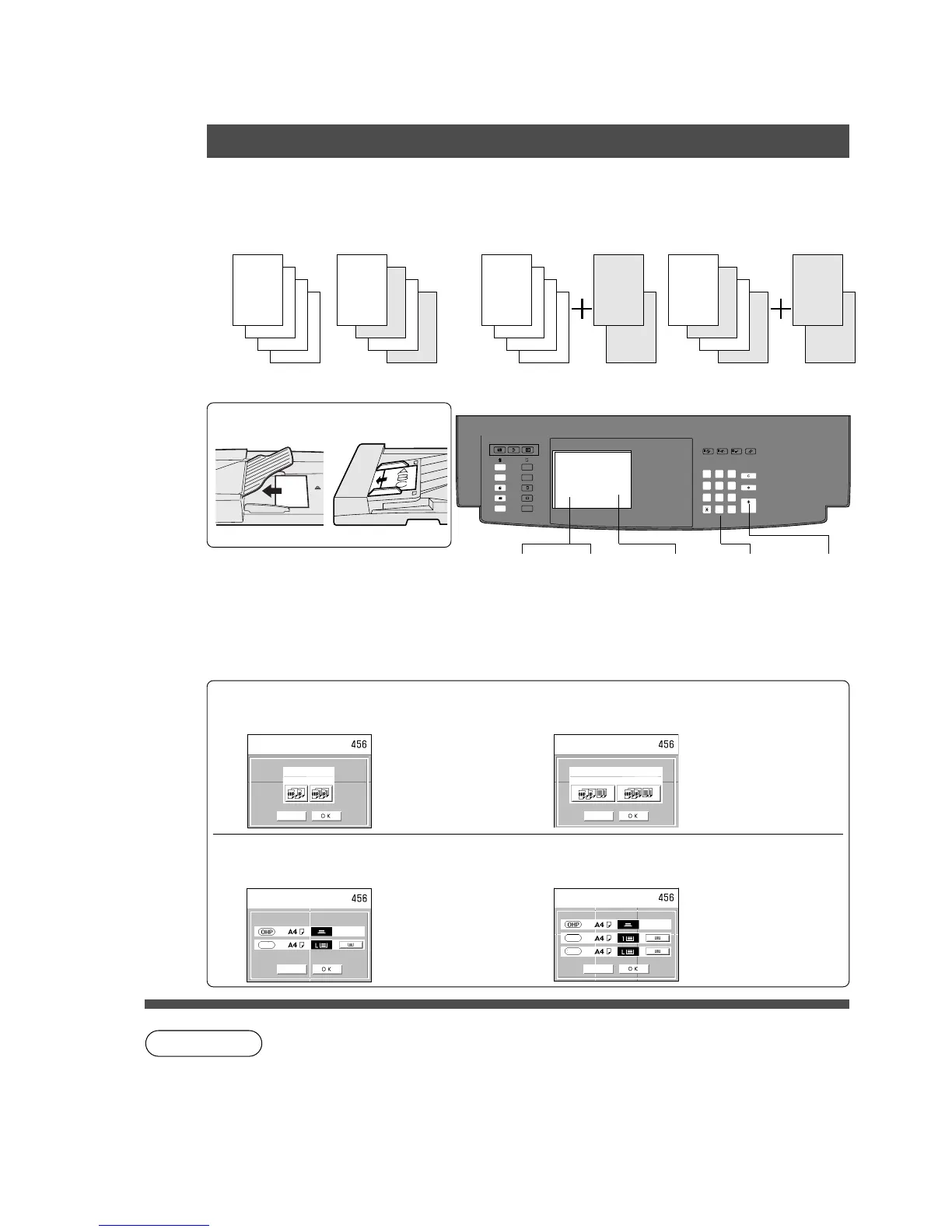
■ OHP interleaving
Inserts paper between OHP
film.
Blank Paper Copied Paper
■■
■■
■ Presentation
Inserts paper between OHP film and makes copied sets
for hand-outs.
Blank Paper + Copies
Copied Paper + Copies
■■
■■
■ Procedure
ADF i-ADF
2
OHP
1
(2)
(1)
OHP
2
OHP
1
OHP
Insertion Job
OHP Interleaving/Presentation
NOTE
Cancel
Blank
Copy
Presentation
CANCEL
OHP interleaving
Select mode
Press OK
CANCEL
Presentation
Blank insert
Copy insert
Select mode
Press OK
Face-Down Face-Up
1
Place OHP
(Sheet Bypass)
2
Place
originals
3
Select
Insertion
Job mode
4
Select
blank/copy
paper
5
Select
cassette
6
Number of
copies
7
C To reset a mode selected using the menu, touch Cancel key on the touch
panel.
4
OHP interleaving
Select blank/copy and touch OK key
Presentation
Select blank/copy insertion and touch OK
key
5
OHP interleaving
Select cassette
Presentation
Select cassette
Press
Start
CANCEL
Confirm selection
Press OK
Page
insert
2
OHP
1
(2)
(1)
OHP
2
OHP
1
OHP
(1)
(2)
(1)
(2)
Copy
CANCEL
Page
insert
Confirm number of copies,
paper tray
Press OK










 To Next Page