61
NOTE
Options
C If the unit fails to staple after replacing the staple
cartridge follow the instructions below.
# Remove the staple cartridge.
$ Pull down the stapler towards you.
% Press the release knob and swing the staple jam
lever back and forth.
If the unit still fails to work, contact your service
provider.
1
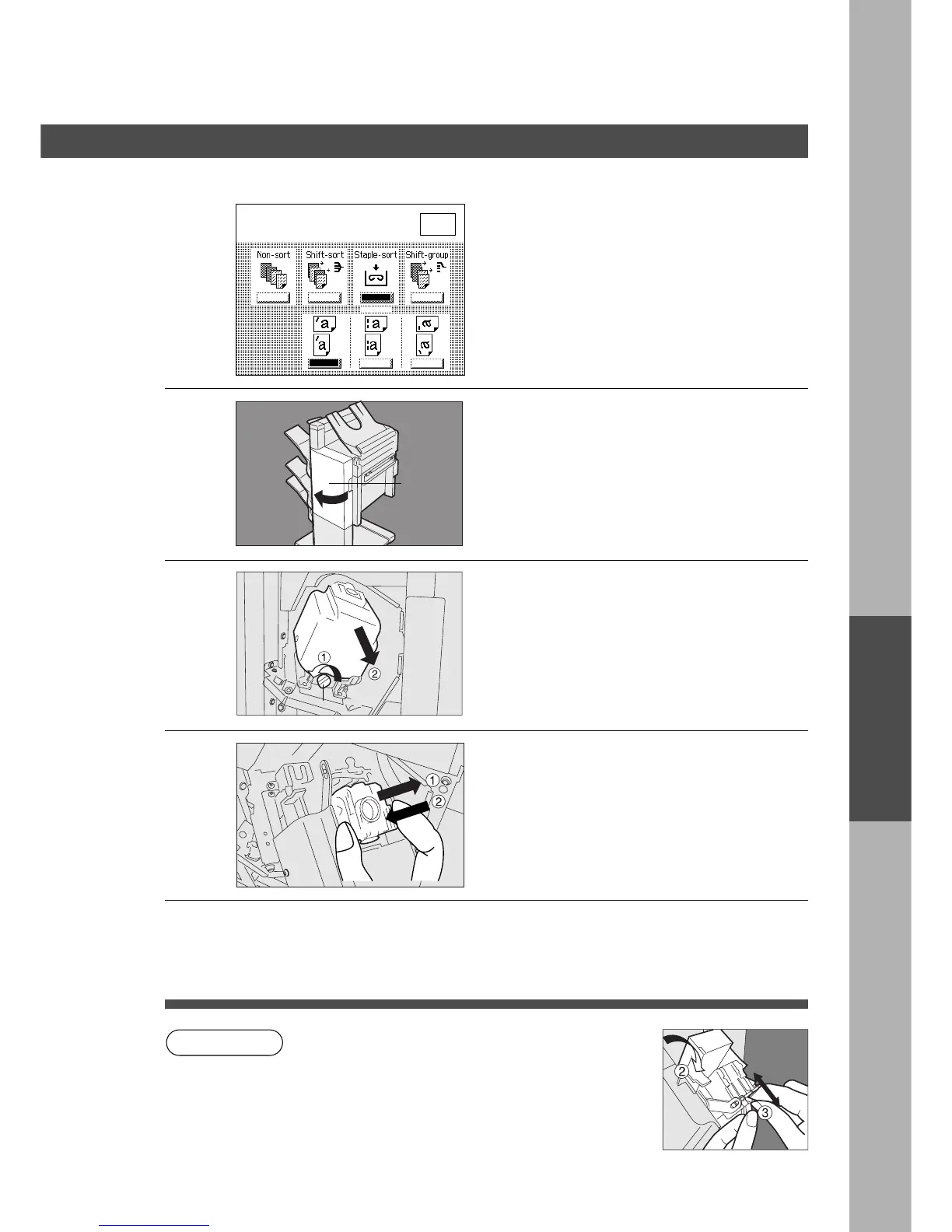
Open the stapler cover.
2
# Turn the lock knob in counter clockwise
direction.
$ Pull out the staple unit until it stops.
(3) When replacing the staple cartridge
The message shown on the left appears
when the staples are out.
Stapler
cover
3
# Remove the empty staple cartridge.
NOTE: Leave any remaining staples in
the stapler unit.
$ Install the new cartridge.
% Push the staple unit back to original
position, then turn the lock knob in
clockwise direction.
4
Check the operation
Select the staple-sort mode with control
panel and print the desired data.
3 Bin Finisher
Lock Knob
Add staple
3 Bin Finisher, Exit Guide
Unit
3 Bin Finisher
O K










 To Next Page