7
Precautions
Handling
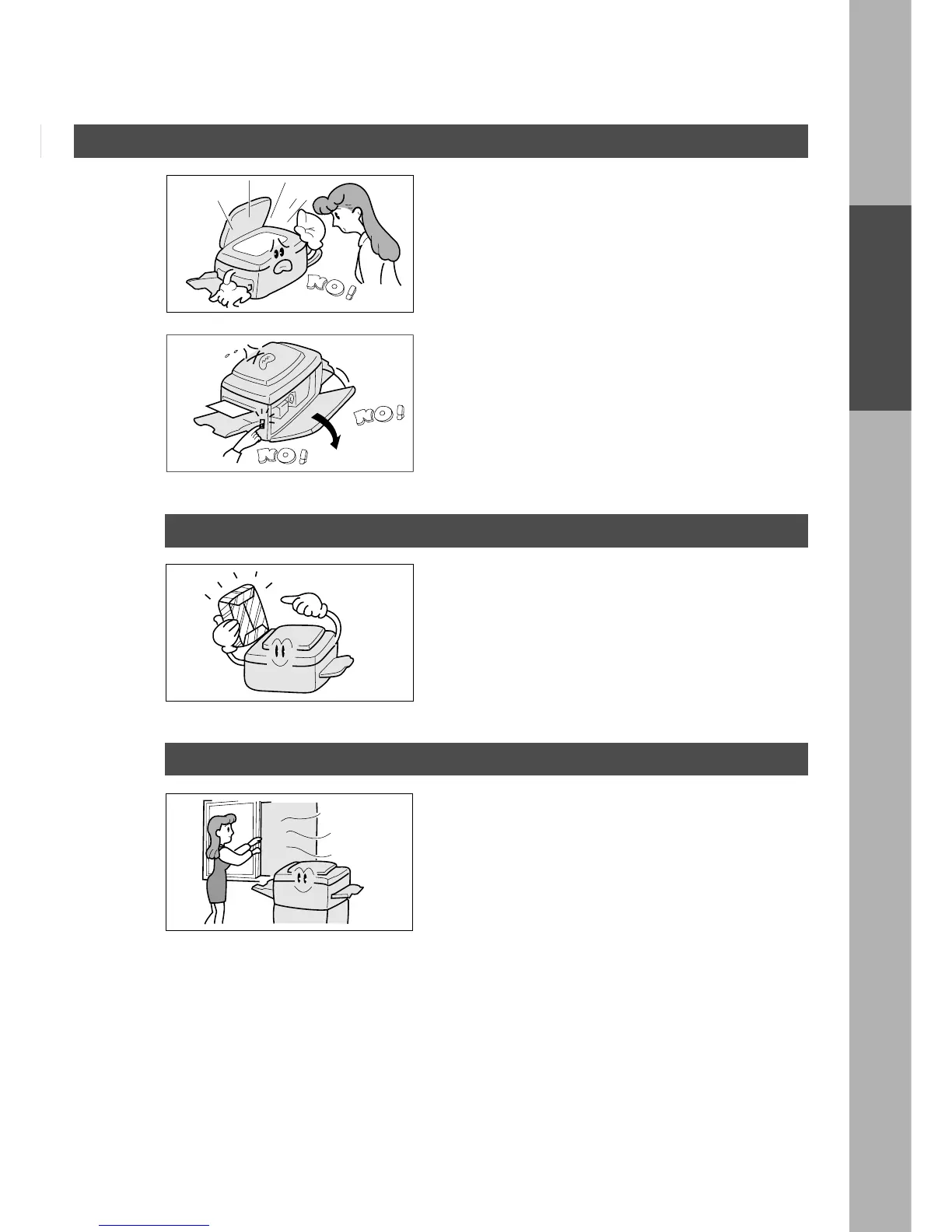
■ Do not look directly at exposure lamp when copying.
■ Do not turn the power switch off or open the front
panel during copying.
C Do not drop paper clips or other metal objects into
the copier.
Toner and Paper
■ Store toner, developer and paper in cool areas with
low humidity.
C High quality paper of 60 – 90 g/m
2
(55 – 130 g/m
2
via sheet bypass) may be used.
C For optimum copy quality, it is essential that
Panasonic Brand Toner is used in the copier.
Ventilation
■ The copier should be installed in a well-ventilated
area to minimize the ozone density in the air.
Before operating










 To Next Page