94
Troubleshooting
Checking
Check Action
Copies are light
Does the exposure indicator say “light”?
Touch the “dark” key or touch the “Auto”
key to choose the auto mode. (See P.12)
Does the add toner indicator and message
appear on displays?
Add toner. (See P.75)
Copies are marked
Is the copier platen glass or platen cover
dirty?
Clean the platen or platen cover.
(See below)
■ If the measures outlined above do not solve the problem, call your Service provider.
■■
■■
■ Cleaning
As a rule, clean once a week.
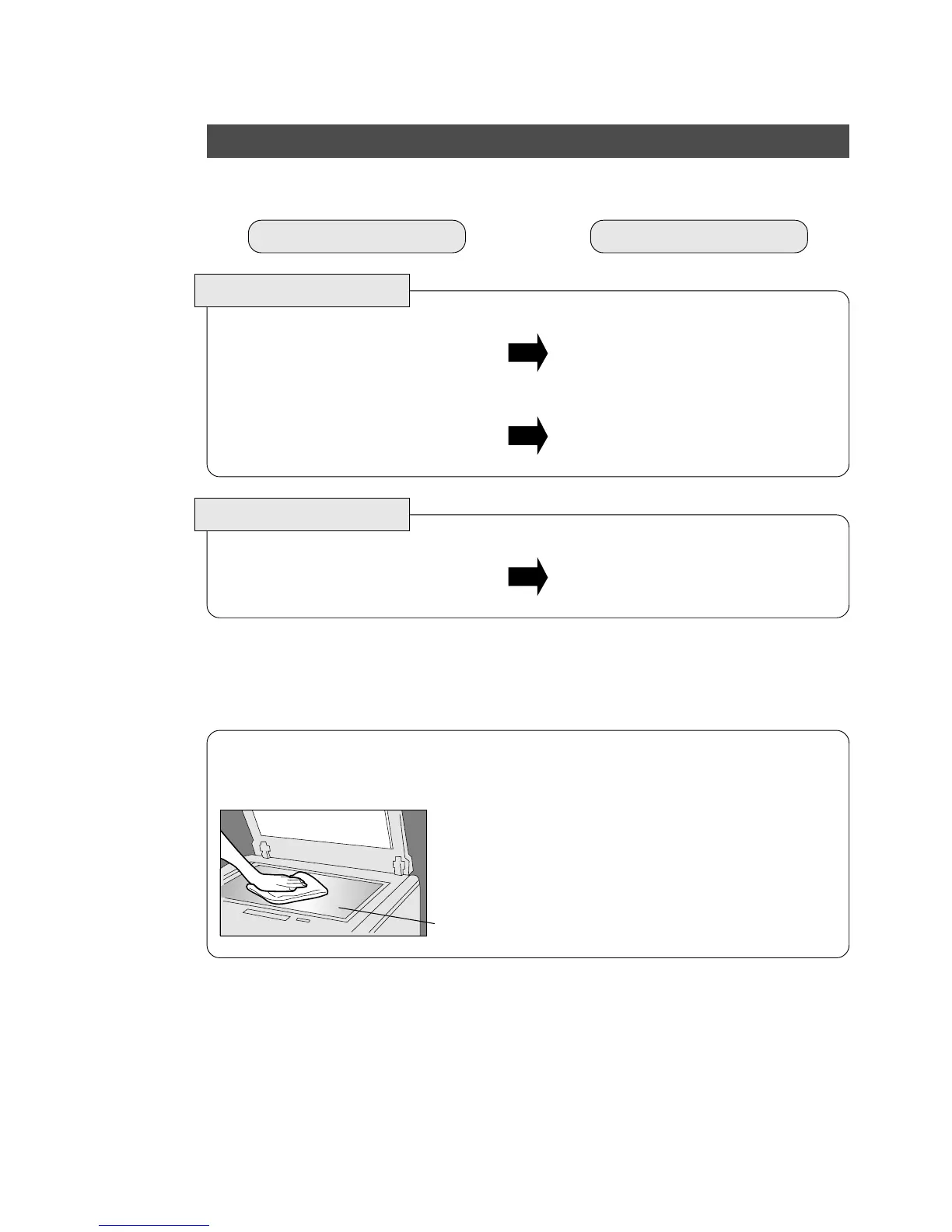
Platen/Platen Cover
# Gently wipe marks off with cloth and neutral
detergent.
$ Gently wipe again with a dry cloth.
Platen
Platen Cover
(Option)










 To Next Page