4. First use of indicator
1020 Indicator
Set up the correct indicator setting (step size, decimal point position and maxload).
The start
Turn the indicator on by connecting it to the power supply.
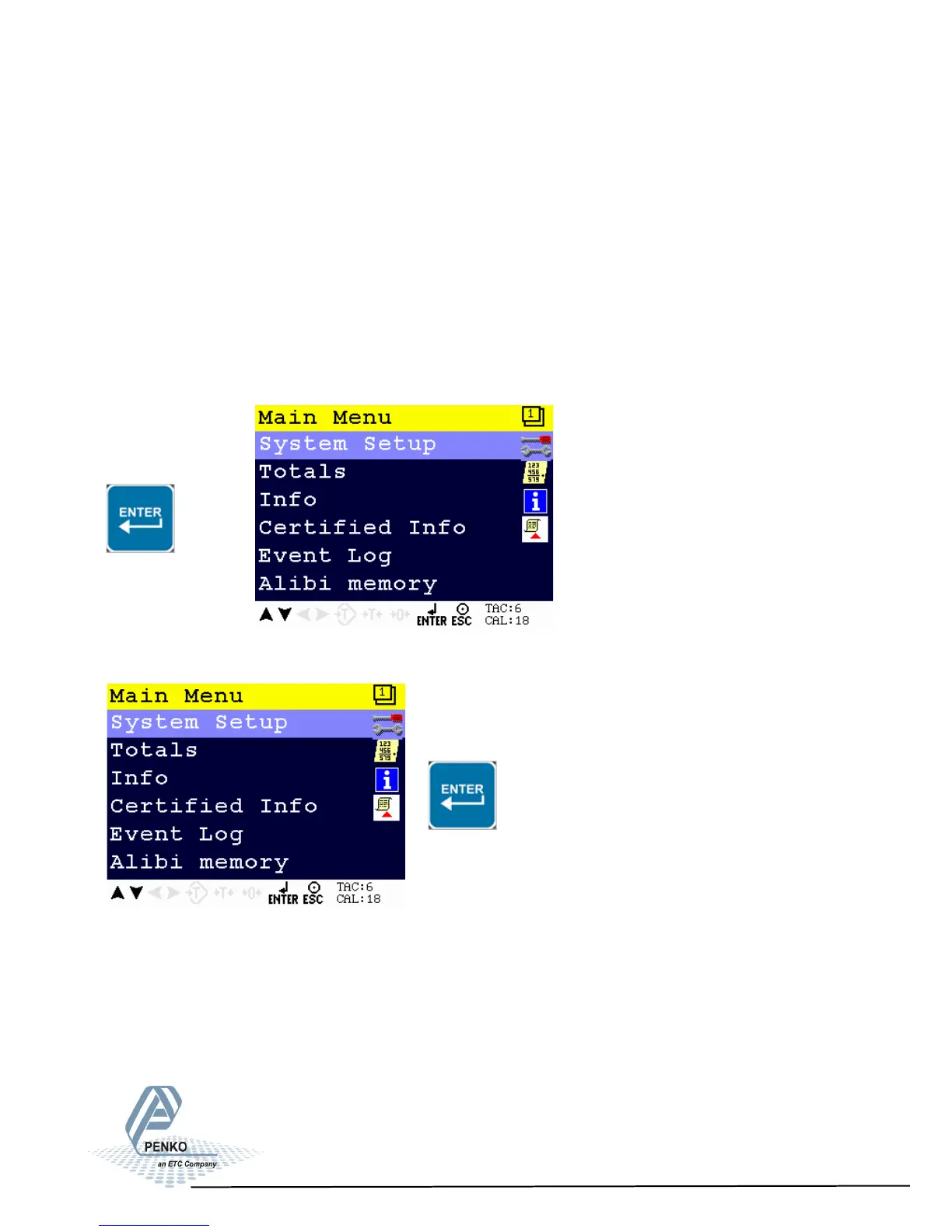
Press ENTER for more than 2 seconds to get in to Main Menu screen
> 2 s
Select System setup and press Enter
15
4.1. First use of indicator -Weigher Settings-
Make the indicator ready for its first use.



 To Next Page