5.1.2. Menu Settings -System Setup - Indicator Setup - continue-
1020 Indicator
CAL: ‘Calibration code’ is the number of times the calibration is changed. When
an indicator gets certified, this number will be written on the device and is used by
the controlling agency to see if the settings aren’t changed after sealing.
Points: shows the amount of existing calibration points. It’s possible to have more
then 2 calibration points. This is mostly used if the weigher signal is not linear.
Sample: shows the direct value of the analog digital converter (ACD).
Weight: shows the actual weigher value.
Weigher x10: shows the actual weigher value + an extra digit, so this weigher
value is 10 times more accurate then the normal value. This value is needed
when the indicator gets certified.
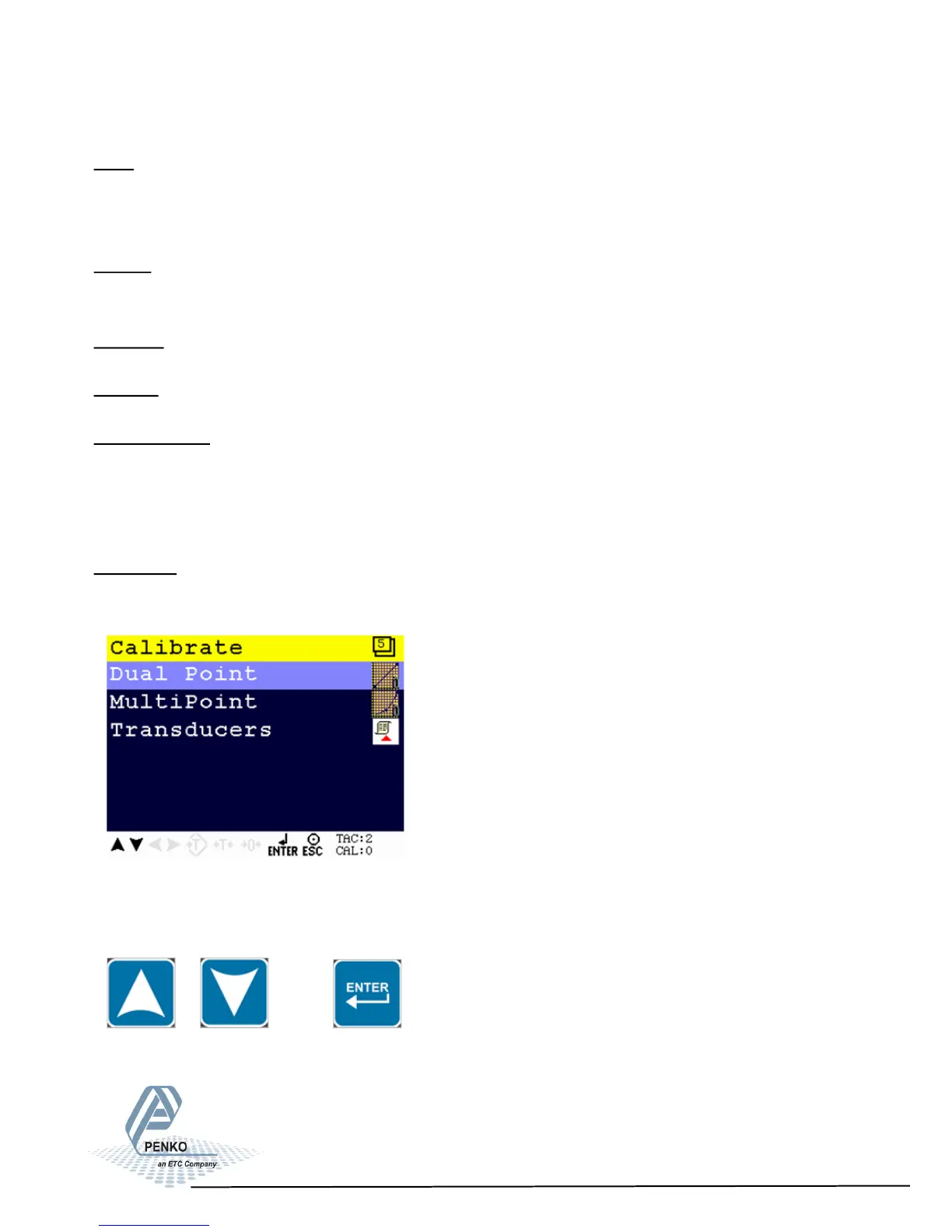
Calibrate
In this menu the calibration points can be set.
Scroll through the Calibrate menu using the UP or DOWN key. Press Enter for
editing the setting.
44



 To Next Page