5.1.5. Menu Settings -System Setup - Screen Setup - continue-
1020 Indicator
Screen options
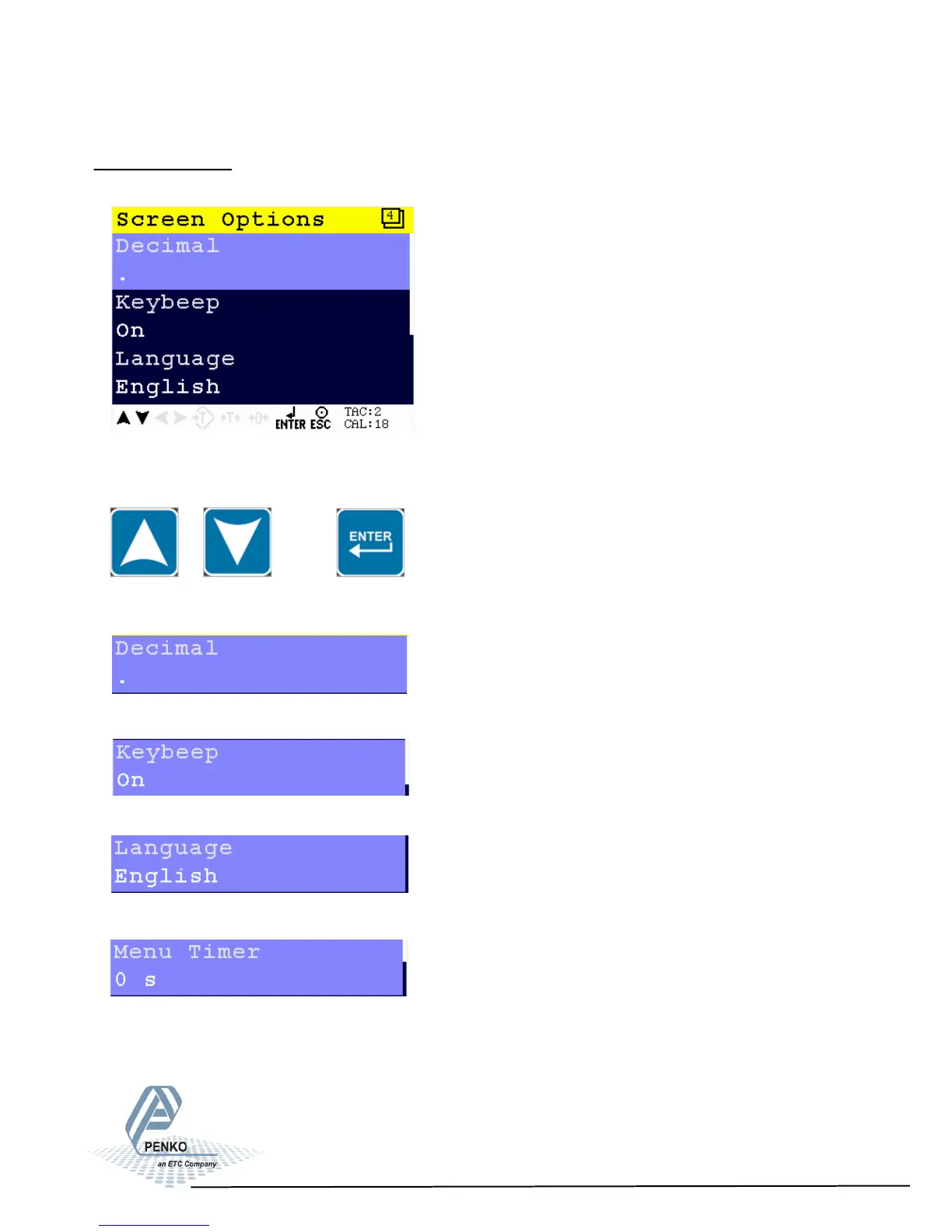
In this menu, the all screen options can be set.
Scroll through the Screen options menu using the UP or DOWN key. Press Enter
for editing the setting.
Settings in the Screen Options menu
Select the correct sign for decimal. Choose between a comma or a point.
Set keybeep on or off.
Select display language. Choose between English, German, French or Dutch.
Set time for auto escape menu. Any value lovwer than 10 seconds disables the
auto escape function. Choose a time between 0 seconds and 240 seconds.
69


 To Next Page