5.1.5. Menu Settings -System Setup - Screen Setup - continue-
1020 Indicator
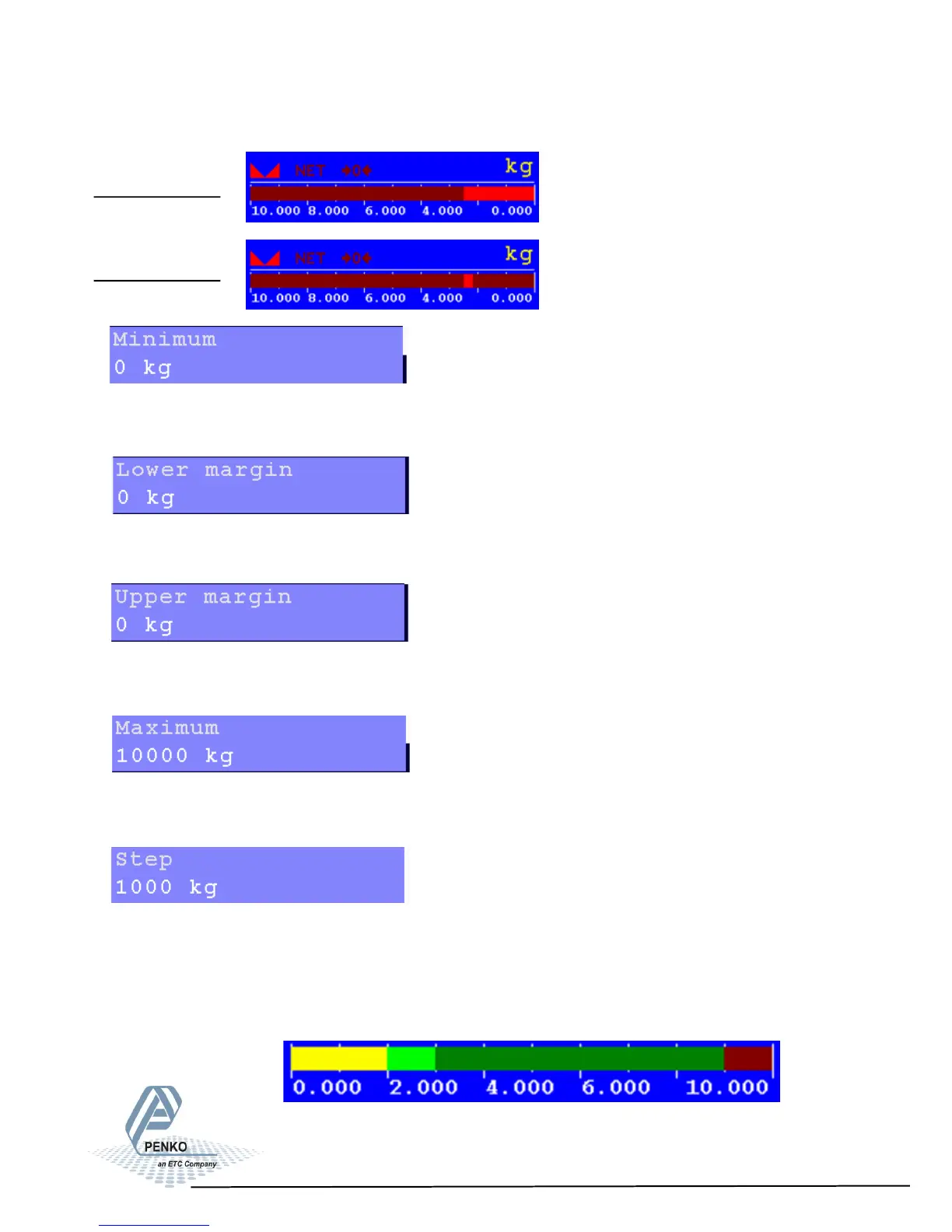
Bar Reversed
Dot Reversed
Set the minimum value of the bar. Choose a weight between -8388608 and
+8388607.
Set the lower margin of the bar. Choose a value between -8388608 and
+8388607.
Set the upper margin of the bar. Choose a value between -8388608 and
+8388607.
Set the maximum value of the bar. Choose a value between -8388608 and
+8388607.
Set the step size of the bar. Choose a value between -8388608 and +8388607.
Example:
Min = 0 | Lower = 2.000 | Upper = 9.000 | max = 10.000 | Step = 1.000 |
Weigher = 3.000
68



 To Next Page