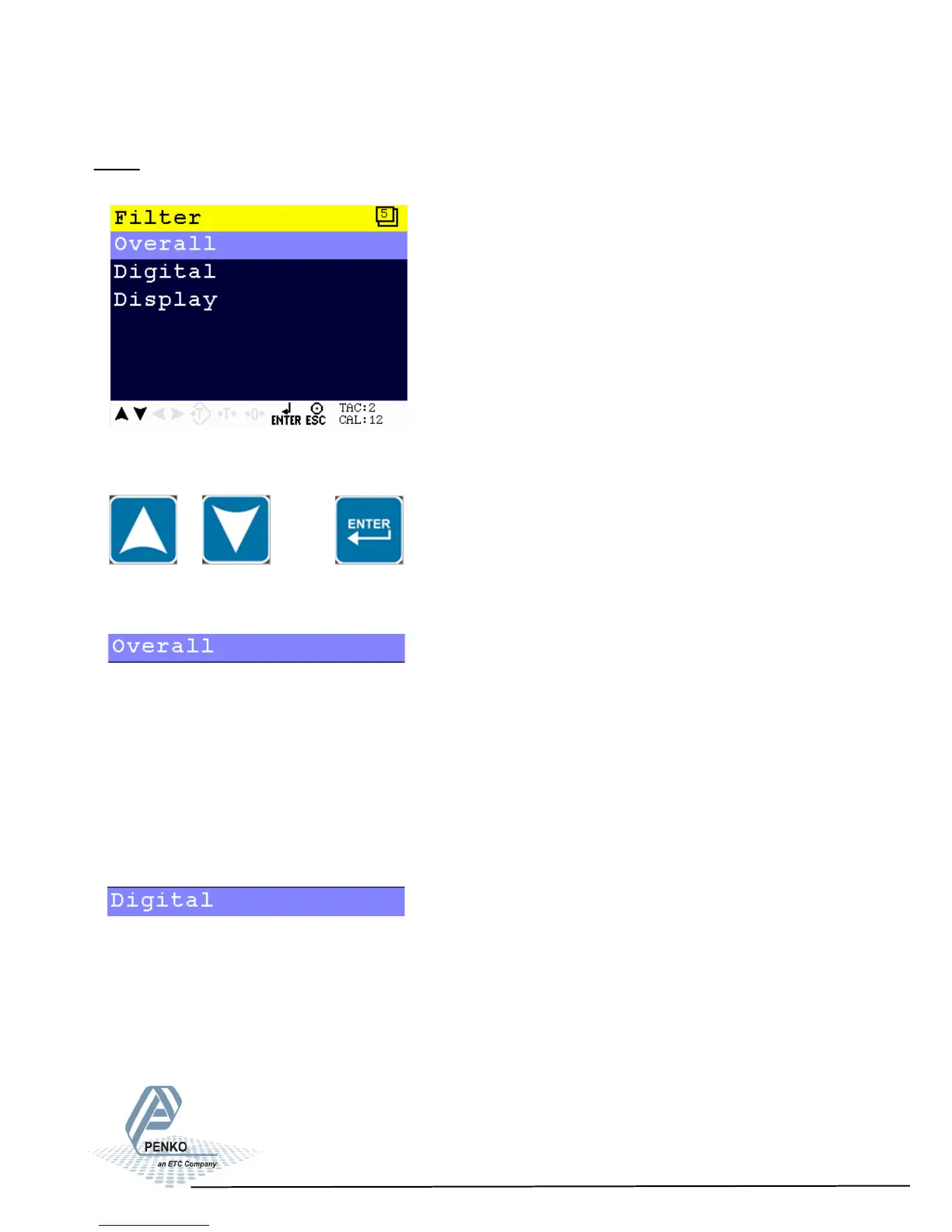
5.1.2. Menu Settings -System Setup - Indicator Setup - continue-
1020 Indicator
Filter
Filters are used because of the vibrations present in an industrial environment.
Scroll through the Filter menu using the UP or DOWN key. Press Enter for editing
the setting.
Settings in the Filter menu
Set the overall filter to effect all indicator signals used in the device. 0dB means
no effect and –50dB is the strongest damping. Choose between 0dB, -6dB,
-12dB, -24dB, -30dB, -36dB, -42dB and –50dB.
To prevent a loss of information or accuracy, don’t set the overall filter higher than
24dB. When no accuracy is needed, a higher filter setting is allowed to enable
extreme filtering.
This filter is a 2
nd
order filter. The filter effects all signals up to and including the
cutoff frequency. Within this menu, serveral options can be adjusted.
39



 To Next Page