5.1.2. Menu Settings -System Setup - Indicator Setup - continue-
1020 Indicator
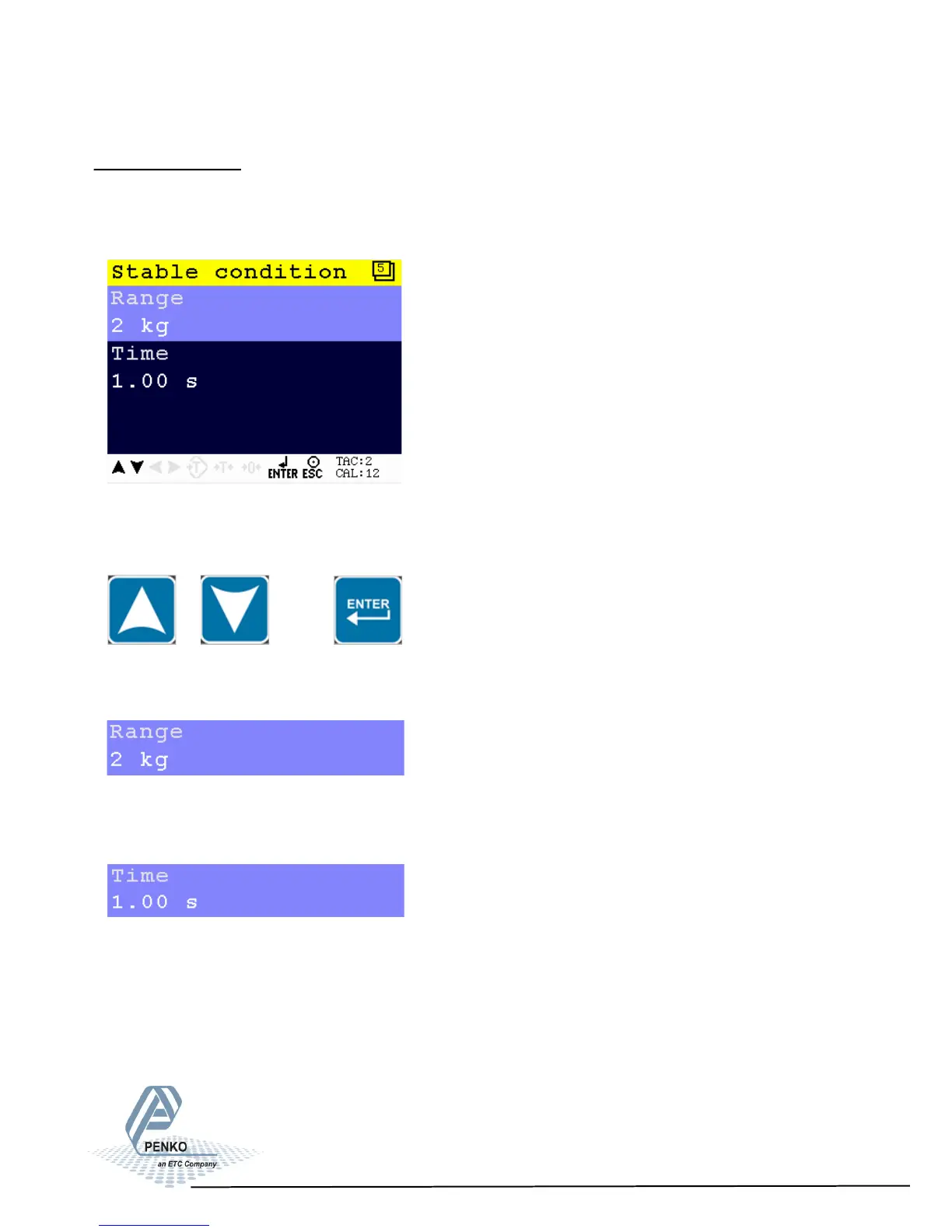
Stable condition
The PENKO 1020 will give a stable signal when the weigher value is stable within
the set range and time.
Scroll through the Weigher menu using the UP or DOWN key. Press Enter for
editing the setting.
Settings in the Stable condition menu
Set the range the weigher has to be in for the set time to give a stable signal.
Choose a weight between 0 and 8388607.
Set the time the weigher has to be within the range to give the stable signal.
Choose a time between 0.00s and 100.00s.
35



 To Next Page